Written by Giorgos
Edited on
28 September 2022
·
13:05
What SSD speed do you need?
An SSD is much faster than an HDD. It's up to 4 times faster. In addition, SSDs differ from each other in terms of speed. For example, an NVMe SSD is faster than a SATA SSD. When you've determined which SSD you need, you have the freedom to choose the right speed. In this article, we'll explain which SSD speed is suitable for your usage situation.
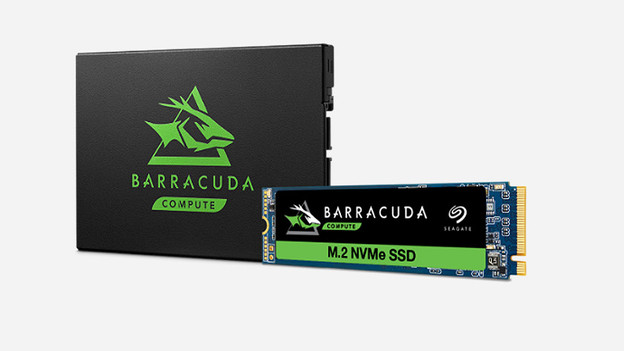
SSD sped vs protocol
Unfortunately, choosing the right speed isn't entirely up to you. An M.2 NVMe SSD is much faster than an M.2 SATA SSD, but it doesn't fit in every device. Your desktop, laptop, or console only accepts the SSD with the right protocol and the right shape. If you know which SSD type fits in your device, you can start looking at the right speed. We'll give you some information about the speeds per protocol below.
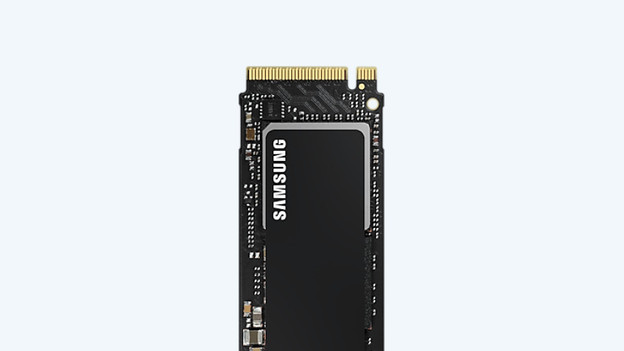
M.2 NVMe: 1000 to 7000MB/s
Do you have an M key on your motherboard? Choose the highest speeds with an M.2 NVMe SSD. These SSDs are currently the fastest on the market, with speeds up to 7GB/s. This allows you to transfer a 1TB folder within 2.5 minutes. Because there's no clear indication to determine which slot you have, check the manual of your motherboard to be sure.
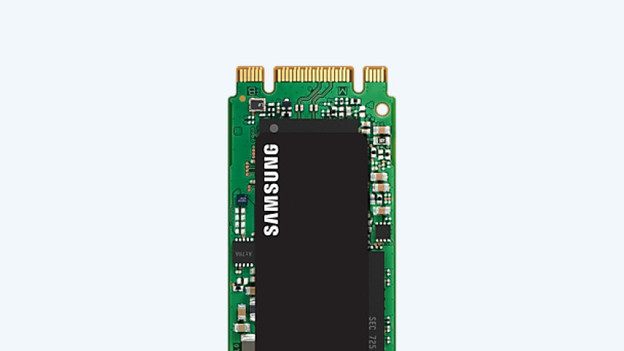
M.2 SATA: up to 600MB/s
Newer computers and devices have replaced the 2.5-inch SSD with a smaller version, the M.2 SSD. The M.2 SATA SSD has the same speeds as the 2.5 SATA SSD. The advantage is that the M.2 version doesn't take up space and doesn't require any cables. You can connect the SSD via the slot on your motherboard. Before your purchase, make sure to check which key is suitable for the slot. It's either a B or an M key.
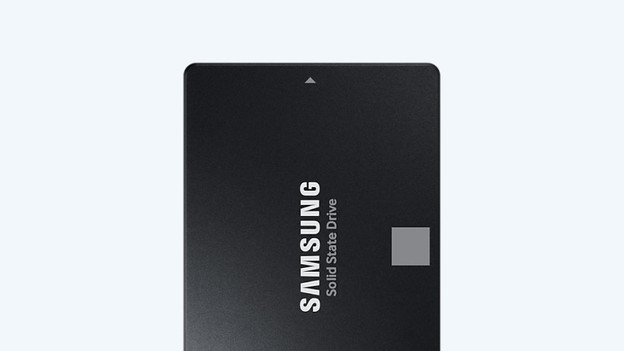
2.5-inch SATA: up to 600MB/s
A 2.5-inch SATA SSD is the most common internal SSD, because it fits in almost every device. These internal SSDs usually have a speed of up to 600MB/s. This allows you to transfer a 10GB file in 15 to 20 seconds, such as your favorite movie on your PC or a large spreadsheet on your business laptop.
Article by Giorgos
Storage Expert.