Written by Robyn
Edited on
28 January 2025
·
08:54
How do you use the Apple Watch as a sports watch?
On your Apple Watch, you can read your messages, check your calendar, or quickly check when your train leaves. You can also exercise with your Apple Watch, of course. In this article, we'll explain what makes the Apple Watch a suitable sports watch.
Get started with the Apple Watch as a sports watch
You can use the Apple Watch as a sports watch thanks to various functions.
- You can leave your iPhone at home while you work out.
- The Apple Watch tracks your activities all day long.
- You can do duels with and against your friends on the Apple Watch.
- You can work out based on your heart rate.
- There are many sports apps for the Apple Watch.
- The Apple Watch automatically detects your workouts.
- You can listen to music on the Apple Watch during your run.
You can leave your iPhone at home
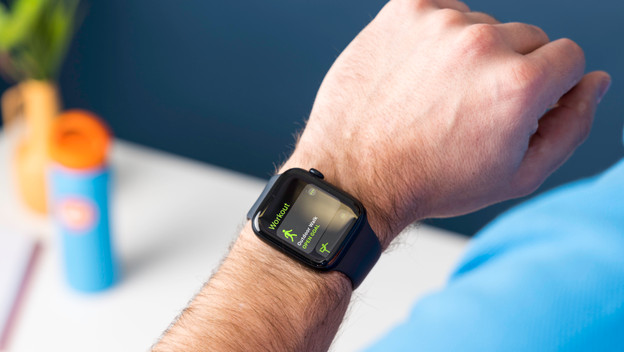
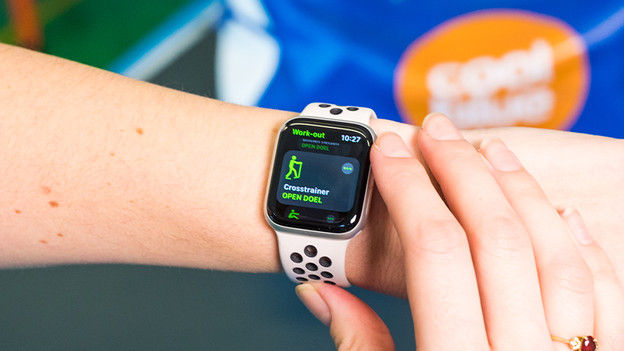
You don't like taking your iPhone with you during your workout. Luckily, the Apple Watch tracks your performance without the iPhone nearby. The smartwatch stores all your data. After your workout, you can view your data either on the watch or on your smartphone. The standard Apple Watch app is 'Workout'. You can do many sports with this app. You can also download other sports apps specifically for running, lifting weights, or swimming, for example.

Wear the Apple Watch all day
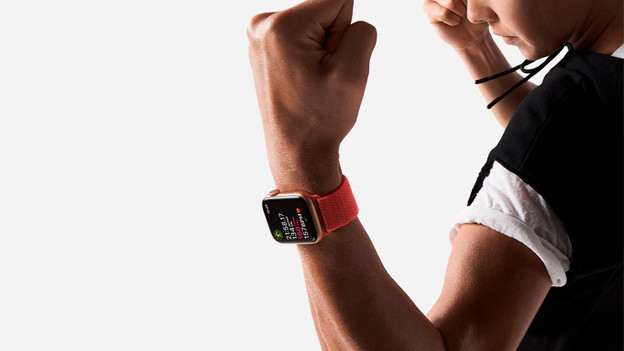
You ride your bike to the train station, go for a walk, or take the stairs instead of the elevator: the Apple Watch tracks all of these activities if you wear properly all day. You can track your movements and performance throughout the day. As a result, you're up to date on your health and steps. It also encourages you to move and exercise more.
Exercise with and against friends
Friends often motivate you to exercise. Via the Apple Watch, you can share your achievements with friends and vice versa. Because of this, you'll want to go the extra mile to beat your friends. You receive a notification when a friend exercises or completes a challenge. You can also challenge friends to a competition via the Apple Watch. This way, you challenge yourself and your friends.

Train based on heart rate
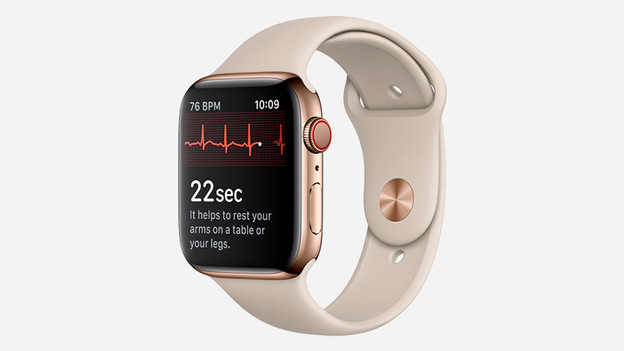
Exercising based on your heart rate can be very useful. You can use it to improve your fitness. You can do this with your Apple Watch as well. On the screen, you can see your heart rate while you exercise. That way, you don't strain your body too much. A good fitness condition ensures a faster recovery, so you start on your next training earlier.
Extra Apple Watch sport tips
- Turn on automatic workout detection. That way, you'll never forget to start an activity again. Finished? You receive a notification as well and you end the activity.
- Look for sports apps for specific sports. You often have more options with these apps than with the standard Workout app.
- Turn off notifications. When you're squatting heavy, you don't want to be interrupted by a message.
- Listen to music or a podcast via the Apple Watch. You can easily connect your AirPods to your smartwatch.
Article by Robyn
Smartwatch Expert.
