Written by Daniel
Edited on
15 May 2024
·
12:40
How do you reset a Netgear Orbi router?
Did you forget the password for your Netgear router or can't you connect to your WiFi network? With a reset, you can set up the router again. On this page, you can read how to go through the reset procedure for a Netgear router.
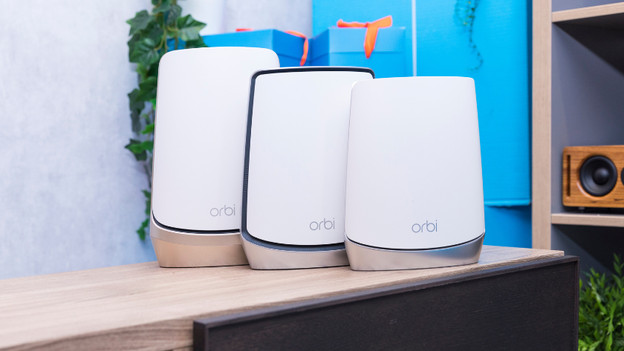
Reset your Netgear Orbi router
You're going to reset your router. You need a paperclip for step 2 and a modem for step 1. Once you have those, follow these 3 steps until you have an internet connection again.
- Step 1: reset your network
- Step 2: reset your router
- Step 3: reset your router to factory settings
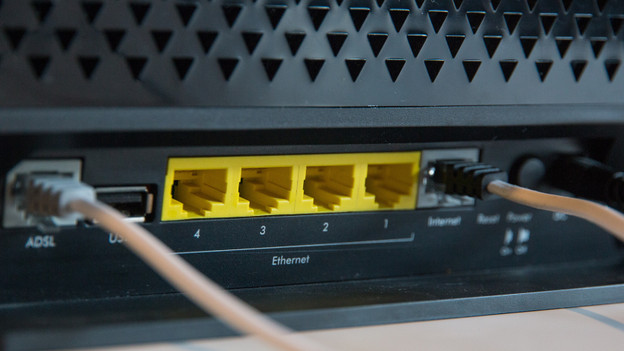
Step 1: reset your network
You usually don't have to reset your router. In most cases, restarting it is enough. In order to do that, unplug the connector from your modem and turn off your router. Then, turn your modem and your router back on. After that, wait 2 minutes and check whether the problem with your router is solved.
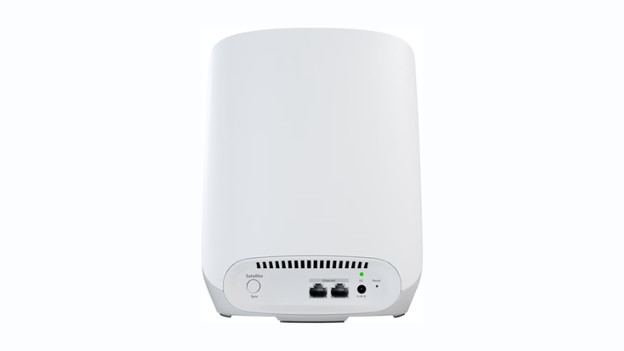
Step 2: restart your router
You can restart your router with the button on the back of your Orbi stations. You'll find this small button on the right side of Orbi 963 routers, next to the power cord. The reset button of older models is located above the LED light on the back of your router. Press the button with a paperclip and hold it for 5 seconds. The light of Orbi 963 routers remains orange. The light of older models remains white. Your router will now restart.
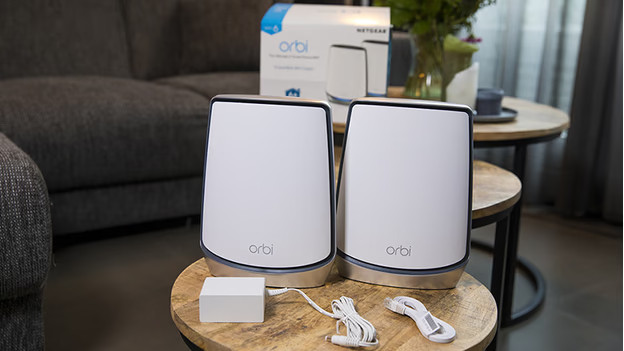
Step 3: reset your router to factory settings
Doesn't restarting it work? You have no choice but to reset your router to factory settings. To do this, press the reset button on the back of your router again. This time, wait for the light to flash orange or white. You can then set up your router again. Read how to do this in the article below.