Sony headphones
Enjoy high-quality music with Sony headphones. Most headphones are noise-canceling. This technology reduces ambient noise, so you're not bothered during busy train and plane rides. You can also focus on your work better in a busy environment, like an office. Still want to hear ambient noise? Choose Ambient Sound. That way, you can still hear traffic clearly. On top of that, you can enjoy your favorite music for a long time thanks to the long battery life.
All Sony headphones
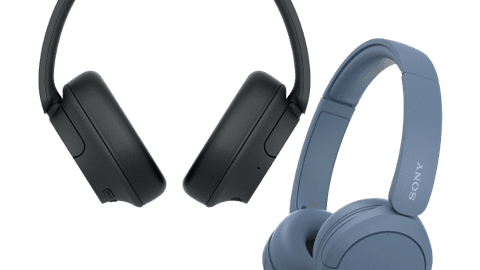
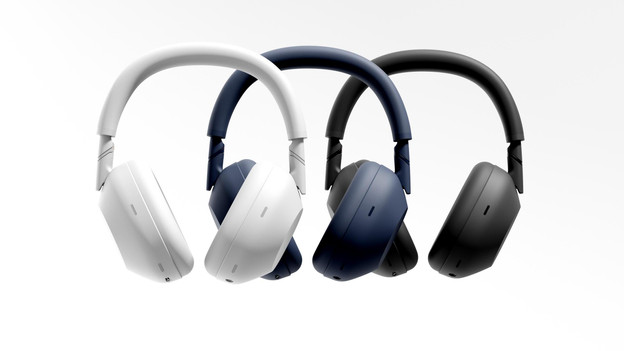
Compare the wireless Sony headphones
Best noise canceling and the best sound
The 12 noise-canceling microphones catch more background noise and reduce them the most.
You can enjoy more depth in your music thanks to Hi-Res audio support.
Thanks to the Precise Voice Pickup technology that filters ambient noise, your voice sounds clear when calling.
Thanks to the foldable design, you can effortlessly take the headphones on the go.
Better noise canceling and better sound
The built-in processors reduce your ambient noise even more accurately.
You can enjoy more depth in your music thanks to Hi-Res audio support.
Thanks to the Precise Voice Pickup technology that filters ambient noise, your voice sounds clear when calling.
From
to210,-
271,-
Stronger noise canceling and deep bass
The noise canceling is stronger, so you can hear less of your surroundings.
Thanks to the ULT button, you can give more depth and power to the bass reproduction.
From
to119,-
213,-
Basic noise canceling and reasonable sound
The basic noise canceling reduces your ambient noise, so you can close yourself off from your surroundings.
From
to76,-
106,-
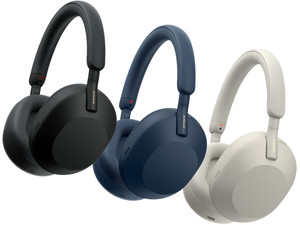
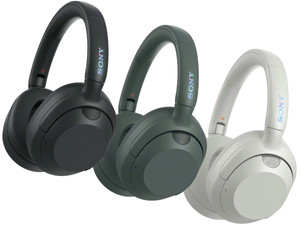
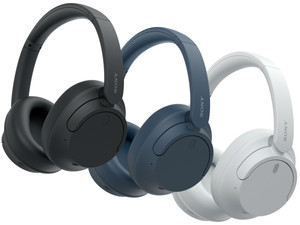
Launch: Sony WH-1000XM6
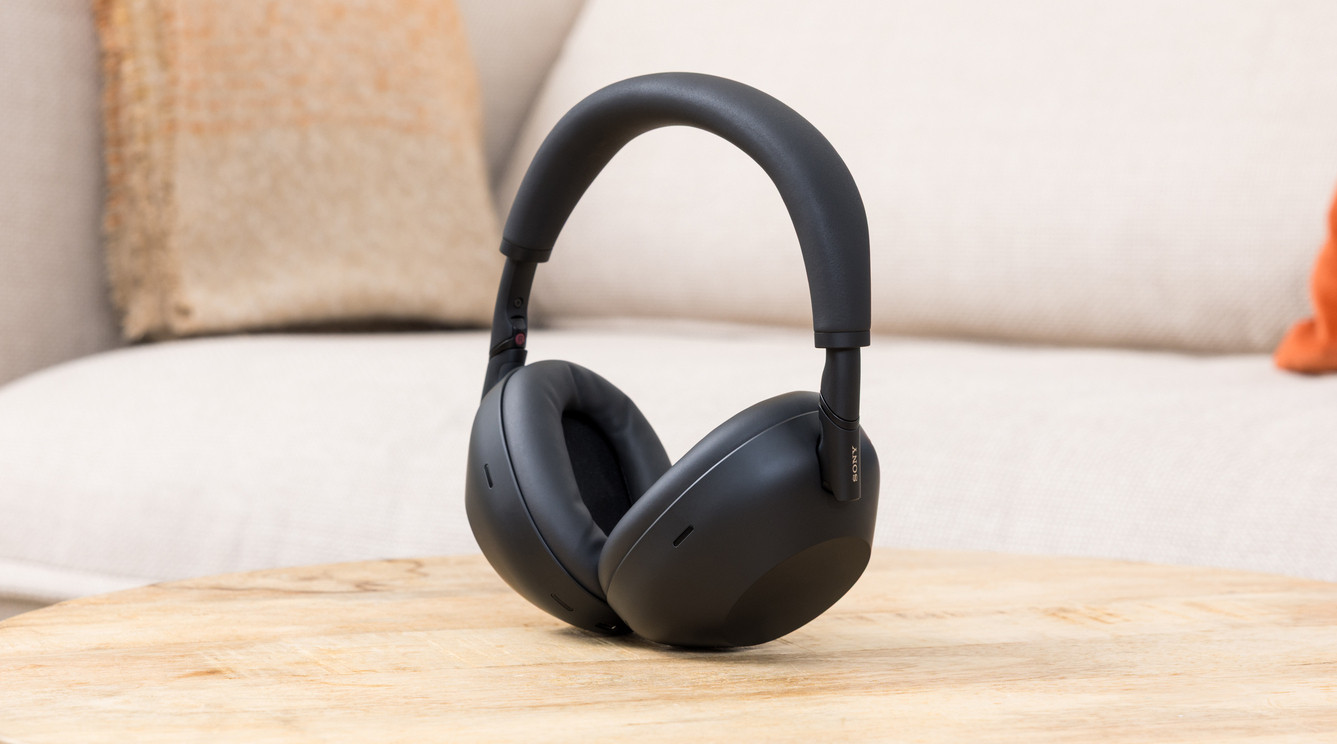
Best noise canceling and foldable
With the latest Sony headphones, you can enjoy excellent sound and the best noise canceling. This way, you can completely close yourself off from your surroundings and focus on your work better. When you take the headphones with you, you can fold it into a compact size. It effortlessly fits in your bag this way.

What's Sony noise canceling?
The Sony WH-1000XM6, WH-1000XM5, and WH-1000XM4 have high-end noise canceling. With high-end noise canceling headphones, you don't hear much ambient noise and can completely close yourself off from the outside world. This way, you're completely immersed in your favorite music. With Ambient Aware, you can hear your surroundings clearly. This is useful if you're on a bike and want to hear the traffic, for example. You can adjust Ambient Aware and noise canceling in the Sony Headphones app.
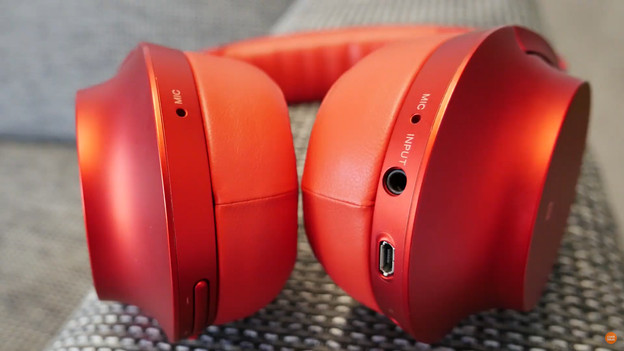
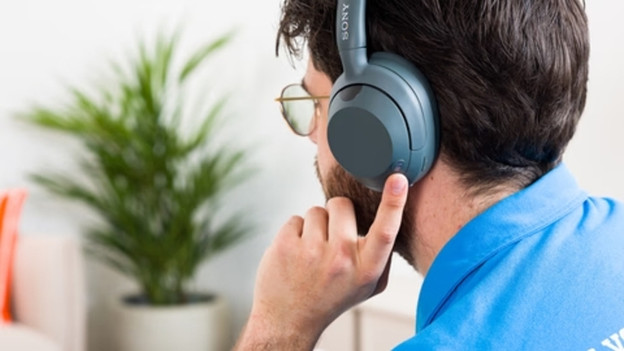
Read our expert reviews here
Our experts have tested popular Sony headphones. You can read what they thought below. That way, you know which headphones best suits your needs.
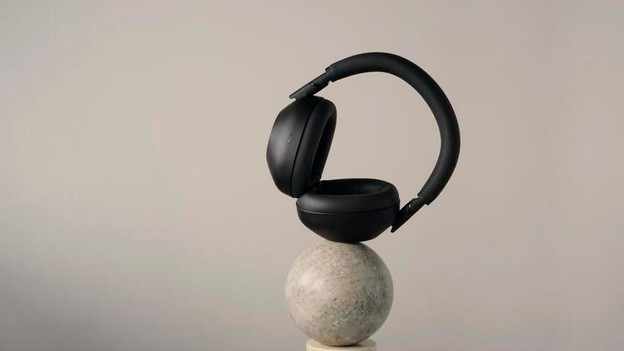
Compare the different Sony headphones
We've compared the Sony headphones to each other, so you can always easily find the differences between the headphones and make the right choice.
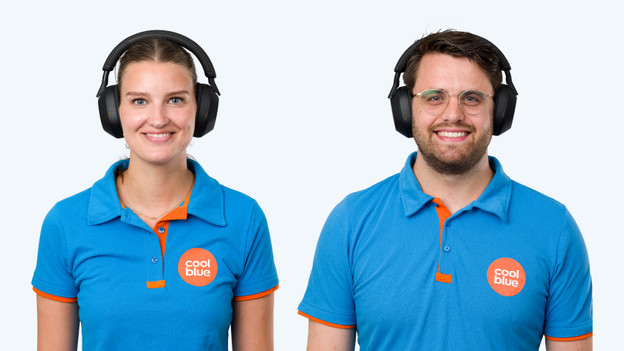
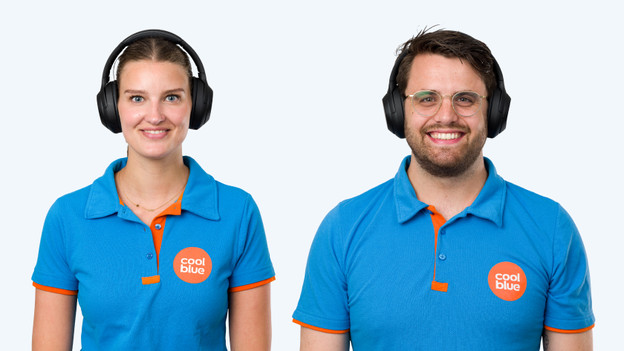
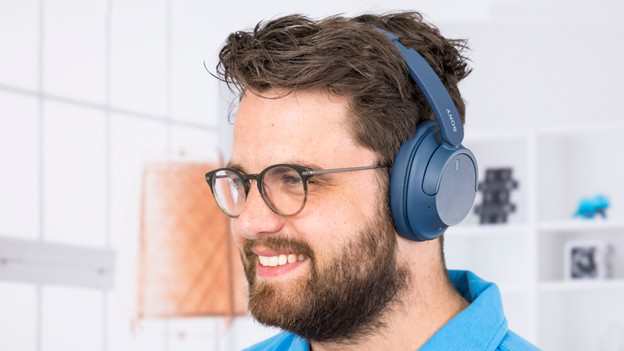
This is how Sony headphones fit on your head
Each Sony headphones fit slightly differently on your head. Some headphones are larger than others, for example. In this overview, you can see how the headphones below fit on your head:
- Sony WH-1000XM5
- Sony WH-1000XM4
- Sony WH-CH720N
- Sony WH-CH520
Sony WH-1000XM5
Sony WH-1000XM4
Sony WH-CH720N
Sony WH-CH520

360 Reality Audio
The Sony headphones have 360 Reality Audio. With this technology, music sounds like it's playing around you. This way, it feels like you're at a concert of your favorite artist. Not all streaming services, such as Spotify, support this technology. Tidal does support this service. In the article below, we explain further what this does. We also explain how you can switch on 360 Reality Audio.
Advice on your Sony headphones
Music pauses automatically
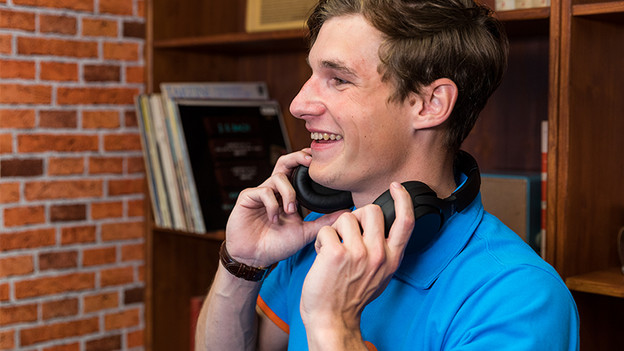
Want to start a conversation with someone while your music is still on? With the Sony WH-1000XM headphones, the music pauses automatically when you start talking. The headphones also switch automatically to Ambient Aware Mode. In this mode, you can clearly hear ambient noise and your conversation partner.

Enjoy the highest music quality
Sony headphones have Digital Sound Enhancement Engine. This technology improves the quality of your music. That's because DSEE ensures that you hear the treble in music clearly. The treble normally falls away when producing music. That's why the music sounds like the artist meant it thanks to DSEE.
Personalize your sound
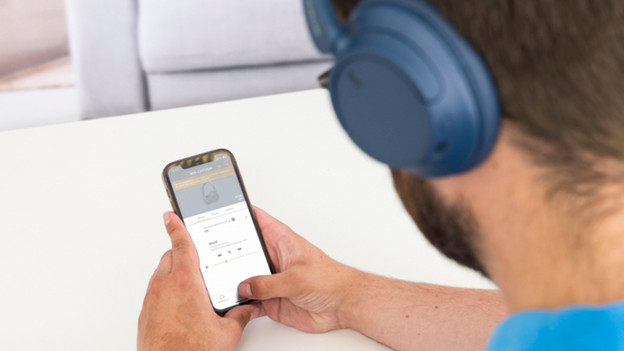
With the Sony Headphones App, you can adjust the sound to your wishes with an equalizer. With this equalizer, you can choose to amplify the bass tones, for example. In the app, you can choose from pre-set equalizers but you can also easily create a new equalizer.

Test Sony headphones in our stores
In our stores, you can find Sony headphones to test. These stores have a noise canceling room. Here, you can test the Sony headphones on their ability to reduce ambient noise. Our audio experts can also help you make the best choice for you. You can also make an appointment in one of our stores to extensively test headphones.
You can find our stores in Bruges, Brussels, Ghent, Hasselt, Kuurne, Mechelen, Olen, and Wilrijk.


FAQ
How does Sony's noise canceling work?
Headphones with noise canceling reduce ambient noise. With these, you hear less sound from your surroundings. This is nice if you want to focus on your work at the office, for example. You can adjust the noise canceling in the Sony Headphones app. This way, you can determine yourself how much ambient noise you want to hear.
How do you choose Sony headphones for the office?
Want to close yourself off from your colleagues in a meeting at a busy office? Choose headphones with noise canceling. You can connect headphones with multipoint pairing with 2 devices at the same time. This way, you can listen to music from your laptop and answer calls with your smartphone. You can quickly connect your laptop to the Sony WH1000-XM6 thanks to Swift Pair. In this article, we explain what else you can keep in mind when you choose headphones for at the office.
Why do I want to change my sound preferences?
If you like electronic music, you want hard house beats with more power. For rock music, you want drums that you can hear well. With Sony headphones, you can adjust your sound preferences yourself. You can do this with the Sony Headphones App for example.
How do I choose Sony headphones for on the go?
Do you want to listen to music or a podcast on your way to work or your holiday destination? A long battery life of your headphones is useful. This way, you're never without music. All Sony models have a battery life of at least 30 hours. In this article, we explain what's important in your choice for headphones for on the go.
How do I connect Sony headphones?
You can connect the wireless Sony headphones via Bluetooth to your smartphone. Press the on/off button for 5 seconds until you hear 'pairing'. The headphones will then appear with your Bluetooth devices and you can connect with it. In this article, we'll further explain how you connect your Sony headphones.