Keyboards
All keyboards
Black Friday
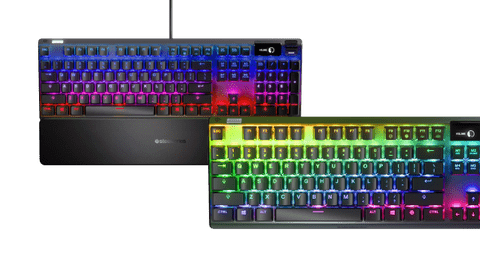
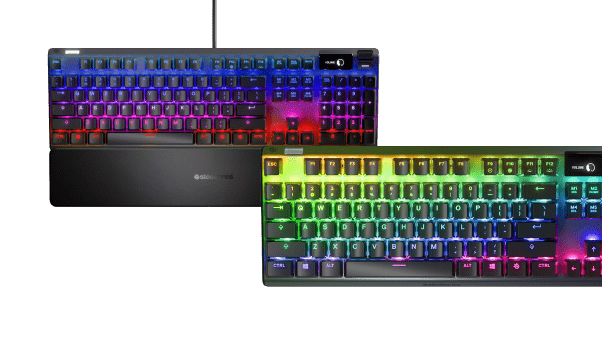
Gaming keyboards
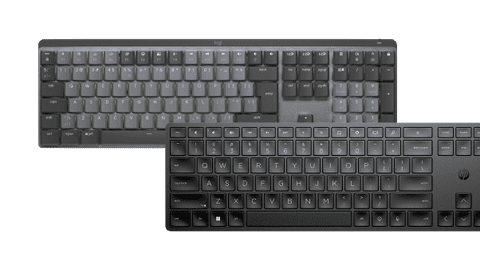
Wireless keyboards
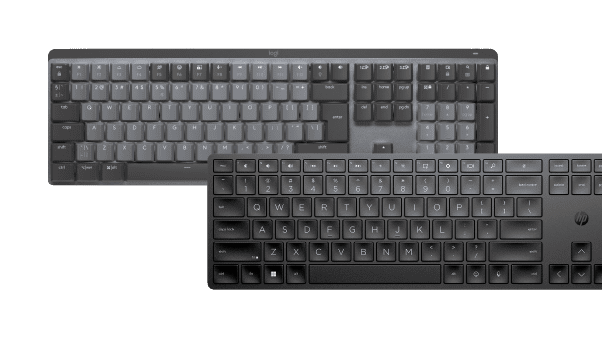
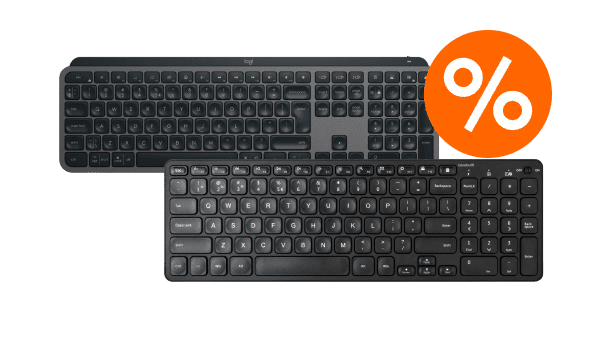
Black Friday keyboards
The best Black Friday in the store and online, just for you.

- The low profile keys make little noise, so you and the people around you aren't bothered by typing noises.
42,99
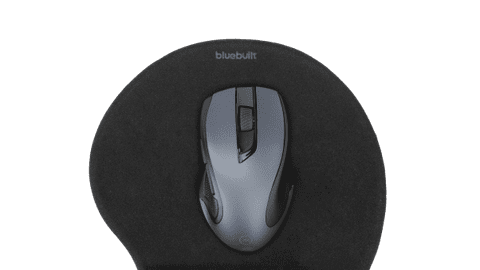
Thanks to the wrist rest of the keyboard and the horizontal scroll wheel of the mouse, you can work comfortably and fast.79,-
The keys are shaped to your fingertips, so every keystroke feels smooth.- Thanks to the fast charging of this keyboard, you never have an empty battery.
- Thanks to the built-in wrist rest, you can type comfortably and you have less chance of wrist problems with this keyboard.
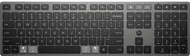
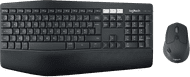
Which keyboard suits you?
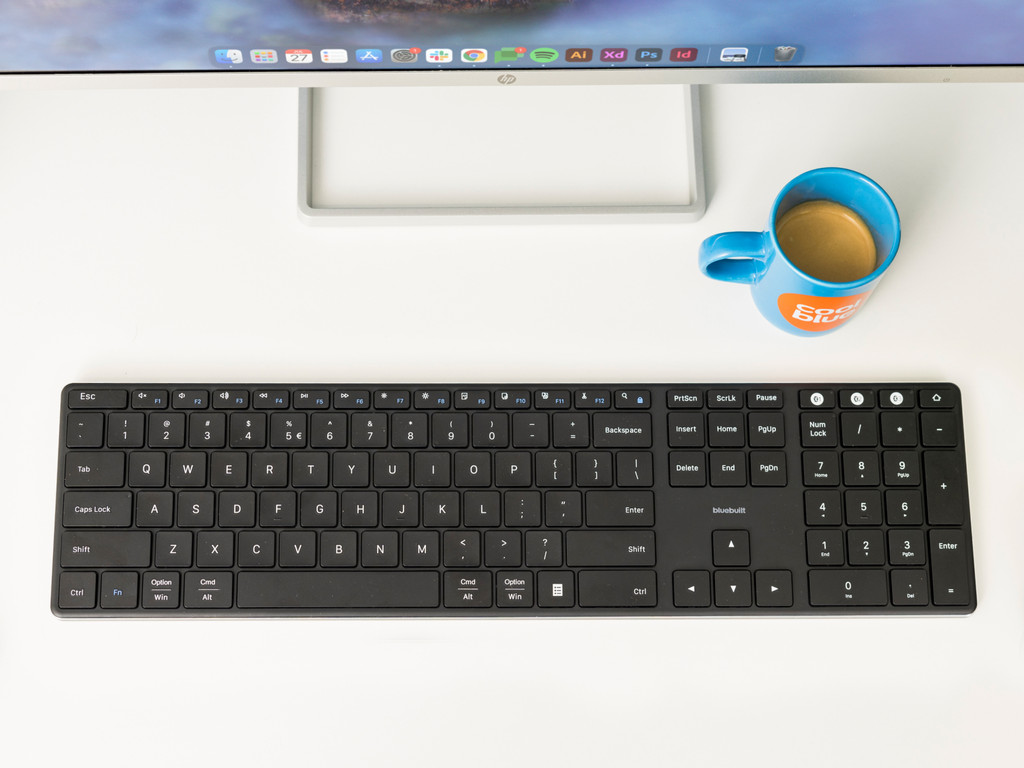
- BlueBuilt wireless USB
Connect wirelessly via USB
Type silently thanks to the flat keys
Connect to 1 device at the same time
No backlit keyboard
No ergonomic key layout
From
28,99
- BlueBuilt Bluetooth Pro
Connect wirelessly via USB and Bluetooth
Type silently thanks to flat keys
Connect to 3 devices at the same time
No backlit keyboard
No ergonomic key layout
From
56,-
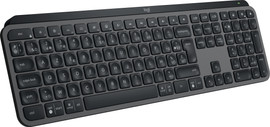
- Logitech MX Keys S
Connect wirelessly via USB and Bluetooth
Type silently thanks to the flat keys
Connect to 3 devices at the same time
Backlit keyboard
No ergonomic key layout
From
94,-
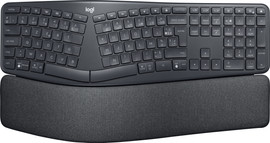
- Logitech K860 Ergonomic
Connect wirelessly via Bluetooth
Type silently thanks to the flat keys
Type comfortably thanks to the wrist rest
No backlit keyboard
Ergonomic key layout
From
103,-
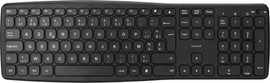
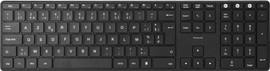






Keyboard and mouse set of the month
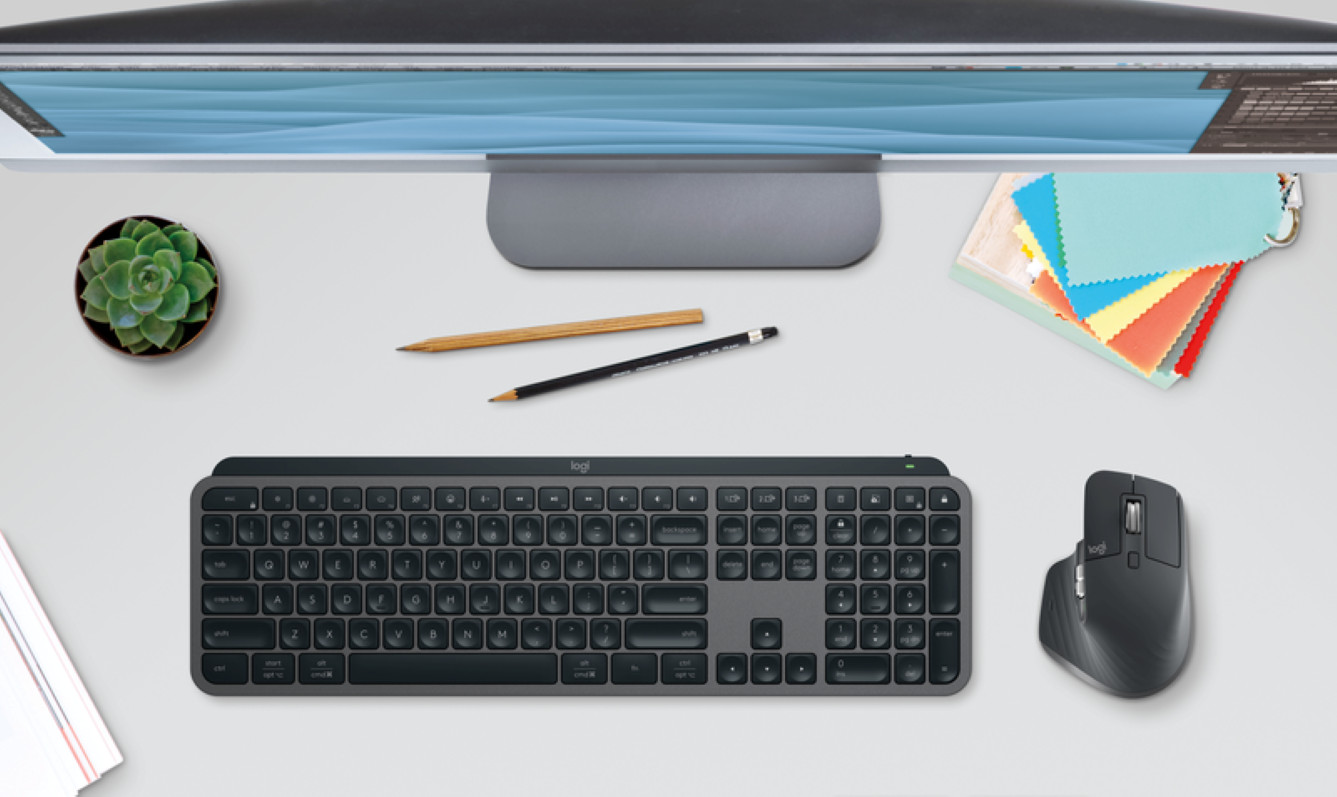
Logitech MX Keys S + MX Master 3S Graphite
Work productively and comfortably with the keyboard and mouse set. You can connect the set to multiple devices at the same time via Bluetooth. The keys of the keyboard automatically light up when your hands get near it, so you won't make any typos. With the horizontal scroll wheel of the mouse, you can fly through your Excel sheets.
View all keyboard and mouse sets
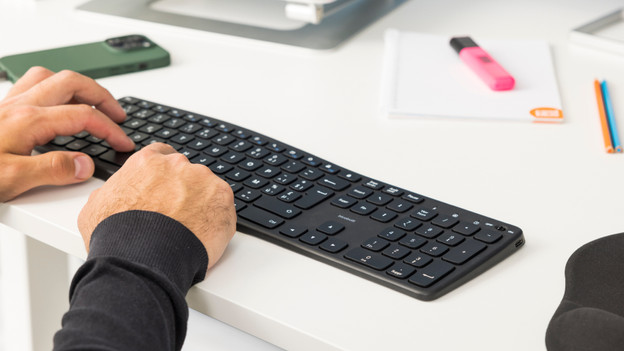
How do you choose a keyboard?
You can type on any AZERTY keyboard, but how do you decide which one you need? There are plenty of keyboards to choose from. For example, choose a wireless keyboard if you don't want any cables. Or choose an ergonomic model if you use your keyboard a lot.
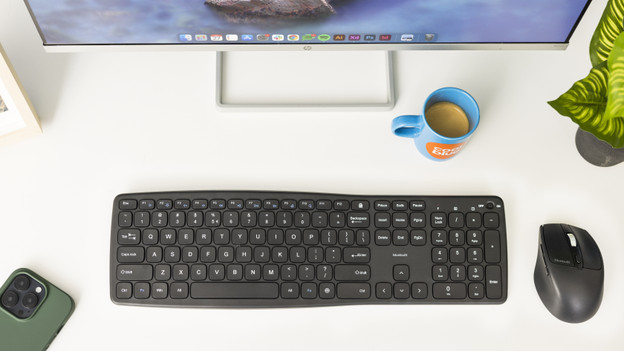
How do you choose a keyboard and mouse set?
With a keyboard and mouse set, you're ready to get started in one go. It contains a mouse and keyboard that work together seamlessly, which prevents delays. You usually connect a wireless mouse and keyboard to one dongle instead of 2 separate ones. You'll have an extra USB port to use.

How do you choose a gaming keyboard?
RGB lighting, extra buttons, and different kind of keys, there are enough gaming keyboards to choose from. But what do you need to keep in mind when you choose your new keyboard? We're happy to help you choose a keyboard that will help you be faster than your opponents.
Frequently asked questions
What types of keyboards are there?
There are several keyboards to choose from. With a wireless keyboard, you won't be bothered by cables. A wired keyboard won't run out of battery. Do you spend hours typing every day? An ergonomic keyboard is the best choice. For gamers, there are gaming keyboards, so you can always beat your opponents faster.
What should I keep in mind when choosing a wireless keyboard?
The most important thing to keep in mind when choosing a wireless keyboard is the connection. You can choose a keyboard with Bluetooth or a keyboard with a USB receiver. Make sure to check the connectors of your laptop. Most USB receivers are suitable for USB-A. Does your laptop only have USB-C ports? Choose a Bluetooth keyboard.
What size keyboard do I need?
For the right keyboard size, you need to know what you're going to use it for. Are you on the go a lot? A compact keyboard without a numeric keypad is the best option. Do you work with numbers and formulas? Choose a standard keyboard with a numeric keypad, so you can quickly enter numbers and formulas.
How do I choose a keyboard for my Windows, macOS, or Chrome OS laptop?
Most keyboards have a Windows layout by default. Do you work on macOS? Choose an Apple keyboard or keyboard with macOS layout, so you won't press the wrong keys. There are also keyboards that are organized for both Windows and macOS. This is useful when you use your keyboard for different computers, for example at work and at home.
What's the difference between ISO and ANSI layout?
The most recognizable difference is that the enter key on an ANSI keyboard is long, horizontal, and rectangular. The enter key on an ISO keyboard has the shape of a large inverted L. In addition, the backslash, left Shift, and right Alt keys have a different location on the keyboard or even a different function.

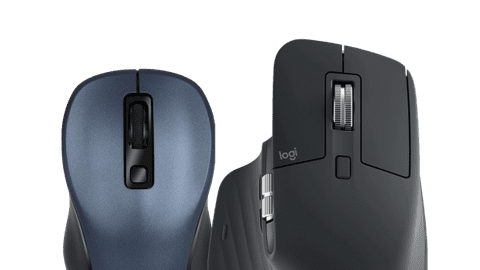
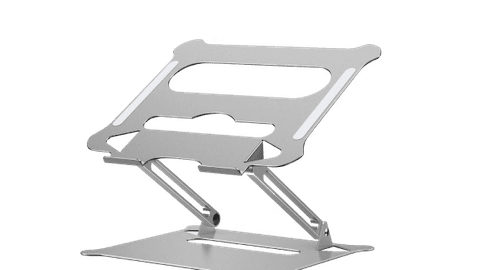

Advice on Keyboards
Can't choose? View the advice from our expert.