

Similar and better products
Current product
Logitech Wireless Mouse M705
48,99
46,99
Wireless
Wireless
No
No
- Rechargeable
No
Yes
Black, Gray
Black
Current product

48,99
46,99
Wireless
Wireless
No
No
No
Yes
Black, Gray
Black
According to our mouse expert
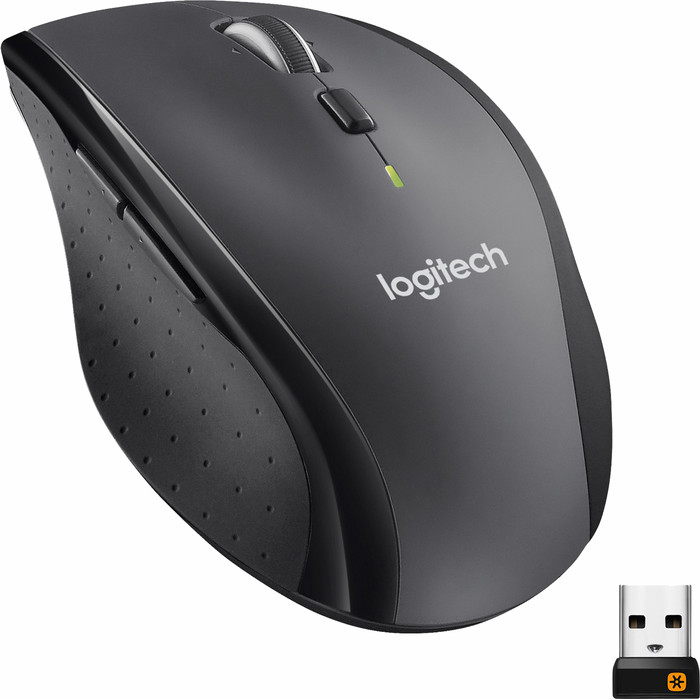
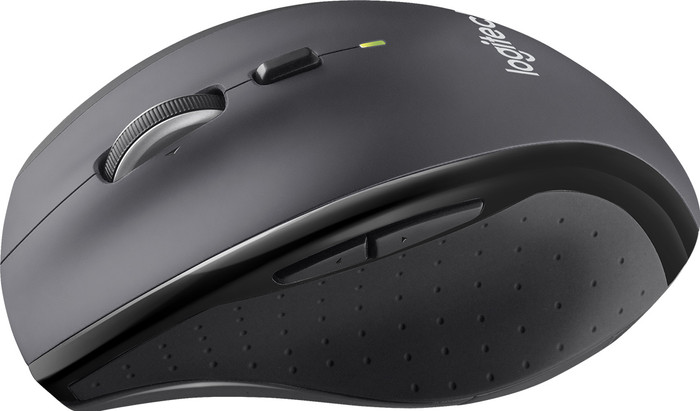
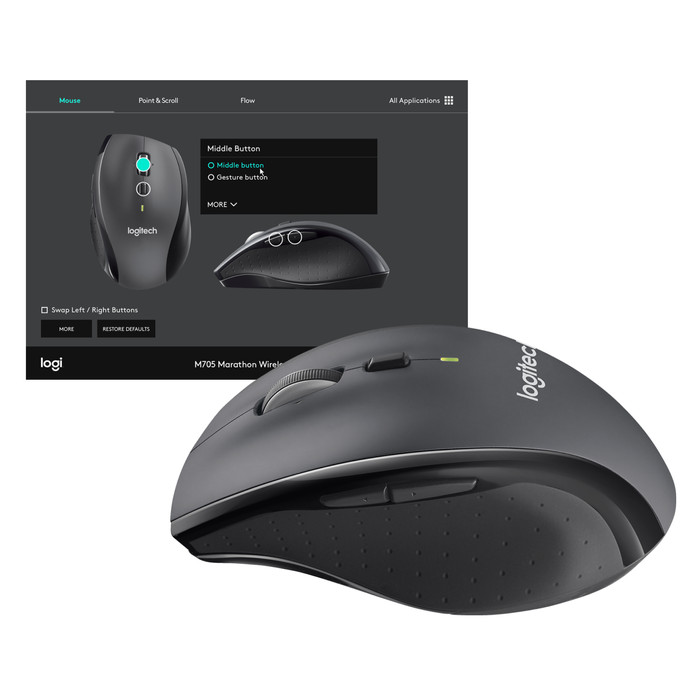
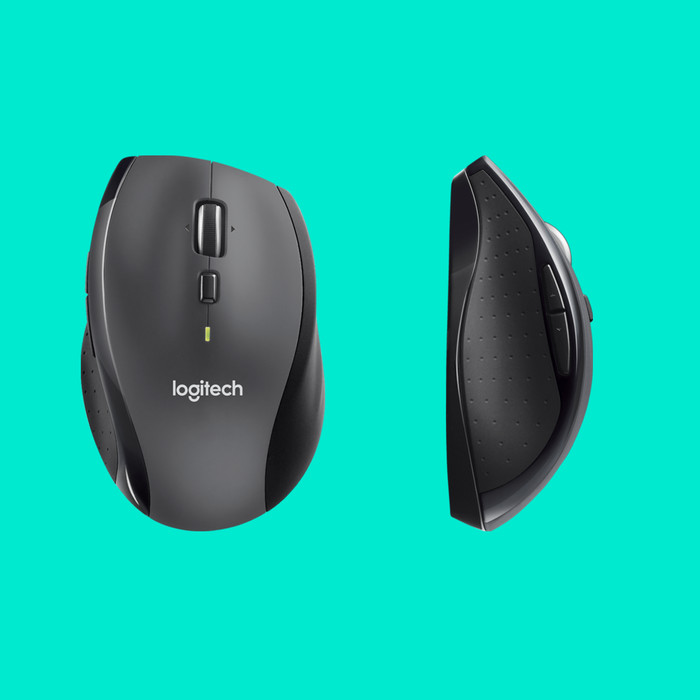
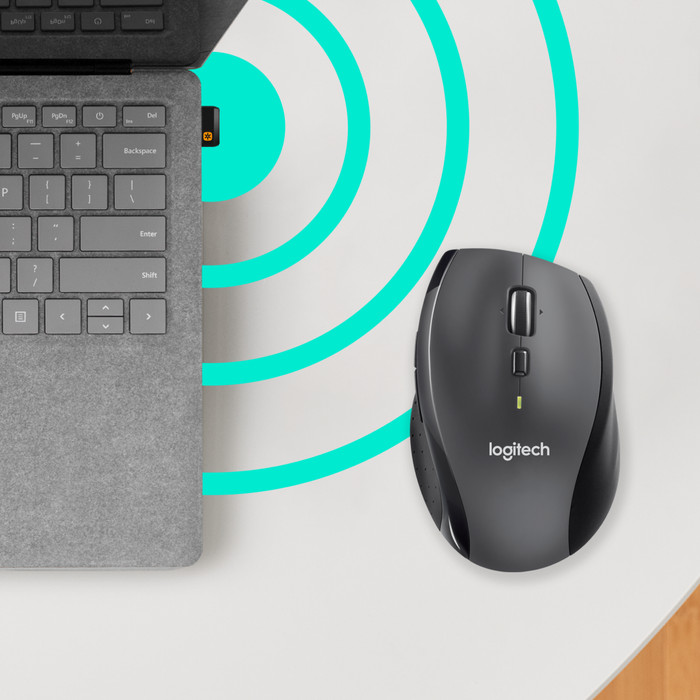
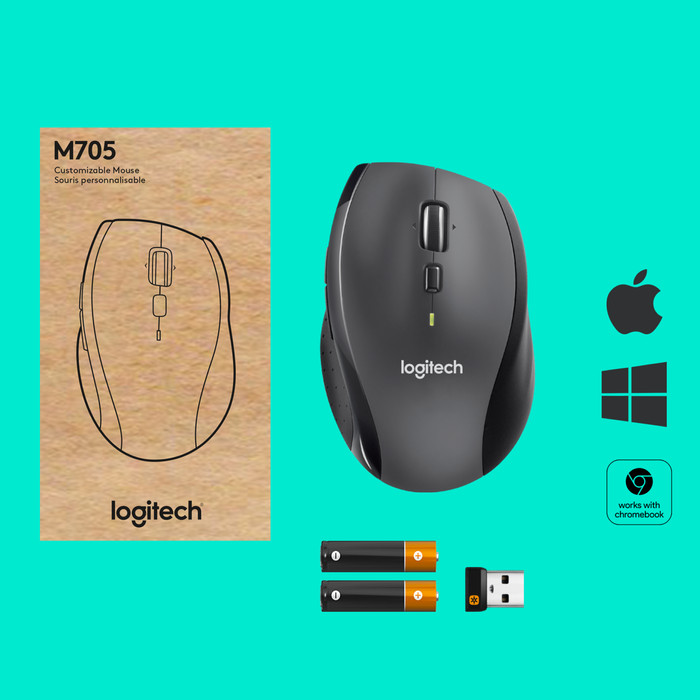
Plug the USB nano receiver into your laptop or PC and use the Logitech Wireless Mouse M705 wirelessly. The laser technology of the mouse makes it possible to use it on almost any surface. You can add options to your mouse according to your own desire with the extra buttons, so you work faster and save time.
5 stars
222
4 stars
119
3 stars
11
2 stars
3
1 star
1
Connection options
Ergonomics
Accuracy
Size
Design
Also works well on glass plates
Robert van Kempen
7 August 2018
Automatically translated from Dutch
When purchasing my new laptop, I was also looking for an affordable wireless laser mouse. I just didn't want an optical mouse because I already work with laser mice on my desktop and at work (both also from Logitech) and these are really a lot nicer and more precise.
I chose the M705 because it has a more compact size and yet does not feel small to use. It fits comfortably in the hand. I also use the M705 daily at work, which is why this choice was made quickly when the price is right.
You can find the mouse cheaper on the internet separately, but in combination with the laptop, the complete deal at CoolBlue was the cheapest. And you also know that you are buying the items from a reliable party.
Overall very satisfied with this mouse.
Joost
17 October 2012
Automatically translated from Dutch
I have been using this type of mouse for a very long time. I especially like the "loopless" scrolling. The combination with the Logitech K800 keyboard on 1 wireless USB receiver also works flawlessly. A mouse remains personal....
Don Verweij
30 December 2013
Automatically translated from Dutch
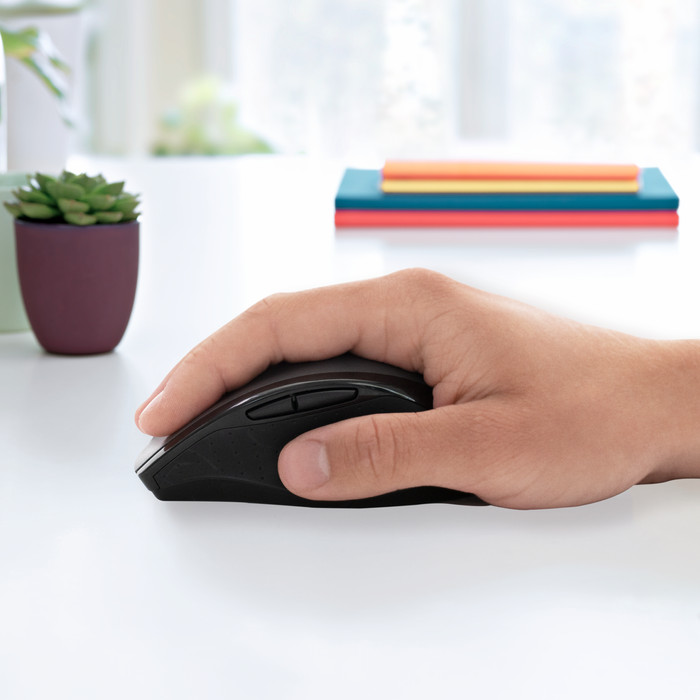
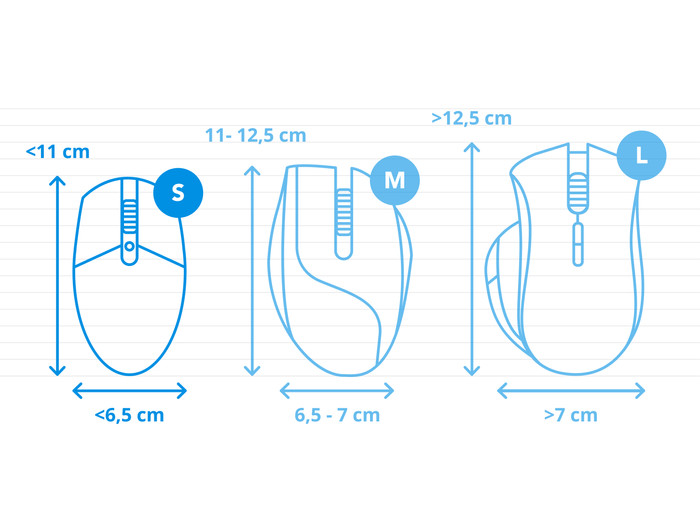
How large is a mouse exactly? It's often difficult to see on a photo. That's why we thought of the thumb rule below.
Choose a mouse that takes up more than half of the surface of the dimensions of your hand. You can find the dimensions of the mouse under the specifications.
Your hands are often 2 times longer from your wrist to the tip of your middle finger than that it's wide from your little finger to the knuckle of your thumb. The closer the length and width a mouse come to 60% of the length and width of your hands, the more likely it is that the mouse feels comfortable in your hand.

Product number | 171765 | |
|---|---|---|
Manufacturer code | 910-001949 | |
Brand | Logitech | |
Warranty | 2 years | |
Processing of your defect | Via Coolblue |
Mouse model | Standard | |
|---|---|---|
Input | Laser | |
Number of buttons | 5 | |
Ergonomic design | ||
Left or right-handed | Right-handed | |
Maximum dots per inch (DPI) | 3200 dpi | |
Adjustable DPI | ||
Mouse controls | Buttons, Scroll wheel | |
Suitable for gaming | ||
Scroll fast | ||
Rechargeable | ||
Programmable buttons | ||
Number of programmable buttons | 2 | |
Lighting peripherals | ||
Silent mouse | ||
Horizontal scrolling | ||
Mouse surface | Matte surface | |
Product family | M Series |
Connection type | Wireless | |
|---|---|---|
Nano receiver | ||
Frequency bands | 2.4GHz | |
Bluetooth |
Plug and Play | ||
|---|---|---|
Compatible with operating system | ChromeOS, Windows |
Power supply type | Rechargeable battery | |
|---|---|---|
Rechargeable battery | ||
Battery level indicator |
Color | Black, Gray | |
|---|---|---|
Mouse size | Small | |
Width | 7 cm | |
Height | 4 cm | |
Depth | 10,9 cm | |
Material | Plastic | |
Finish | Matte and glossy |