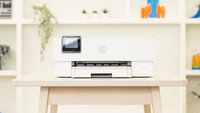
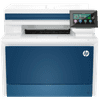
HP Color LaserJet Pro MFP 4302fdw
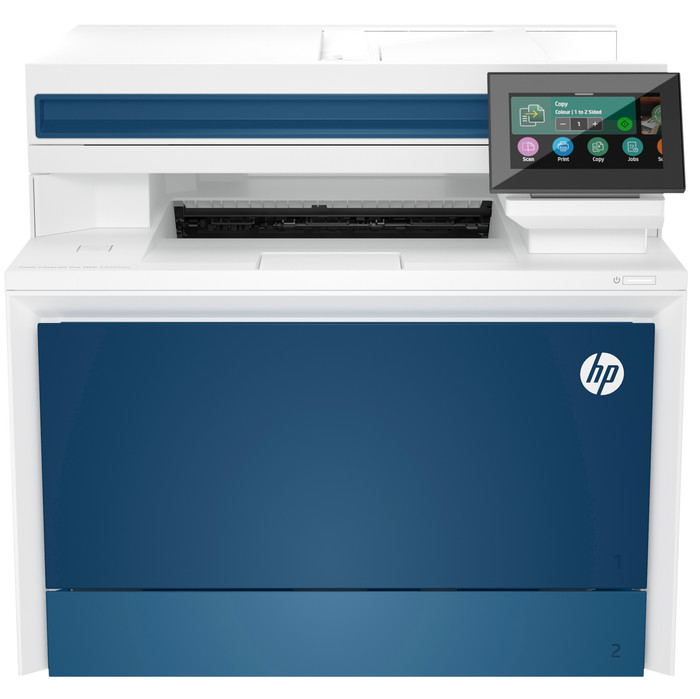

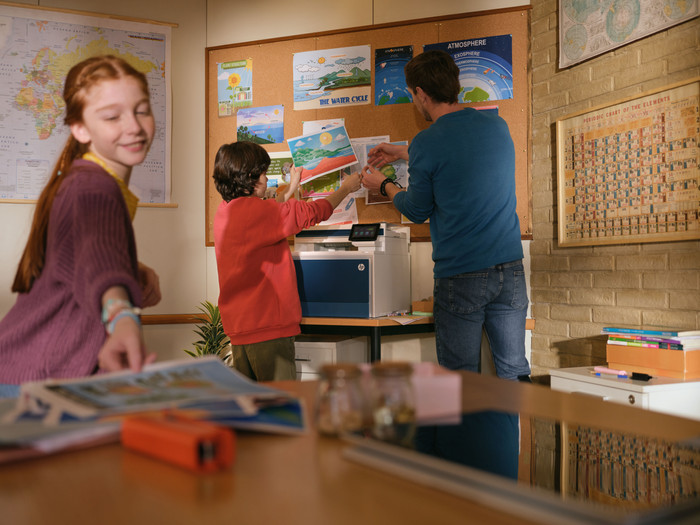


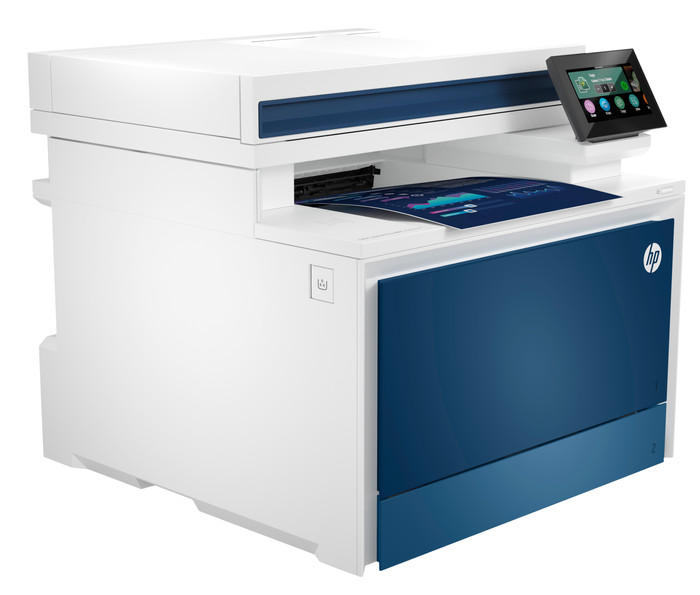


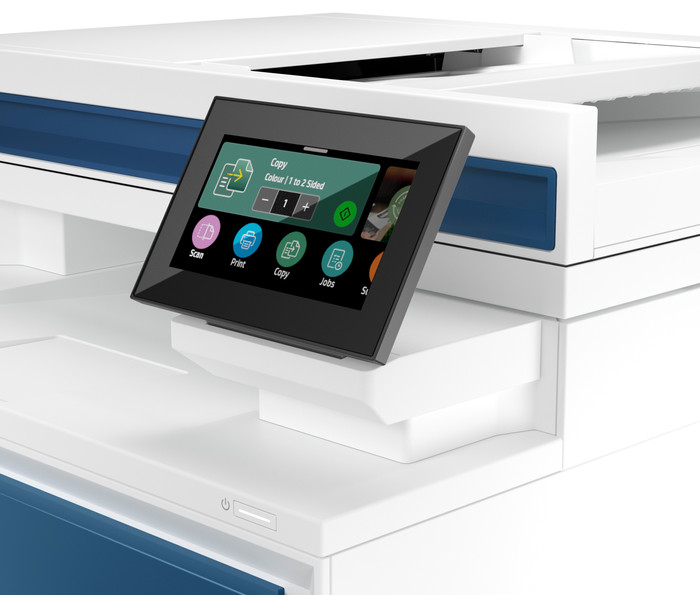

Our choice for a printer for a medium-sized office
Choose your printer
No extra ink
Insure your printer
Receive more coverage in case of damage than with your standard warranty. Coolblue takes care of everything: from taking out the insurance to repairs. Is a repair not possible? You receive the purchase price as CoolblueCredit.
What am I insured for?
- Fall and impact damage
- Water damage
- Manufacturing defects outside the warranty
What am I not insured for?
- Damage you deliberately cause
- Damage that doesn't affect the product functioning (such as scratches)
- Damage due to gross negligence
XCover insurace
XCover is allowed to arrange and process insurances on behalf of the insurer. The insurances are governed by Belgium law. If you have a complaint, you can contact the or our customer service.
How do I insure my printer?
First, add your printer to your shopping cart. On the next page, choose the Protection Plan below. You always have a 30-day return window and pay no deductible in case of damage.
XCover Protection without theft cover
- 5-year advance payment112,- one-time payment (22,40 per year)
- 3-year advance payment56,- one-time payment (18,67 per year)
The insurance can be canceled every year, even if you have paid in advance. If you cancel earlier, you will receive a refund for the overpaid amount.
Cashback HP LaserJet Pro 4000
If you purchase a participating HP LaserJet Pro 4000 between 1 February 2026 and 31 July 2026, you'll receive a cashback from HP. You can register your promotional product for the HP promotion up to 30 days after purchase. Go to the promotional Terms and Conditions (PDF) for more information.

Receive a 3-year warranty after purchase
If you purchase this printer, you receive a 3-year warranty. This way, you have the default 1-year warranty and 2 extra years of warranty. You can register your promotional product for the HP promotion until 60 days after purchase. Go to the promotional Terms and Conditions for more information.

Specifications
Product
Product number | 935958 | |
|---|---|---|
Manufacturer code | 5HH64F | |
Brand | HP | |
Warranty | 3 years | |
Processing of your defect | Via Coolblue |
Physical properties
Printer size | Large | |
|---|---|---|
Width | 42,1 cm | |
Depth | 42,7 cm | |
Height | 38,4 cm | |
Color | Blue | |
Weight | 20,4 kg |
Printer type
Printer type | All-in-one | |
|---|---|---|
Photo printer | ||
Print quality photos | Mediocre | |
Portable (mobile use) | ||
Recommended for use printers | Business printing |
Print properties
Usage costs for 1 page | 2 eurocents | |
|---|---|---|
Toner cartridge line | HP 220 | |
Print technology | Laser | |
Type of ink | Toner cartridges | |
Number of cartridges/toner cartridges | 4 | |
Color printer | ||
Print speed black (ISO) | 33 ppm | |
Print speed color (ISO) | 33 ppm | |
First black page ready after | 9,5 seconds | |
Speed class | Excellent | |
Maximum print resolution height | 600 dpi | |
Maximum print resolution width | 600 dpi | |
Maximum print size | A4 | |
Automatic duplex printing | ||
Borderless printing | ||
Maximum print size duplex printing | A4 |
Scan properties
Scan functionality | ||
|---|---|---|
Automatic duplex scanning | ||
Maximum optical scan resolution width | 600 dpi | |
Maximum optical scan resolution height | 600 dpi | |
Scanner type | File scanner, Flatbed scanner | |
Maximum scan size | A4 (21x29.7cm) | |
Automatic document feeder (ADF) | ||
Maximum paper size ADF | A4 | |
Scan sizes | A4, A5, A6, A7 | |
Scan speed (PPM) | 29 ppm | |
Color depth output | 24 bpp | |
Scan to | Cloud, Dropbox, Email, Email address, Email server, Evernote, Folder, Google Docs, Image, Network, PC (local), PC (network), PDF, PDF/A, USB | |
ADF capacity | 50 | |
OCR |
Copy properties
Copying functionality | ||
|---|---|---|
Copy speed black (ISO) | 33 ppm | |
Copy speed color (ISO) | 33 ppm | |
Maximum copy resolution height | 600 dpi | |
Maximum copy resolution width | 600 dpi |
Fax properties
Fax functionality | ||
|---|---|---|
Color fax |
Screen
Built-in screen | ||
|---|---|---|
Color screen | ||
Touchscreen |
Connectors
Compatible with operating system | Android, ChromeOS, Linux, Windows, Windows Phone, iOS, macOS | |
|---|---|---|
Connection type | Wired, Wireless | |
Apple AirPrint | ||
Email print | ||
WPS (Wireless Protected Setup) | ||
Female standard USB-A port version | 2.0 | |
Ethernet port | ||
Number of Ethernet ports | 1 | |
NFC | ||
Built-in WiFi | ||
WiFi frequency printers | 2.4GHz, 5GHz | |
WiFi direct | ||
Bluetooth | ||
USB port |
Paper tray
Location paper input | Front | |
|---|---|---|
Manual input tray | ||
Photo paper drawer | ||
Output capacity output drawer | 150 | |
Maximum print size standard paper tray | A4 | |
Input capacity standard paper tray | 250 | |
Number of standard paper trays | 2 |
External memory card reader
Memory card reader |
|---|
This is the one