JBL Quantum Stream Talk
anything for a smile
Product number | 944706 | |
|---|---|---|
Manufacturer code | JBLSTRMTALKBLK | |
Brand | JBL | |
Warranty | 2 years | |
Processing of your defect | Via Coolblue |
Bit rate | 24 Mbit/s | |
|---|---|---|
Sample frequencies | 96000 Hz | |
Frequency response range | 50 - 12000 Hz |
Transducer | Condenser | |
|---|---|---|
Directional characteristic | Supercardioid | |
Number of recording modes | 1 | |
Microphone recording type | Unidirectional | |
Application microphone | Gaming, Meetings, Podcasts, Streaming, Studio | |
Wireless microphone system |
Mute button | ||
|---|---|---|
Adjustable high pass filter |
Tripod included | ||
|---|---|---|
Type of tripod | Table stand |
Type of microphone connection | USB | |
|---|---|---|
Headphone jack | ||
Type of headphone connection | 3.5mm (TRRRS) |
Height | 10,5 cm | |
|---|---|---|
Width | 10,5 cm | |
Depth | 18,5 cm | |
Weight | 146 g | |
Material | Metal |
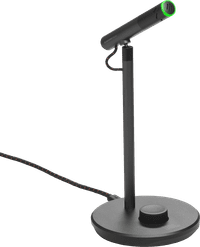
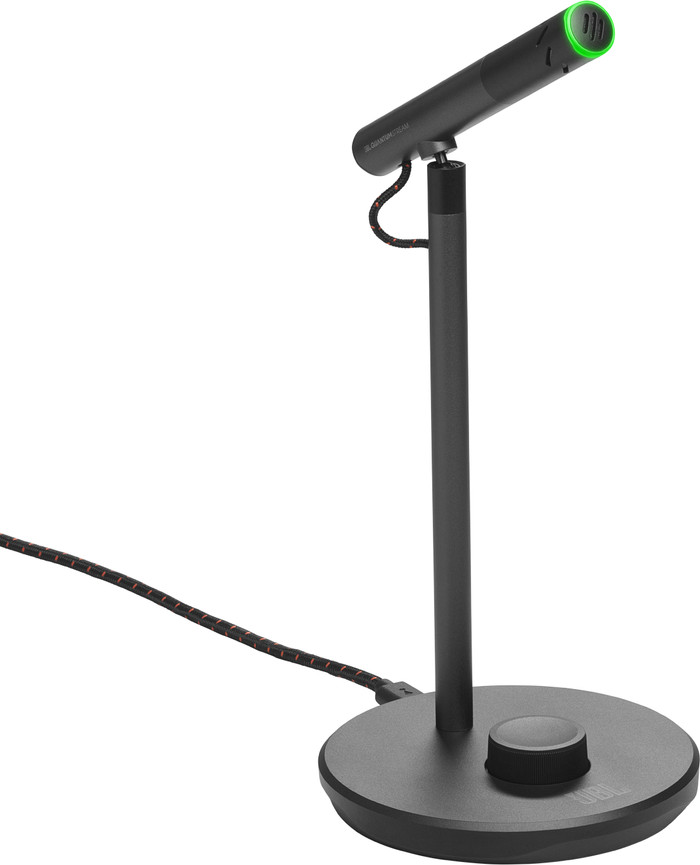
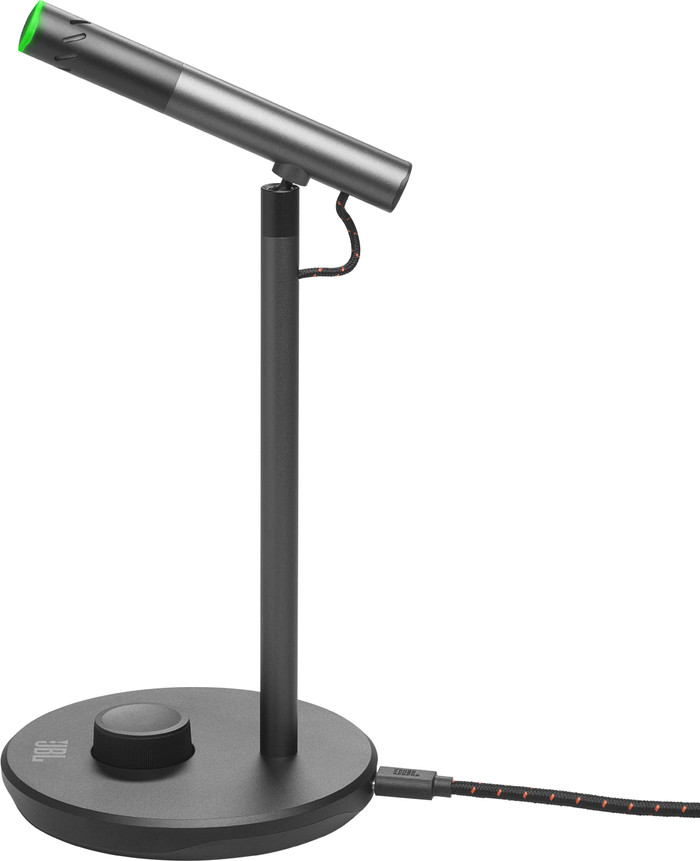
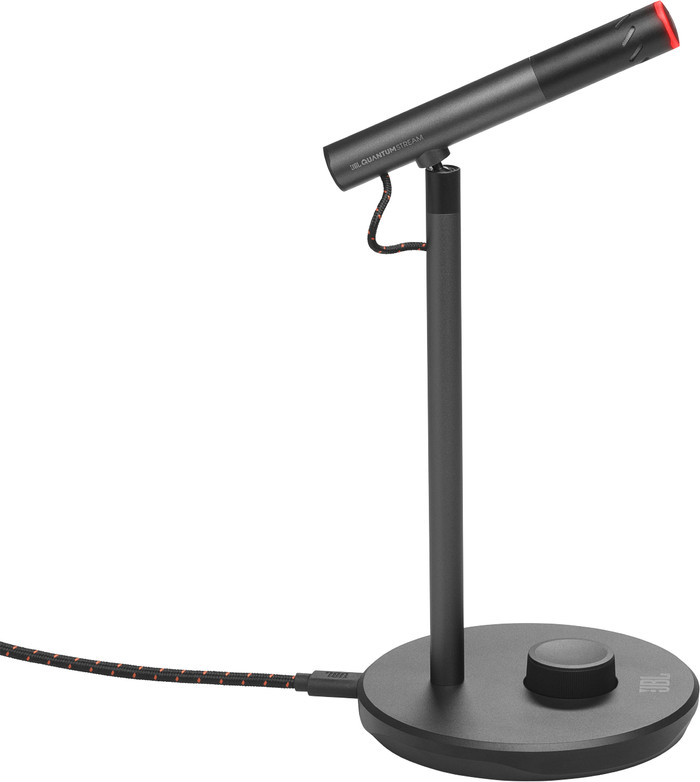
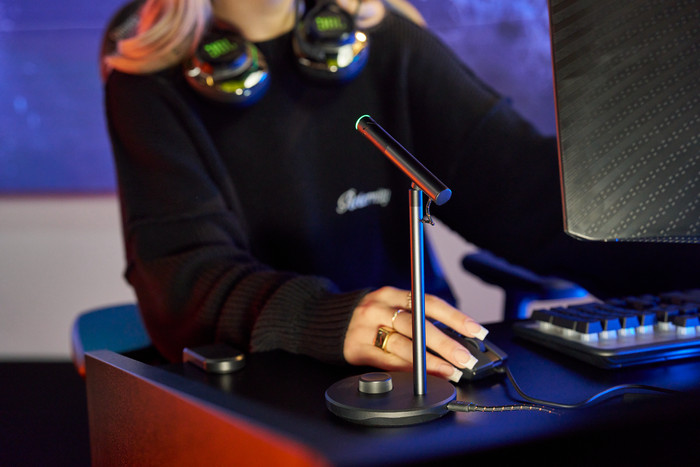
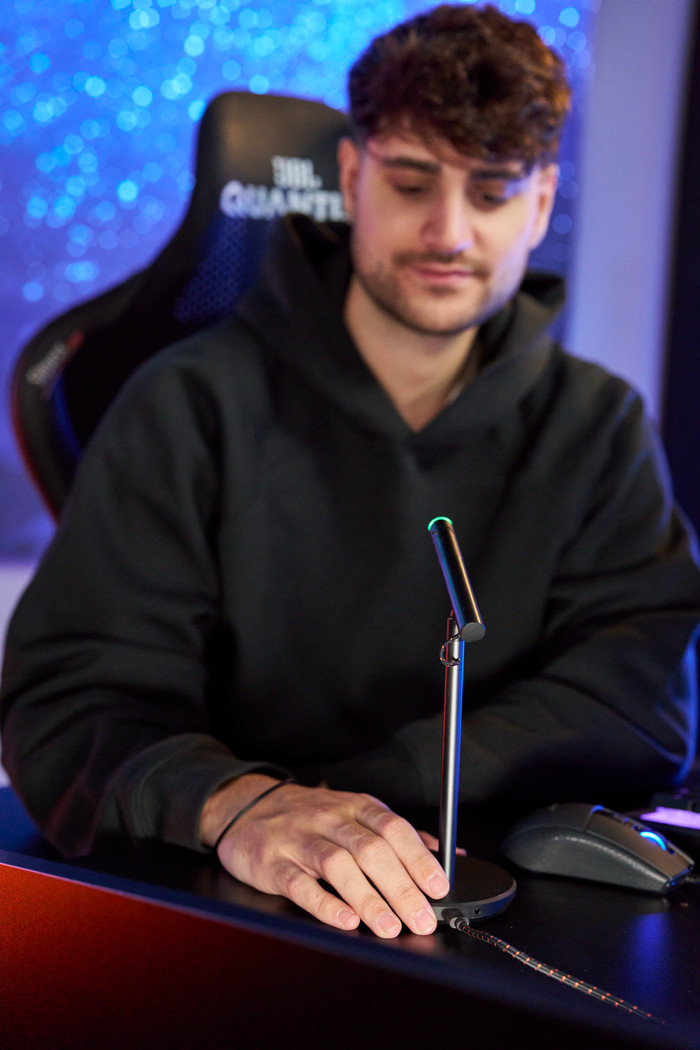
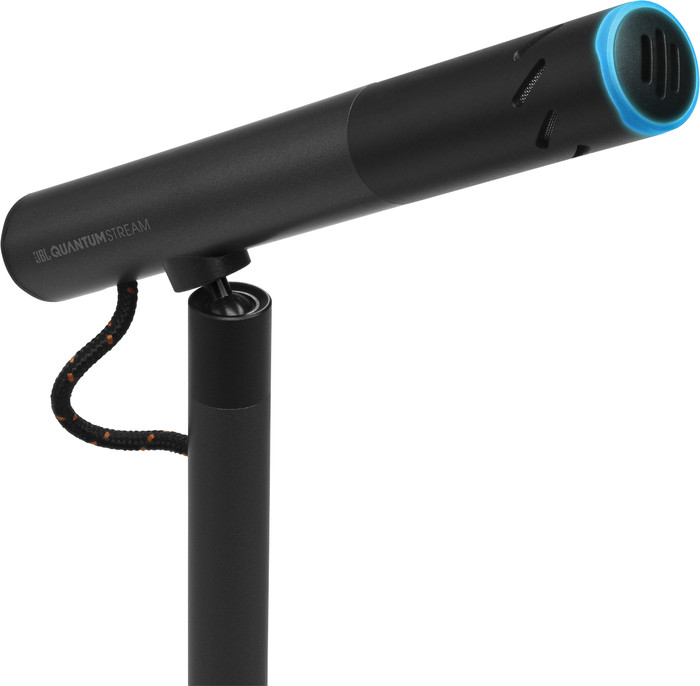
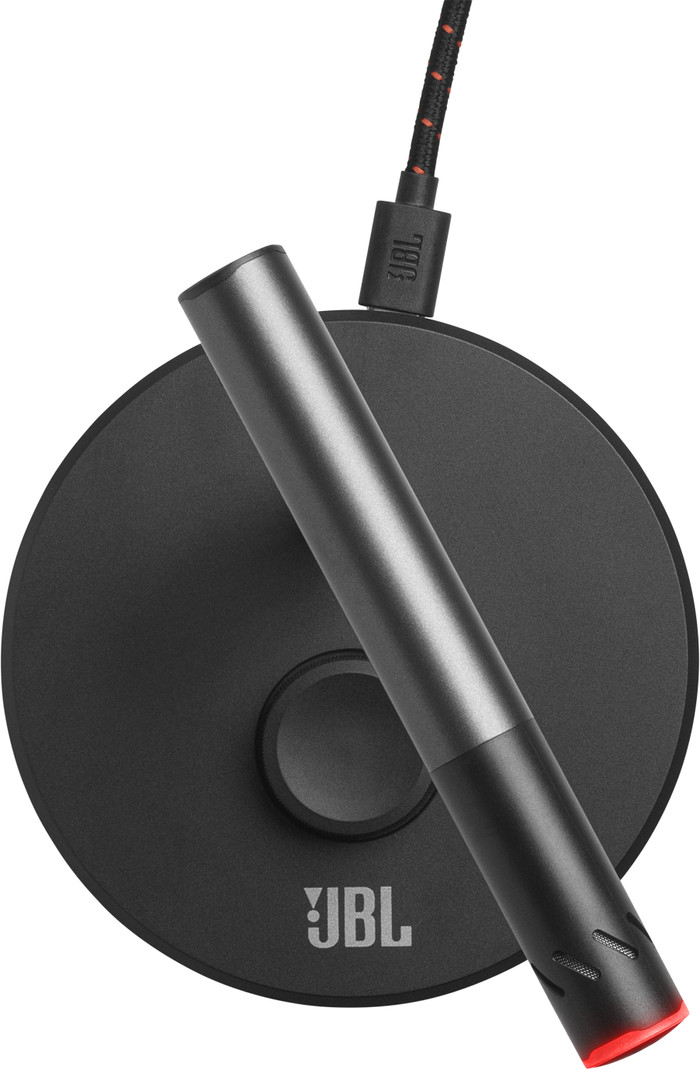
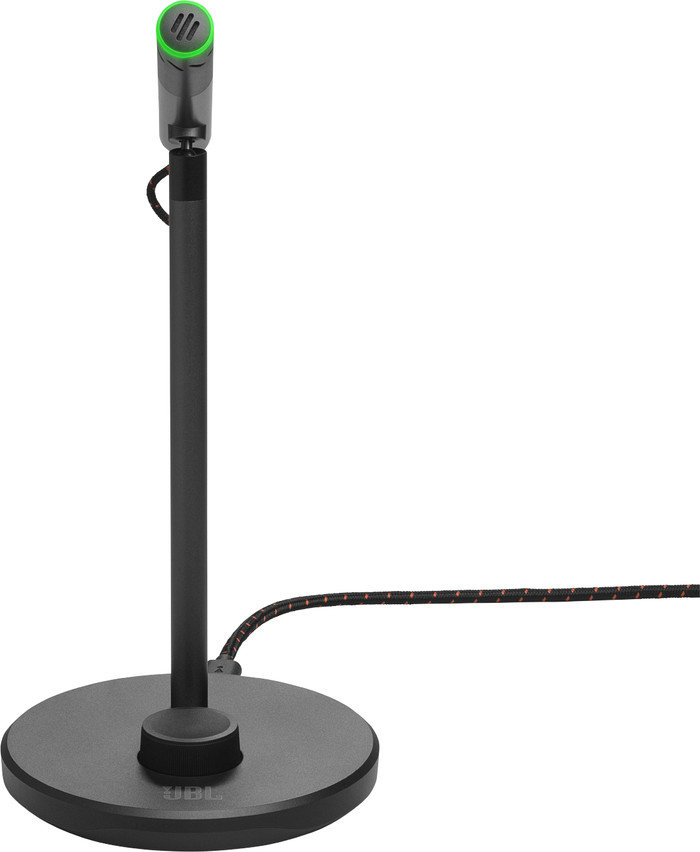
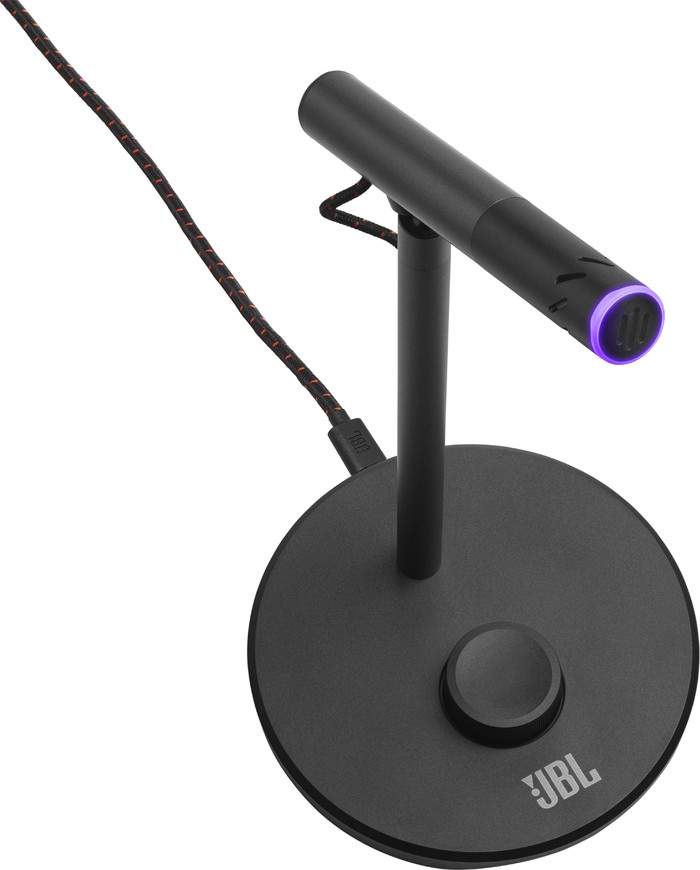
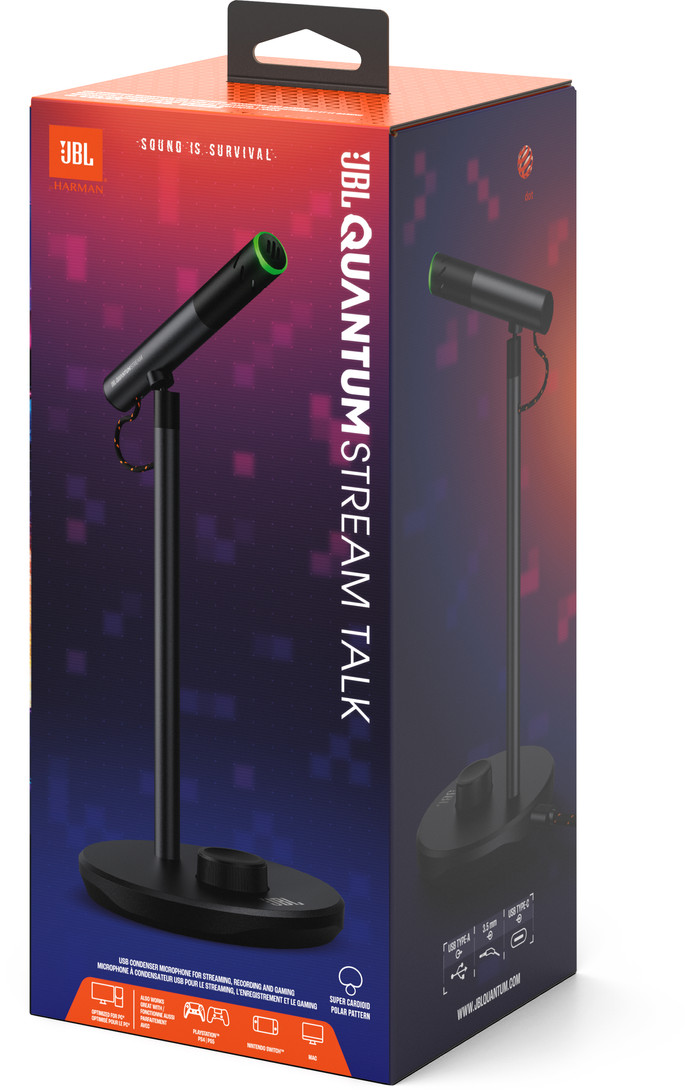
The JBL Quantum Stream Talk is a compact streaming microphone. The box contains a microphone that is attached to a table stand and a USB cable. I connect the microphone to my laptop or PC via the USB cable.
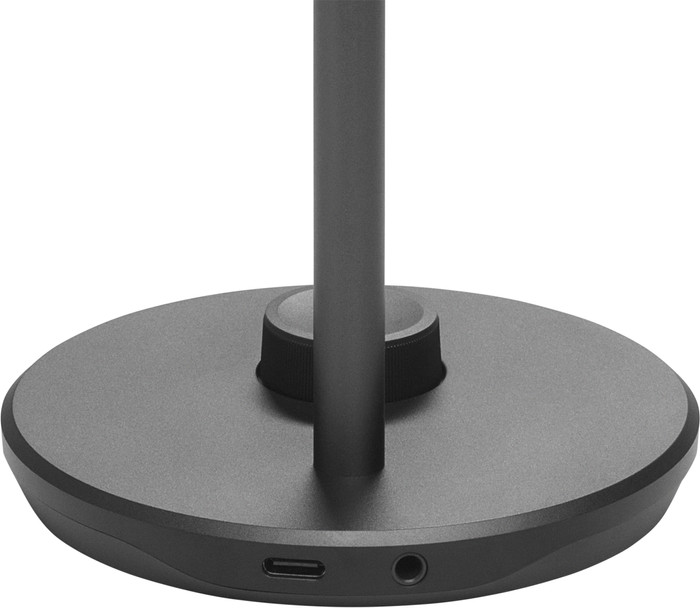
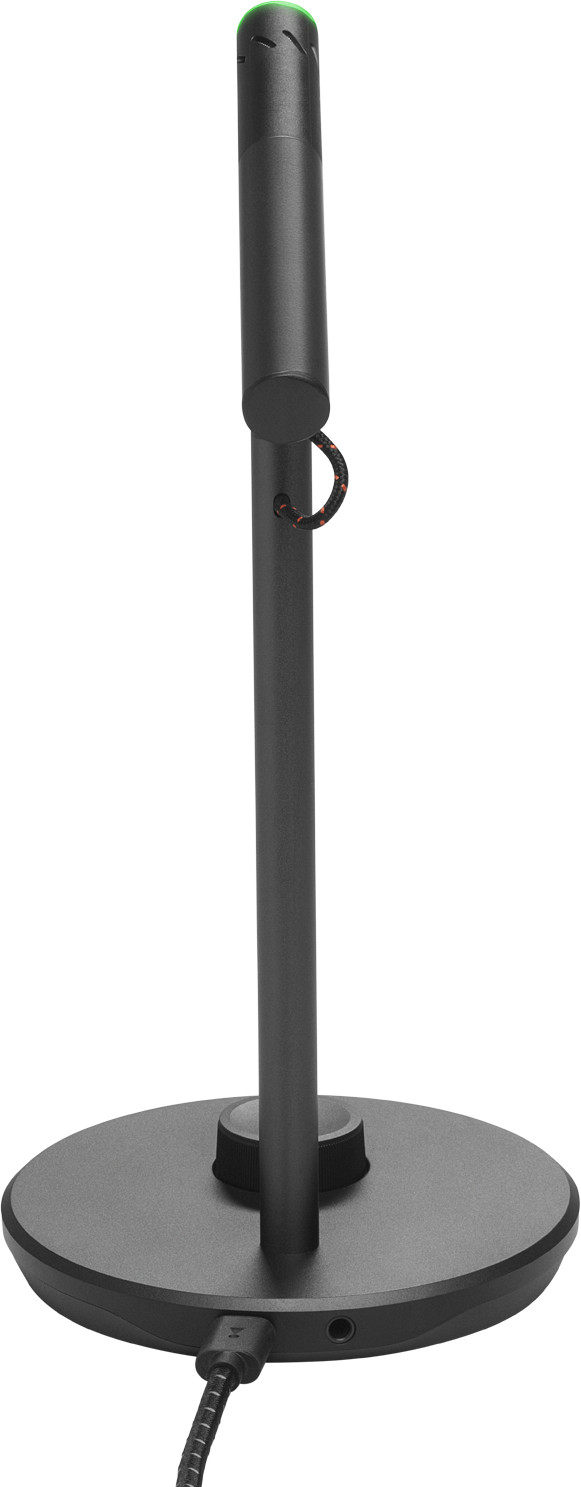
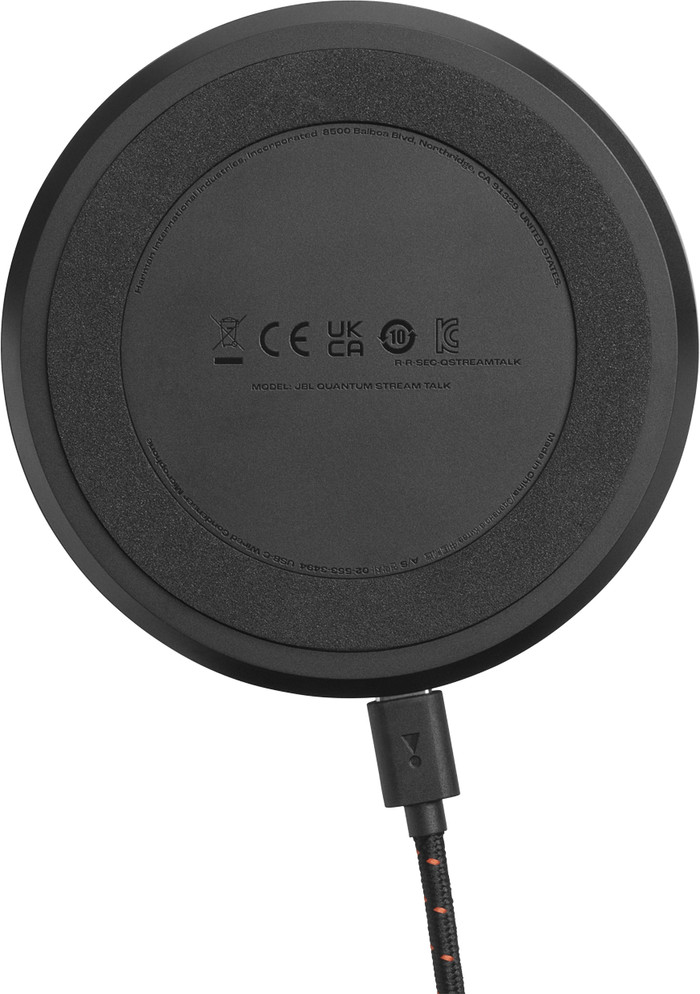
Design This is a compact streaming microphone with a sturdy base. This ensures that the Stream Talk stands firmly on the desk. I mute myself quickly with the mute button on the foot, so I mute myself with the push of a button. I cannot unscrew the Stream Talk and it cannot be used with a microphone arm. The USB C and 3.5 millimeter headphone output are located at the back of the base. This is especially useful when I place the microphone a little further away from me. If I move the microphone closer to myself, the cables are very present.
Recordings The Stream Talk records sound from the front and has a supercardioid recording pattern. This ensures that everything is recorded clearly and well during my streams. For example, you hear clicking sounds during the recording if I sit directly in front of the microphone with the controller. You hear this very softly, but it is noticeable. Also because the microphone is always on my desk, I hear unwanted sound in my recording if, for example, I put something on my desk.
JBL Quantum Engine The JBL Quantum Stream Studio gives me access to the JBL QuantumEngine software. With this software I personalize the recording sound of my streaming microphone. For example, I use the equalizer to perfect the recording sound. There is no noise reduction option with this microphone, which I think is a shame. The software is clear, making it easy to use this software.
Are you looking for a compact streaming microphone for a podcast or interview? Then choose the JBL Quantum Stream Talk.
Prescious. Gaming specialist.
11 April 2024
Automatically translated from Nederlands
Nice and compact device, but unfortunately too low for practical use. The microphone wasn't recognized by my PC (Windows 10).
Rudi
12 October 2025
Automatically translated from Nederlands
I had been looking for a nice microphone for a while to appear more professional during online meetings and possibly record podcasts in the future. I haven't done the latter yet, but I have done the former. The audio is good, connecting to the computer consists of plugging in the USB cable and it is clear by a nice green light when the sound is on or off. Am happy with it
Jeroen1978
24 July 2024
Automatically translated from Nederlands
Application microphone | Gaming, Meetings, Podcasts, Streaming, Studio | |
|---|---|---|
Directional characteristic | Supercardioid | |
Microphone recording type | Unidirectional | |
Type of microphone connection | USB |
According to our studio microphone expert
Because this microphone mainly records sounds from the front, it's ideal for streaming, podcasts, or voice-overs.
Adjust the microphone's strength and volume right away with the button on the microphone.
With the JBL QuantumEngine software, you can customize the recording sound and adjust the equalizer.
You can't use the JBL Stream Talk in combination with a microphone arm.
49,99
49,99
Current product
Gaming, Meetings, Podcasts, Streaming, Studio
Filming with SLR/CSC, Gaming, Meetings, Podcasts, Presenting, Streaming, Studio, Studio instruments, Studio vocals
Filming with SLR/CSC, Gaming, Meetings, Podcasts, Streaming, Studio
Gaming, Meetings, Podcasts, Presenting, Streaming, Studio
Supercardioid
Cardioid
Cardioid
Omnidirectional
Unidirectional
Unidirectional
Mono
Omnidirectional
USB
3.5mm jack, USB
USB
USB
49,99
63,-
51,-
73,-
Delivered tomorrow
Delivered tomorrow


