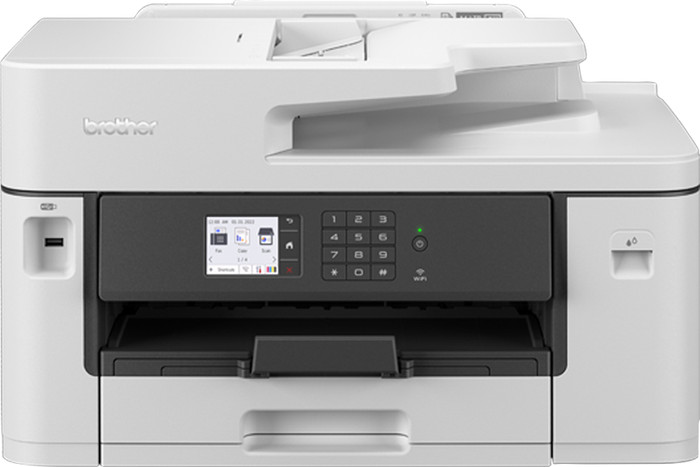
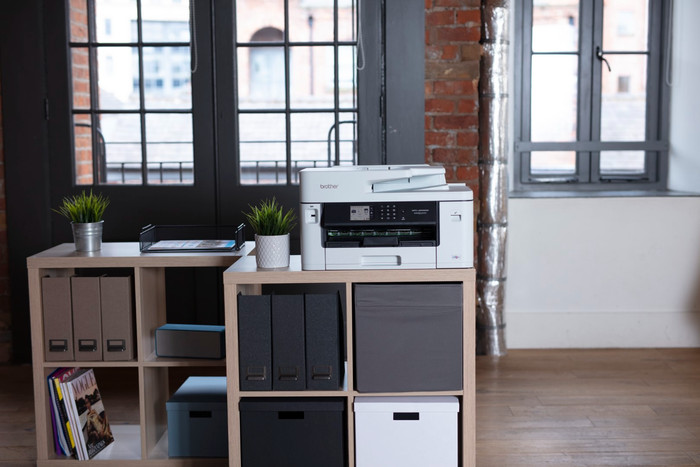
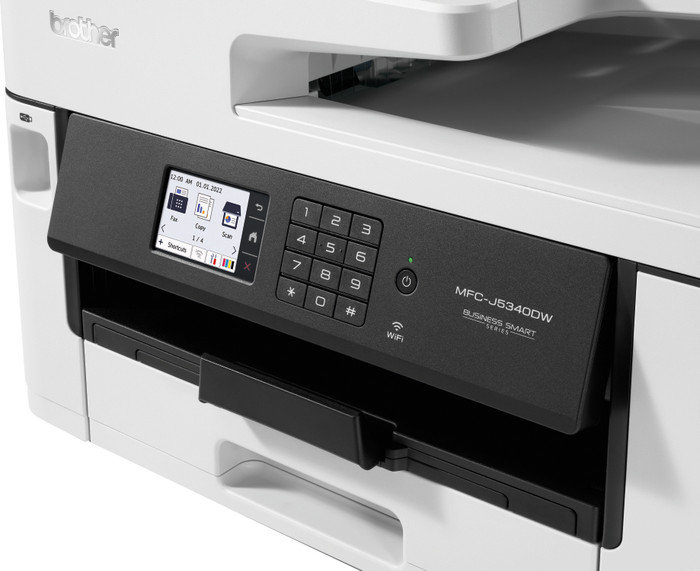
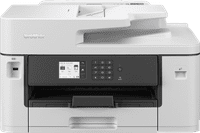
With the Brother MFC-J5340DWE, I can print large files double-sided in no time and receive 4 months of free ink. The user-friendliness of EcoPro in the app could be improved.
Easy and fast installation
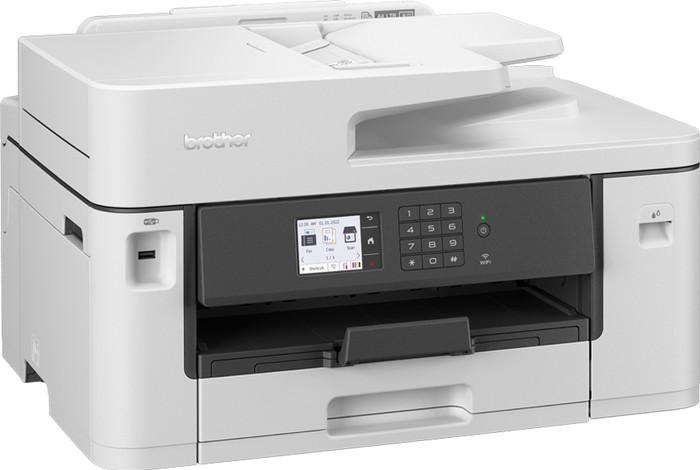
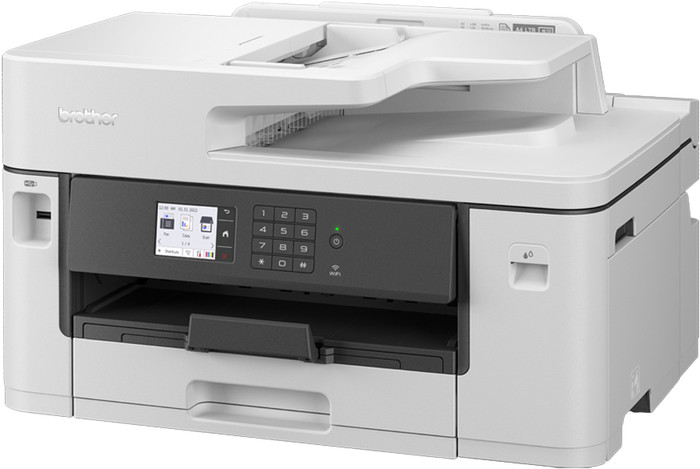
The installation of the printer is easy with the supplied manual. I installed the printer in less than 10 minutes. The cartridge holder is conveniently located on the right front side of the printer. I easily click the cartridges into the holder. I connect the printer to my WiFi network, but this is actually not necessary because the printer has its own WiFi network. This connects your smartphone or computer directly to the printer. I also install the Brother Mobile Connect app on my smartphone. This way I can control all functions of the printer via the app.
4 months of free ink with EcoPro
There is a QR code on the printer that I use to register the printer for a 4-month trial period for Brother EcoPro, Brother's ink service. With EcoPro, I pay a monthly fee for the number of pages I print and receive an ongoing warranty on the printer. I receive cartridges automatically at home. I can only sign up for this through the Brother Mobile Connect app, not through the Brother website. Signing up is going well. When I want to view my EcoPro data, I am sent from the app to a web page. So I can't view my data in the app itself.
Fast printer with useful features
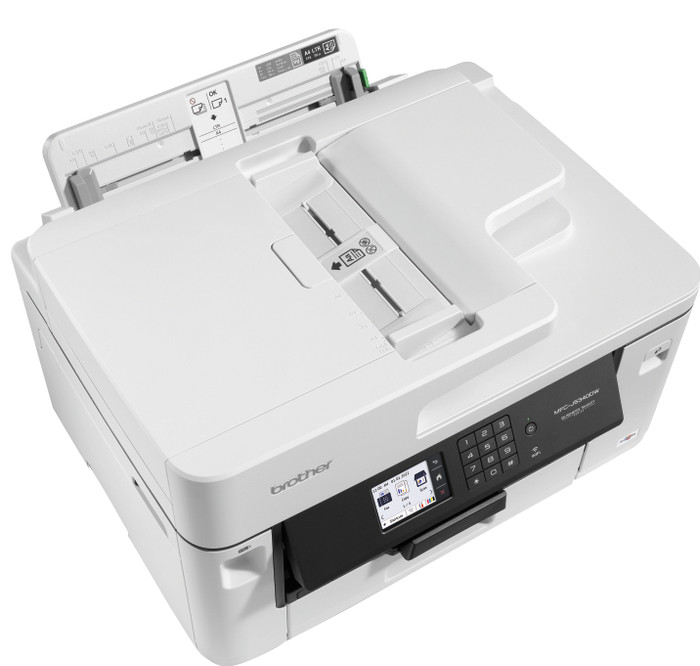
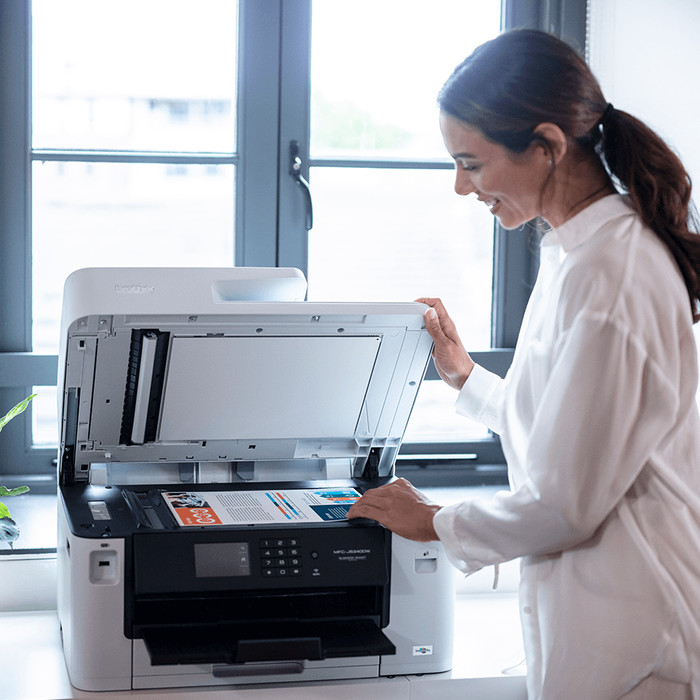
Brother promises that the printer prints about 28 black and white pages per minute. I tested this and it does indeed print about 28 single-sided pages per minute. I am therefore very positive about the speed. I recommend the printer for a medium-sized office. I am automatically copying multiple pages using the automatic document feeder. I put up to 50 sheets of paper in here at a time, making it quick and easy to print handouts for my colleagues. In addition, I save paper with automatic double-sided printing. The Brother MFC-J5340DWE first prints one side of the page, automatically turns the paper over and then prints the other side. I also print documents in A3 format with this printer. This is useful for printing posters, construction drawings and brochures, for example. The printer can scan, copy and fax up to A4 format.