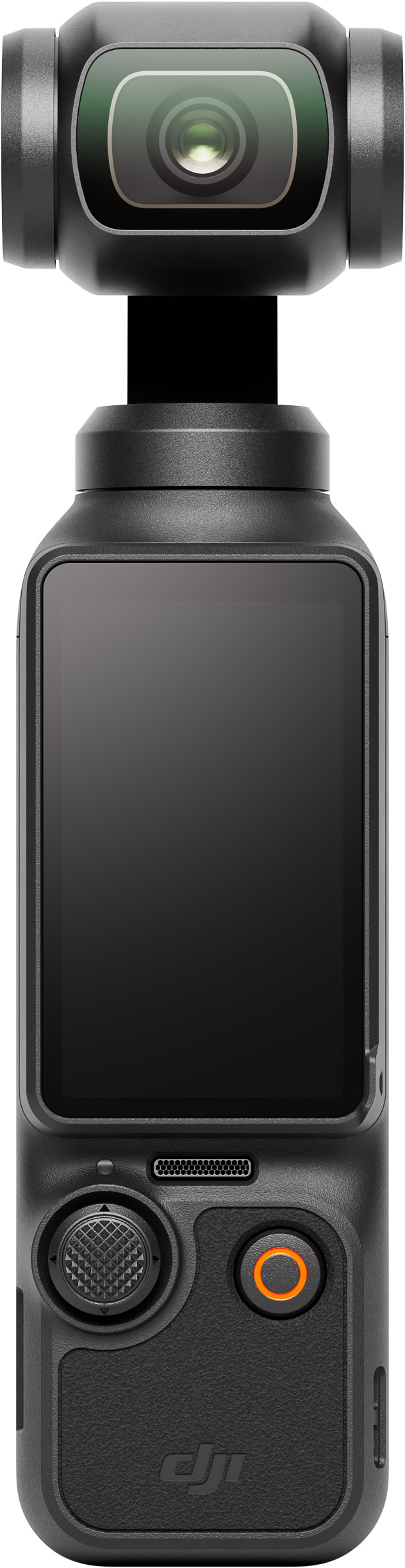
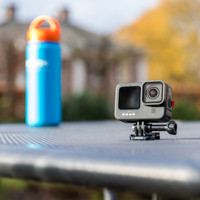
When I make holiday videos, I like to be as inconspicuous as possible with my vlogging camera. The DJI Osmo Pocket 3 is therefore an ideal travel companion with its compact size. I don't attract any attention from passers-by when I film with this camera. It fits in my jacket pocket, making it easy to take with me. The built-in gimbal stabilizes my images. I don't worry about whether I'm holding it stably, my images almost always look smooth. I do think it is a shame that the camera is not waterproof. When I go skiing with this camera, I have to be careful that it does not fall into the snow.
Filming for social media
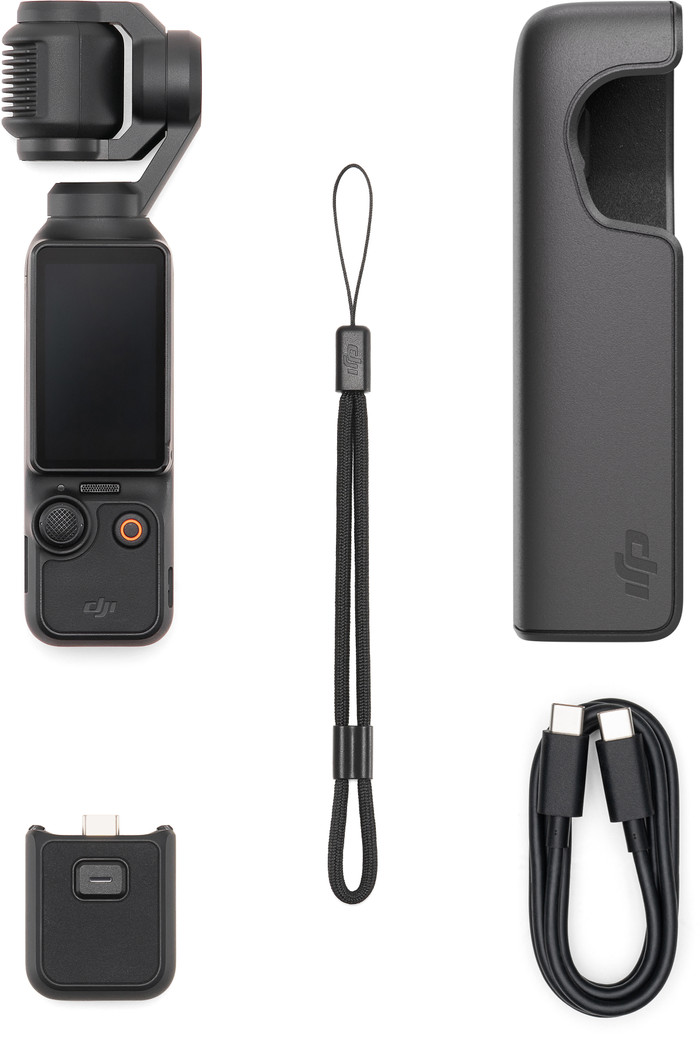
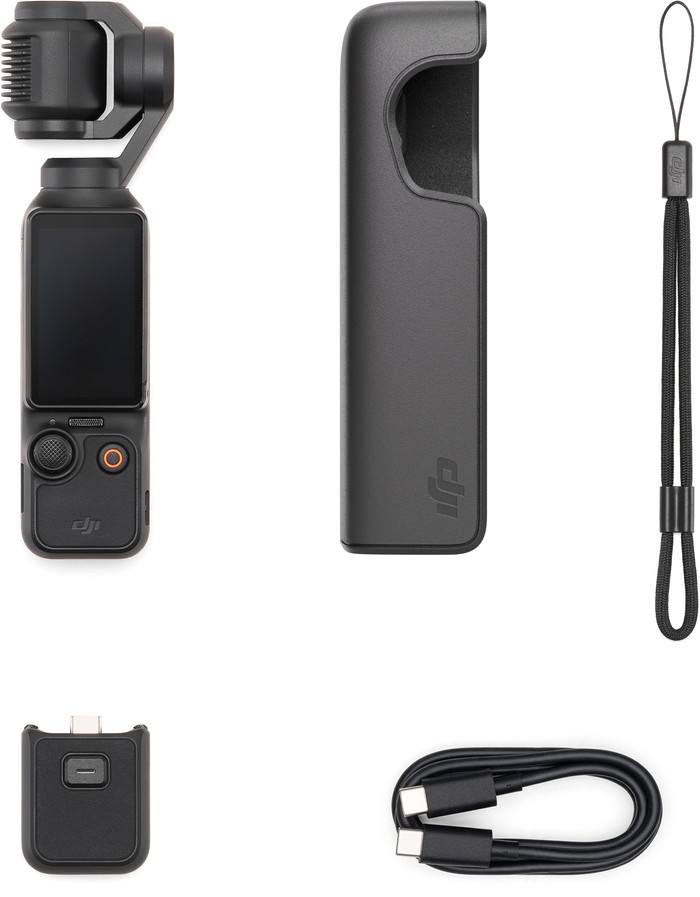
I find the camera especially useful for videos for my social media channels. When I film a YouTube video, I usually also make a vertical video for Instagram Reels and TikTok. I turn the screen a quarter turn and the camera immediately films vertically. He crops the image a bit, so I can film in a maximum of 3K resolution. This quality is slightly lower than horizontal videos, but I think it is sharp enough for social media. I film horizontal videos in 4K resolution, so I see a lot of detail in my recordings. I am testing the Creator Combo, which comes with a microphone, battery handle, tripod and wide-angle lens. The microphone provides extra clear sound. Thanks to the battery handle, I can film with the camera for even longer, which is especially nice outside the home. I am less likely to leave my battery empty.
Image quality
In dark conditions I notice that the camera has a large 1-inch image sensor. My videos still look sharp and clear. This way I also take beautiful shots of the atmosphere in the city in the evening. For additional editing options, I film in the D-log M file profile. This allows me to edit the colors even more accurately afterwards. Without post-processing, these images are somewhat flatter. I therefore use this profile for extensive YouTube videos, but I prefer to film short social media content in the standard color profile. The colors look very vibrant and realistic, so I place them without post-processing.
Recording modes
My favorite feature of this camera is the tracking mode. The camera automatically keeps my face in the center of the frame. If I disappear from view, the gimbal rotates with me. This means I always remain visible to the camera. For more creative images I use the new Spin Shots function. I point the camera at a subject and it automatically rotates 90 or 180 degrees. This adds a special effect to my videos.