
Written by Bas T
Edited on
21 July 2026
·
10:44
The different types of Microsoft Office for business use
There are different types of Microsoft Office suites, but only 2 suites are specifically aimed at businesses and entrepreneurs. These are Microsoft Office 365 Business Premium and Office 2019 Home and Business. This sounds like a lot, but it's really not. On this page, we'll tell you about the difference between these 2 suites.
Microsoft 365 Business Multilingual Standard Subscription 1 Year
- Thanks to the Microsoft Bookings and Office Outlook Customer Manager applications, this Office suite is user-friendly for business use.
- You can install up to 5 PCs or iMac computers, 5 tablets, and 5 smartphones with this suite.
- This suite includes the latest versions of Word, Excel, PowerPoint, OneNote, Outlook, Access, and Publisher.
- This is a 1-year subscription, after which you must renew the license yourself.
- You have to download software before you can get started with this suite.

150,-
Microsoft Office for Home and Business
- This suite includes the latest versions of Word, Excel, PowerPoint, OneNote, and Outlook.
- This is a permanent license, so you don't have to renew it.
- This suite is suitable for both Windows and macOS devices.
- With this license, Office can only be installed on 1 computer. This license is unsuitable for multiple, similar devices.
- This license doesn't include extra storage in OneDrive.

299,-
The differences
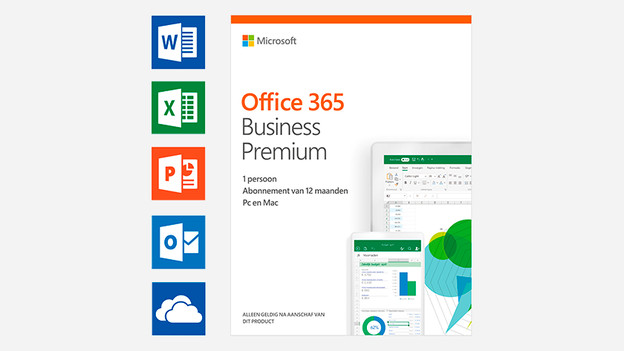
Office 365 Business Premium
Just like the other 365 suites, the Office 365 Business Premium license lasts for 1 year. That means you'll have to renew the license after a year to continue using it. You can install the license of 5 devices at a time instead of just 1. These aren't the only differences, though. Business Premium includes the features Bookings and Outlook Customer Manager. And these 2 functions are the interesting ones for a business user.
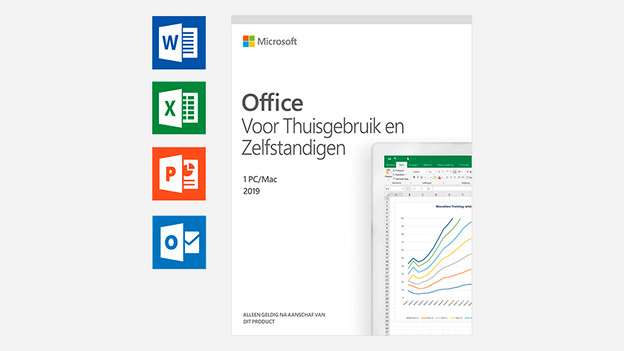
Office 2019 Home and Business
Where all other Office 2019 suites are recent and permanent licenses, Office 2019 Home and Business is this as well. Once you buy this license, you'll never have to renew it. You can use Word, Outlook, and Excel, for example, forever. The license can only be used on 1 device, as opposed to Business Premium that you can install on up to 5 devices at a time. This license also doesn't have Bookings and Outlook Customer Manager features, which are included in 365 Business Premium.
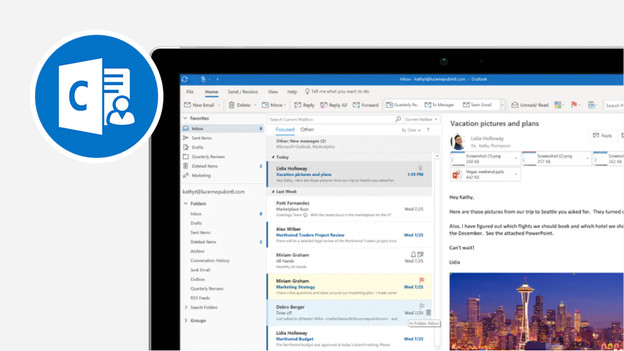
Outlook Customer Manager
One of the features for organization in the Business Premium suite is Outlook Customer Manager. This feature lets you manage all your emails, meetings, and other customer information from 1 place. That way, you won't lose anything ever again and have stored all data of a specific customer in 1 place. Opening and sharing this information with employees is also easy to do, so everyone has the right wishes and information of the customer at hand.
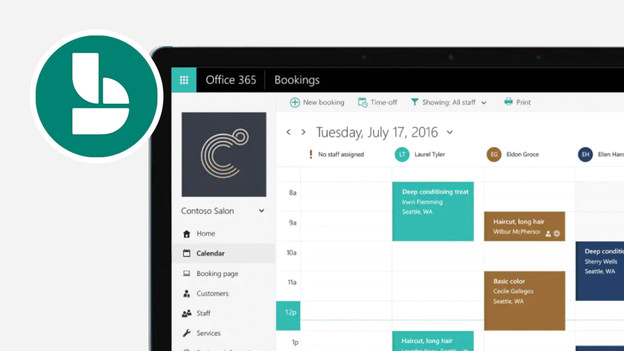
Bookings
Bookings is another feature from Business Premium. This function is mostly convenient when you have an organization where many customers visit for meetings. Via Bookings, it's possible for customers to easily make appointments as they can see when there's space in your or your employee's calendar. That way, you can reserve time in their own calendar and yours, and both parties automatically receive a notification about this, as well as reminders when the meeting is almost happening. Moving an appointment via Bookings is easier than ever before.
Conclusion
The big difference between Microsoft Office 365 Business Premium and Office 2019 Home and Business lies in 3 areas: how long the license is valid for, how many devices you can install the suite on, and the extra features of Business Premium. Because of Bookings and Outlook Customer Manager, the Business Premium license from Office is interesting for organization. That way, many people can use the suite and benefit from the exclusive features. Office 365 Premium is recommended for optimal working in businesses.