Written by Uhro
Edited on
12 July 2024
·
15:23
Boost WiFi in a freestanding house
Do you live in a house larger than 130m², and don't you have good wireless internet everywhere? There are different options to extend the WiFi signal in a large house. For example, if you don't have WiFi upstairs. Thanks to this, you can get WiFi throughout your entire house.
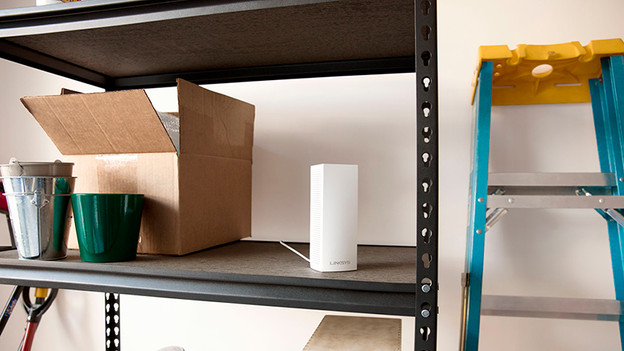
I want WiFi in a spot where I don't have a wireless signal right now
Do you want to use the internet wirelessly in a place where you have no reception at all? For example, wifi in the attic or wireless internet in the pantry? With Multiroom WiFi you set up a wireless network with WiFi coverage everywhere in your home. This way you have 1 Wi-Fi network throughout the house. A Multiroom wifi system consists of several stations that are wirelessly connected to each other. So you do not have to pull cables.
For an average single-family home we recommend 3 stations. For a large house we recommend 4 stations or more.

I want to amplify my current WiFi signal
Does your current router or modem work fine, but do you want to amplify the signal? So you also have wifi in the garden, for example, or do you have no Wi-Fi upstairs? Then expand your current router. With some models this can be done with the help of a special extension. For example with a repeater from Netgear Nighthawk or with Asus AiMesh. These devices make a wireless connection to your current router, giving you 1 network in house.

I want to replace my current router
Don't you have WiFi throughout your entire house with your current router? You can choose a WiFi router with a wide range, like multi-room WiFi with mesh. These sets consist of 3 or 4 stations, which you can spread through your house. This allows you to create a WiFi network with 1 name in a large house. Because the stations are connected to each other wirelessly, you'll continue to have a good signal. Even when you walk around your house with your smartphone.