
Written by Megan
Edited on
18 November 2024
·
13:59
How do you choose an Apple iPhone 16 charger?
You only receive a USB-C cable with the Apple iPhone 16 devices and no charger. You want to charge your iPhone as quickly as possible, so it's important to choose the right charger. In this article, you can read about what to consider when choosing a charger.
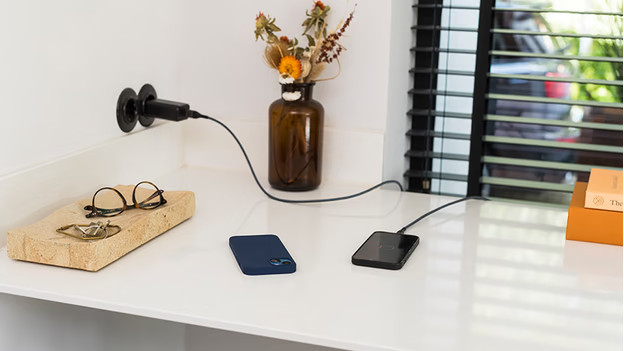
Choose an Apple iPhone 16 charger
The Apple iPhone 16, the iPhone 16 Plus, the iPhone 16 Pro, and the iPhone 16 Pro Max have a USB-C port. This means you can no longer use your old accessories. Ask yourself the following questions when buying a charger.
- Do you want to fast charge your iPhone?
- Do you want a longer cable?
- Would you like a wireless charger?
- Can you use your old accessories?
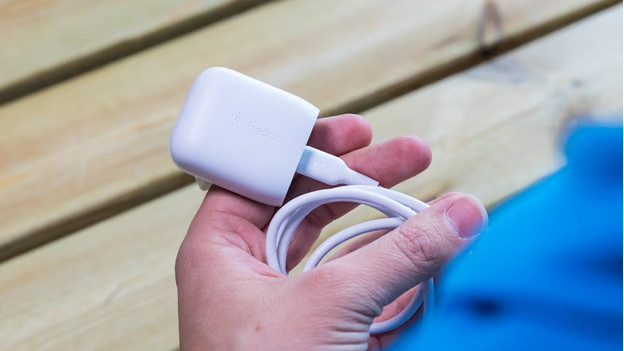
Do you want to fast charge your iPhone?
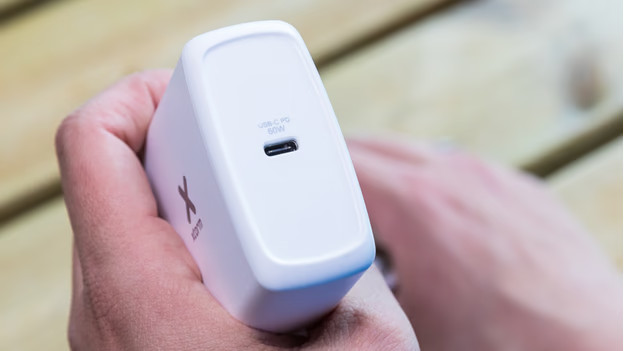
You don't receive a charger with your iPhone. With a fast charger, you can charge your iPhone to 50 to 60% within 30 minutes. You do need a Power Delivery charger of at least 20W for this. Do you also want to charge your other devices like a MacBook or iPad? Choose a charger with a higher power. This won't damage your smartphone.
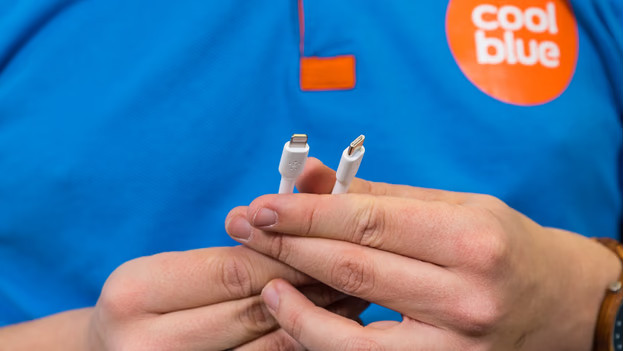
Do you want a longer cable?
You'll receive a nylon USB-C cable with your iPhone 16 device. This cable is 1m. That's not very long, which is sometimes inconvenient. You always charge your iPhone with a cable, such as when the socket isn't near your seat. There are cables from 1.5 to 3m long.
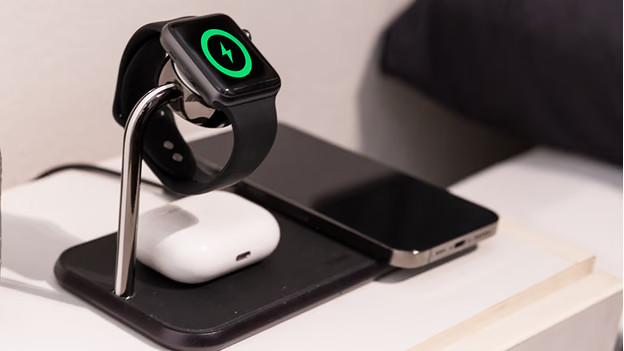
Do you want a wireless charger?
With a wireless charger, you don't use cables. You place your iPhone on the charger and charge it right away. With a wireless charger with MagSafe, you charge the fastest. Keep in mind that this is slower than wired charging. When you have multiple Apple devices, a charging dock is useful. You can then charge your AirPods, Apple Watch, and iPhone at the same time, for example.
Can you use your old accessories?
If your previous smartphone is an iPhone 14 or older, you can no longer use your old cables. That's because these iPhone models had a Lightning port. Starting with the iPhone 15, all devices have a USB-C port. If you had another brand of smartphone before this, you can still use those cables. You can also still use your old chargers. Make sure to check the port of the charger. The cable that comes with your smartphone won't fit into a charger with a wide, rectangular port.
