Written by Frank
Edited on
27 January 2025
·
13:10
How do you choose the right length HDMI cable?
When you choose an HDMI cable, it's important to keep the length in mind. You don't want the cable to be too short when you plug it in. In addition, you're more likely to notice signal loss with long cables than with short cables. A solution for this problem is an active HDMI cable. In this article, you can read how to choose the right HDMI cable length.
To measure is to know
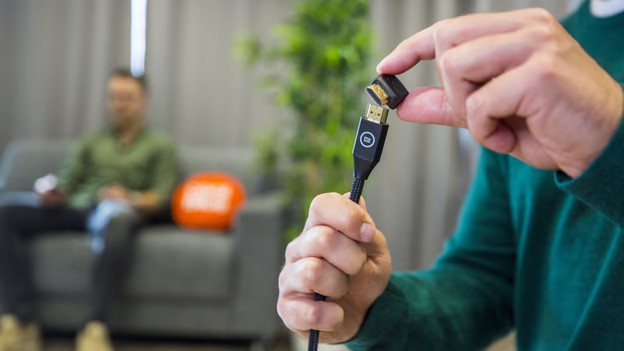
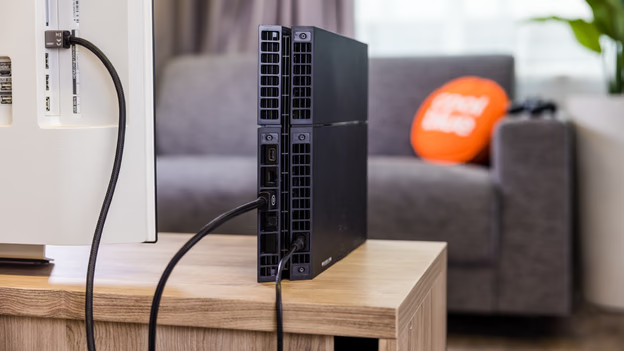
Before you buy an HDMI cable, it's important to measure the minimum length you need the HDMI cable to be. Want to connect your new PlayStation to the television, for example? Measure the distance between your PlayStation and the HDMI connector of your television. Add 0.5m to that, so you don't stretch the cable. This makes it easier to set it up and makes the setup of your equipment more stable. Do you have to run the cable into your TV cabinet at a 90-degree angle, for example? Consider getting a BlueBuilt HDMI cable with a 90-degree angled connector.
Loss of quality
If HDMI cables are 6m or longer, you may notice a loss of quality. The sound quality could get worse if you connect a soundbar to a television with it, for example. You can solve this problem if you connect an HDMI repeater between the 2 cables. A different solution to this problem is to invest in a more expensive active cable.
Active cables
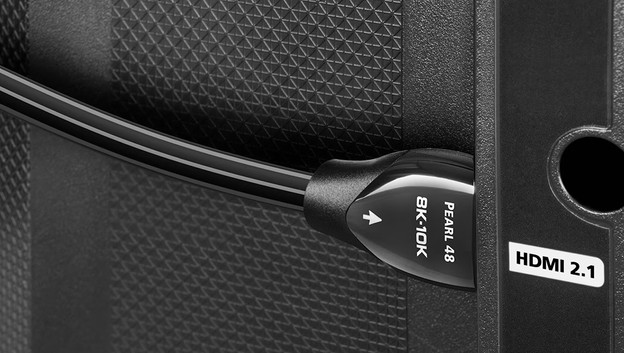
Active HDMI cables have a built-in booster. Thanks to this booster, the cables can transmit signals over a greater distance without losing quality. Unlike other HDMI cables, you have to connect active cables in the right direction. This direction is indicated on both connectors. Active cables are the solution to prevent quality loss, but they're also more expensive. The AudioQuest cable from our assortment is 10m long and active, which means it has a built-in booster.