Written by Charlotte
Edited on
12 March 2024
·
16:01
How do you solve error codes and notifications on JURA coffee machines?
In this article, we'll explain how to solve common problems with a JURA coffee machine. Some notifications still show after you've followed the instructions, for example. You might also see error codes. We'll explain how to solve each error code.
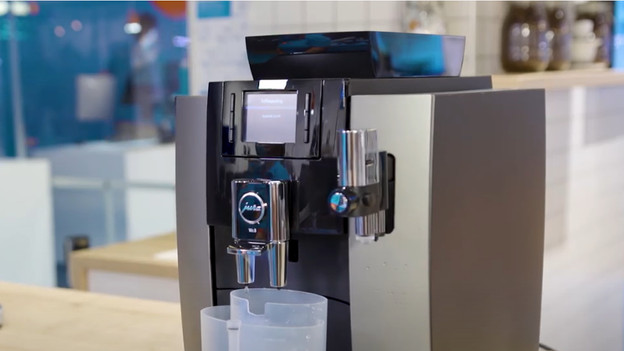
Solve notifications
Below, you'll find several solutions for the most common notifications on your JURA machine:
- The notification 'fill beans' doesn't go away.
- The notification 'tray missing' doesn't go away.
- The notification 'clean unit' doesn't go away.
- Solve error codes 1, 2, 3, 4, 5, 6, and 8.

The notification 'fill beans' doesn't go away
When 'Fill beans' appears on the display, you have to fill the bean hopper at the top. Doesn't the notification go away? The bean hopper is probably too greasy on the inside of the machine. Go through the following steps:
- Empty the bean hopper.
- Clean it on the inside with a dry cloth to remove the greasy layer.
- Make a cup of coffee. Didn't this work? The grinding discs may be broken, so you'll have to replace them.
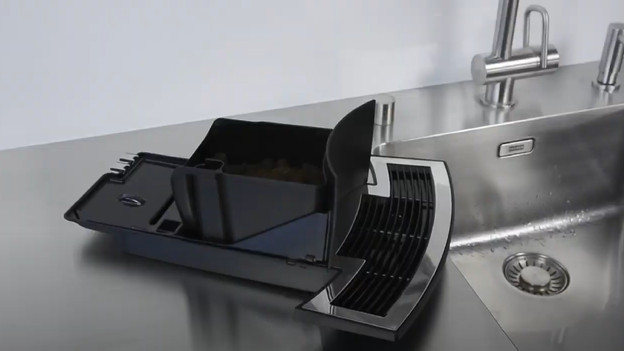
The notification 'tray missing' won't go away
Your JURA coffee machine detects whether the tray is in place via metal strips on the back. The message 'Drip tray missing' will appear on the display when the metal isn't making contact. This is caused by dirt on the metal strips of the drip tray. Go through the following steps:
- Clean the drip tray, all the edges, and the interior of the coffee machine. Use a cloth with warm water and mild dish soap.
- Dry it and place it back in the machine.
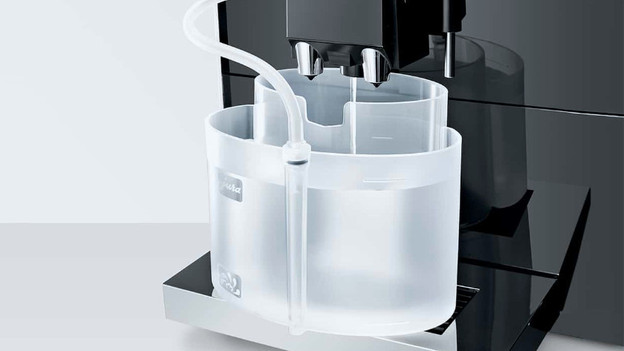
The notification 'clean unit' doesn't go away
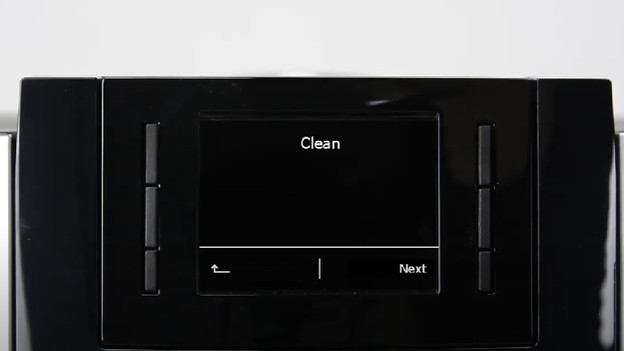
The cleaning cycle didn't run properly or completely. That's why the coffee machine detects that the cleaning cycle isn't done. Go through the cleaning cycle again, but without a cleaning tablet. Follow the instructions on the display and read the manual.
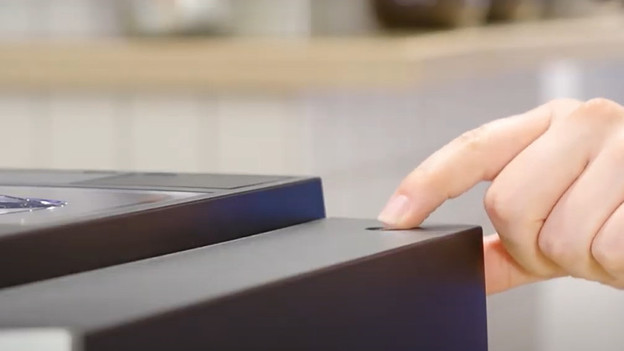
Error code 1 to 6
If you see the error codes 1, 2, 3, 4, 5, and 6 on the display of your coffee machine, something is wrong with the built-in temperature sensors. These sensors check and ensure the right temperature to make your cup of coffee. You can solve them the following way:
- Let the coffee machine cool down to room temperature.
- Don't use the coffee machine for at least 30 minutes.
- After that, unplug the power cord from the socket and wait 5 minutes before you plug it in again
- Turn the machine back on.
Error code 8
Error code 8 means that there's some ground coffee stuck in the brew group. The brew group is less flexible as a result, so it's not in the right position. Go through the following steps to solve the error:
- Unplug the connector from the socket and restart the machine after 5 minutes.
- Empty the coffee grounds container and the drip tray and put them back into the machine. Make sure the gaps are no longer visible.
- Is the error code still being displayed? Repeat these steps.
Article by Charlotte
Coffee Machine Expert.