Written by Rowan
Edited on
13 October 2025
·
14:39
Which MacBook is suitable for students?
As a student, you need a laptop. You need it to write reports, make presentations, and do homework, but for your free time as well. Because when your school work is finished, it's time to reward yourself with a nice series or game. But which MacBook is suitable for you as a student? We tell you here.
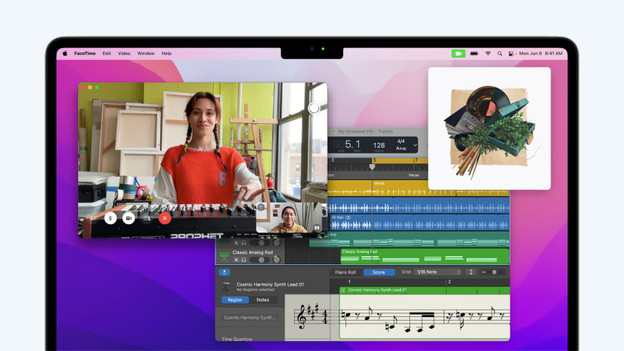
Do you fit this profile?
As a student, you need a laptop for school and for in my free time. For example, you do research, write papers, or make summaries of your lessons for school. After school, your laptop still doesn't get a break. In your free time, you can stream a series on Netflix or play games like Fortnite and Minecraft.
Suggested model
You're often on the go. That's why it's recommended to choose a compact MacBook, like the Apple MacBook Air (2022). The M2 chip by Apple lets all your programs run smoothly. In addition, you can multitask without problems thanks to the 8GB of RAM. This allows you to finish your assignments even faster and you'll have more time to binge watch your favorite series.

889,-
No longer available
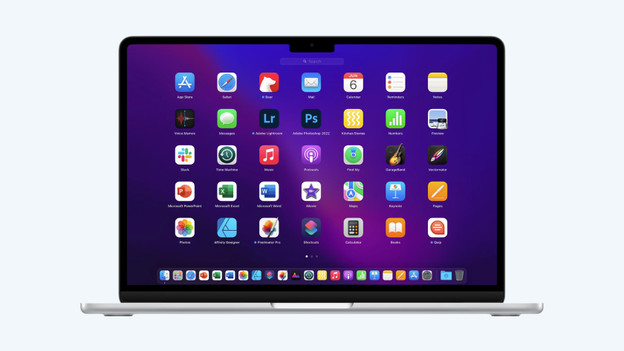
Fast processor for all your programs
You need a fast processor to let all your programs run smoothly. With the M2 processor by Apple, you're good. Whether you'll just use a text processing program like Word or Pages, or more work on more extensive edits in Photoshop, the M2 chip can do it all.
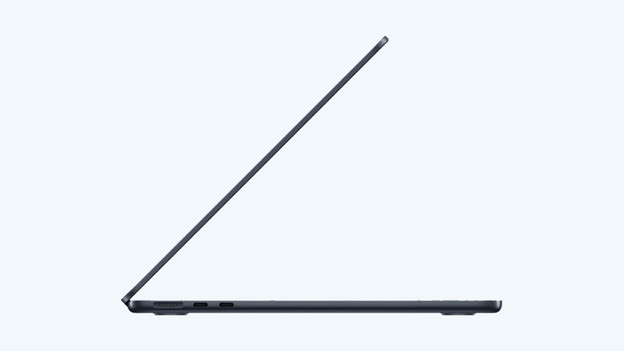
RAM for multitasking
The RAM of your laptop ensures that your laptop continues to work quickly, even if you do a lot at the same time. You can choose from 8GB, 16GB, or 24GB RAM. For all the tasks you do for school, 8GB is more than enough. Do you also edit videos in your spare time? The 16GB model is a better choice for you. Especially if you want to enjoy your Apple MacBook for years to come.
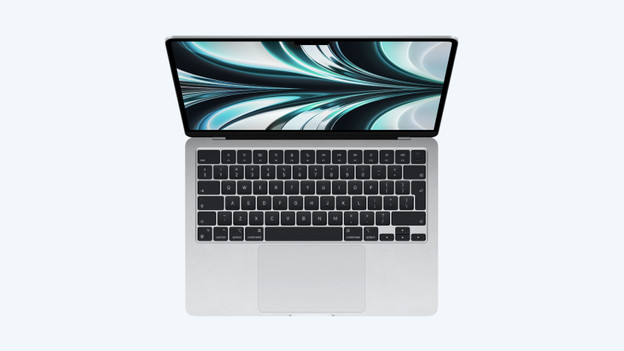
At least 256GB of storage
All Apple MacBook models have a fast SSD drive. This will boot your Macbook in seconds. That's great if you want to get started quickly. Make sure you choose sufficient storage capacity. You'll be good with at least 256GB. This provides enough space for all your school files and photos. Would you rather have more space to store your vacation videos? Choose 512GB or 1TB.
Article by Rowan
Apple Expert.