Apple MacBook
Find the Apple MacBook that suits you
Apple MacBook
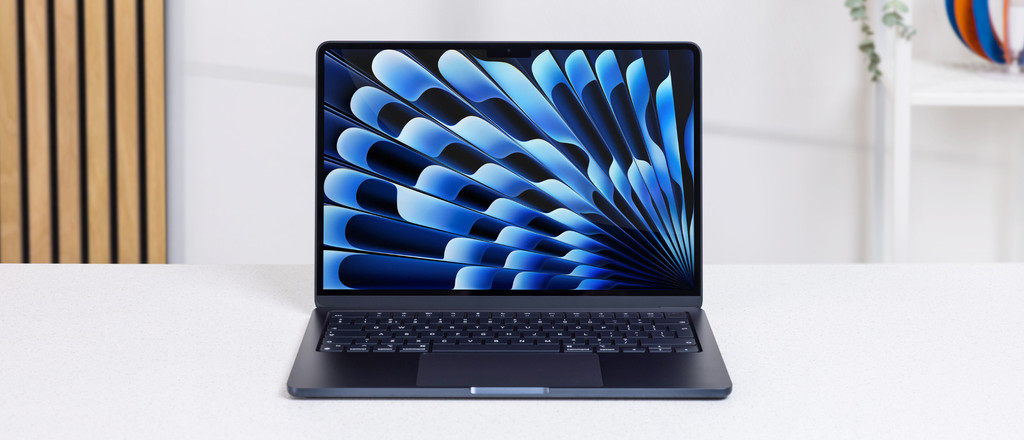


€ 50 extra student discount on MacBook Neo and Pro during Back to School
Need a new MacBook for your studies? You're in luck, because you receive a € 50 extra student discount on a MacBook Neo and MacBook Pro between 17 August 2026 and 20 September 2026. This amount is added to the Back to School deals. That way, you can enjoy the latest MacBook for a lower price. You can read how high the exact discount is and which models are part of the promotion below. The promotion only applies to higher education.
Prove that you're a student

Open the form
We have to make sure that you're really studying, of course. You can easily confirm this via our verification form. Open the form and log in with your student email address. We'll send a code to this email address. Enter the code in the form. Within a few minutes, you'll receive a confirmation. The student discount is now linked to your Coolblue account.
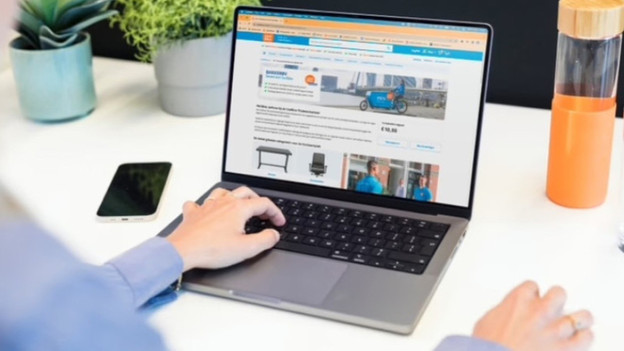
Choose your MacBook with a student discount
Which student MacBook you choose depends on your field of study, the conditions from school, and your personal wishes. In our articles or in the stores, we're happy to help you make the right choice. Found your ideal laptop? Add it to your shopping cart.

Get started with your student MacBook
When you pay, the student discount is automatically added. You've ordered a new MacBook with a student discount, yay! Did you order it before 23:59? It'll be delivered at your house tomorrow. Good luck with your studies.
All MacBook models
MacBook Pro
With the MacBook Pro, you can effortlessly open the most demanding apps.MacBook Air
With the light but powerful MacBook Air, you can work smoothly wherever you are.MacBook Neo
With the MacBook Neo starter model, you can perform light tasks.



Compare the MacBook Pro, MacBook Air, and MacBook Neo
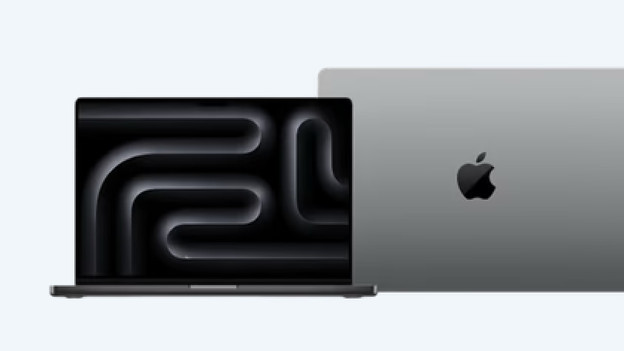
MacBook Pro
- Thanks to the M5, M5 Pro, and M5 Max chips, you can even perform the most demanding tasks effortlessly.
- You don't miss a single detail on the 14-inch or 16-inch Liquid Retina XDR display.
- You can charge your MacBook with MagSafe and connect accessories via the 3 Thunderbolt ports, HDMI port, and SDXC card reader.
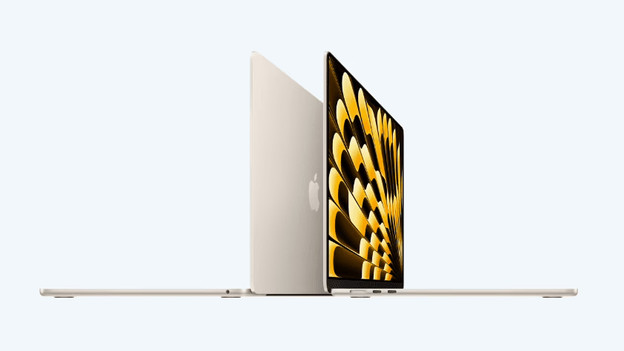
MacBook Air
- With the M5 chip, you can easily work in demanding apps and files.
- Enjoy sharp images on the 13 or 15-inch Liquid Retina display.
- You can charge your MacBook with MagSafe and connect accessories with the 2 Thunderbolt ports.
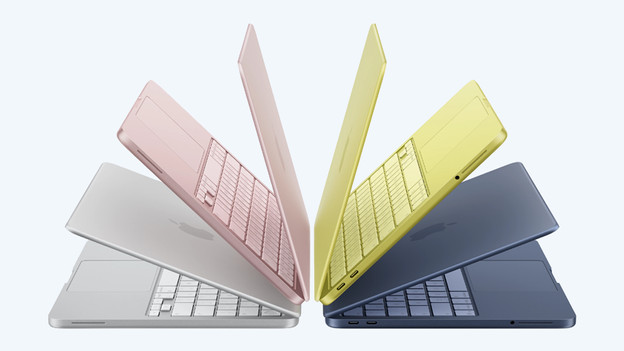
MacBook Neo
- Thanks to the A18 Pro chip, you can work smoothly in most apps.
- MacBook Neo is only available with a 13-inch Liquid Retina display.
- You can charge your MacBook and connect accessories with the 2 USB-C ports.
How do you choose an Apple MacBook?
How do you choose an Apple MacBook?
Before you choose your MacBook, it's important to know what you want to use it for. Based on your wishes, choose the size, processor, RAM, and the storage capacity. Our Apple expert is happy to tell you more about it.How do you choose the size of an Apple MacBook?
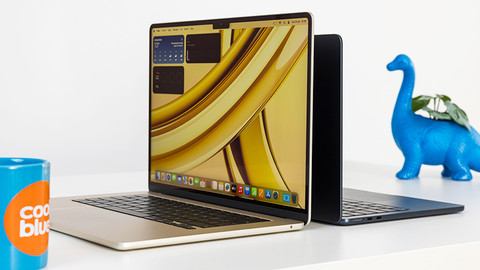
With the Apple MacBook, you can choose from various sizes of 13 to 16 inches. To know which size you need, it's good to know what you'll use the MacBook for. In this article, we'll tell you all you need to make the best choice.Compare all Apple MacBook models
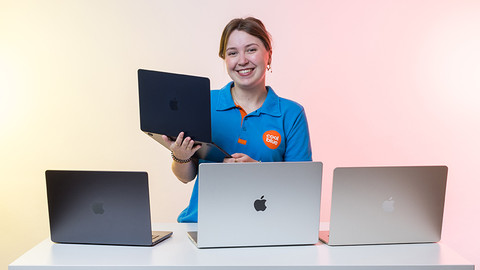
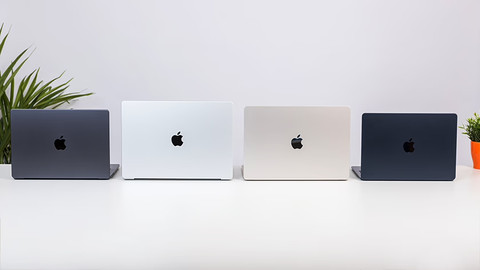
Interested in the Apple MacBook? You can choose between the MacBook Pro, MacBook Air, and MacBook Neo. Which choice is the best for you, depends on your preferences. In this article, we'll tell you all about the different Apple MacBook models.
Trade in your old Apple MacBook for a discount

Step 1: check the trade-in value
Look up your current MacBook and check what trade-in value you'll receive.

Step 2: buy your new MacBook
Pick out a new MacBook on our website or in the store. Transfer all data from your old MacBook to your new MacBook.
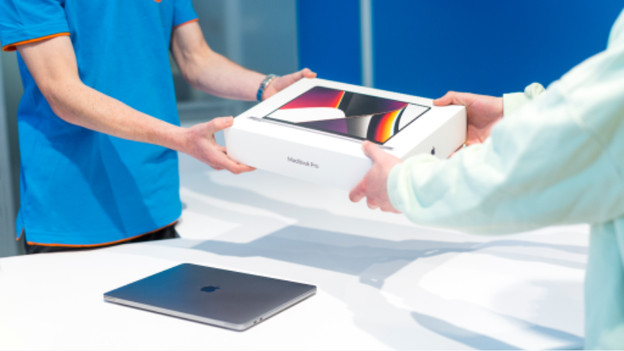
Step 3: trade in your old MacBook in the store
Go to the store with your old MacBook. The expert then decides the definitive trade-in value there. You'll receive this amount as a discount.
Business opportunities
Apple MacBook business rent
Rent your business MacBook for a fixed amount per month. You can rent starting at 1 year and don't have to pay any startup costs. After your renting period, you hand in your old devices and get an offer for a new contract. That way, you always work with the latest Apple devices. Want to know more? Read on.

Pay on credit
With payment on credit at Coolblue, your company receives an invoice after your order. You order products today, receive them tomorrow, and pay them within 30 days. This way, your employees don't have to pay orders in advance and charge it afterwards. You can read all about paying on credit here.

Become a business customer at Coolblue
With a business account at Coolblue, you can profit from the advantages Coolblue Business offers. You can see all prices including and excluding VAT, easily order multiple units, and download your invoices, for example. Curious about the other advantages of Coolblue Business? Read on.
FREQUENTLY ASKED QUESTIONS
What's the difference between MacBook Pro, MacBook Air, and MacBook Neo?
Which MacBook suits you best depends on your usage situation. With the powerful MacBook Pro, you can open the most demanding apps and enjoy the best screen. With the light and fast MacBook Air, you can also work with demanding apps on the go. Choose the light and colorful MacBook Neo to smoothly open light apps and files.
How much RAM do I need?
In addition to your processor, the RAM decides the speed of your MacBook. It's important to know how much RAM you need, because it's not expandable later. With more RAM you can perform more demanding tasks and work more smoothly in multiple programs at the same time. Do you edit photos and videos? You need more RAM than if you only take notes.
How much storage capacity do I need?
It's important to know how much storage capacity you need, because it's not expandable later. You base the storage capacity on your usage situation. Choose 256GB if you store a lot in iCloud. If you rather store files locally, we recommend at least 512GB. To store demanding programs or large files, we advise at least 1TB.
Which inch size suits me?
If you're often on the go, a compact 13 or 14-inch size is useful. This model easily fits in your bag and doesn't weigh too much. Often work at home or edit many detailed files? We advise a 15 or 16-inch size.
Can I use Microsoft Office 365 on my MacBook?
Yes, that's possible. You do need a Microsoft Office suite for this. You can choose from different licenses. Which version you choose depends on your usage situation. Apple also has their own free software called iWork. You can write documents in Pages, edit spreadsheets in Numbers, and make presentations in Keynote.
How do I use the student discount?
From 10 August until 6 September 2026, you'll receive a € 50 student discount on Apple MacBook Neo and MacBook Pro. To qualify, you must first prove that you are a student. You can do this via our verification form. A student discount voucher will then be added to your account. The discount will be automatically applied upon the purchase of a participating MacBook.


Advice on Apple MacBook
Can't choose? View the advice from our expert.