Written by Giorgos
Edited on
26 August 2025
·
13:26
What's NVIDIA DLSS and what can you use it for?
With NVIDIA DLSS, which stands for Deep Learning Super Sampling, your video card creates for frames per second thanks to the AI cores. This way, you can play your games with more frames per second and enjoy faster gameplay. You can read about what DLSS is and how it benefits you while gaming in this advice article.
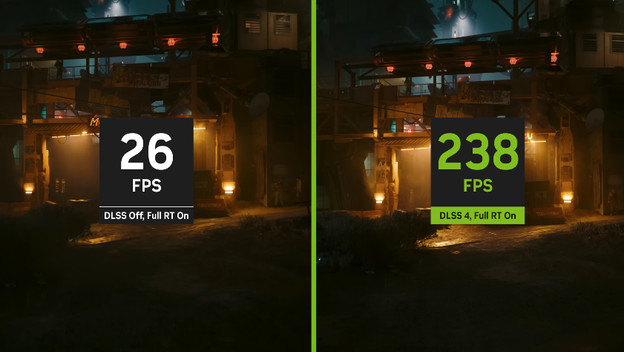
What's NVIDIA DLSS?
NVIDIA DLSS creates extra frames and images. This reduces the pressure on your video card and provides more power for better performance. DLSS creates images in a lower resolution and scales them up with AI. Are you playing Call of Duty: Black Ops 6 in QHD? When you turn DLSS on, your video card creates and renders images in Full HD quality. AI then scales them up to QHD. This way, you can play your favorite games with more frames per second and enjoy smooth gameplay. You can do this without replacing or upgrading your components.
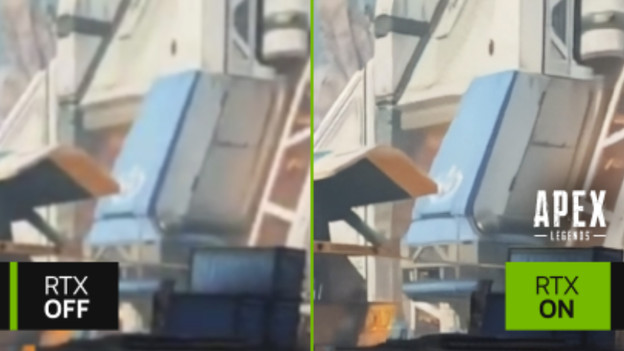
How does DLSS work?
DLSS has 2 types, the DLSS version and DLSS mode. The DLSS version indicated which generation your video card supports. The RTX 4000 series supports DLSS 3.0, which improves your frame rate and effects. That way, the AI images look more realistic. The different DLSS modes improve a separate part of your game. We've listed them for you:
- DLSS Quality improved the image quality. You can game with 30 to 50% more frames and sharper images.
- DLSS Balanced balances the image quality and frames, so you can game with 50 to 70% more frames.
- DLSS Performance increases the number of frames between 70 and 100%, which mostly works well in QHD or 4K. Your images are slightly less sharp.
- DLSS Ultra Performance increases the number of frames to up to 200% for better performance. The disadvantage is that your image quality is much lower.
What are the advantages of DLSS?
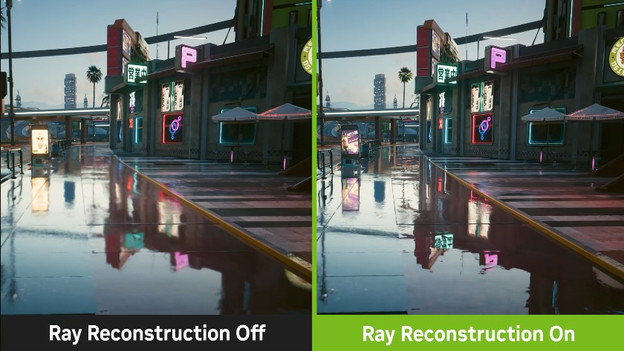
Improved performance
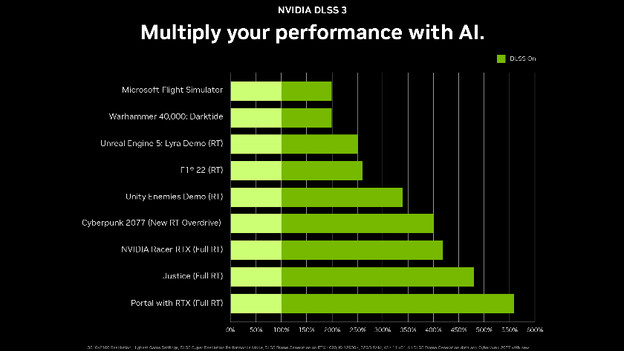
Thanks to DLSS, you can game with more frames per second at the same settings. The technology doubles or even triples your frames. You can enjoy sharper images with DLSS Quality Mode, while DLSS Balanced and Ultra Performance increase the frame rate. The number of frames you get extra depend on the game you're playing. You'll mostly notice the difference with higher resolutions, because it asks more from your video card.
Lower system requirements
DLSS creates more frames per second and adds details to your games. That way, you can also play Microsoft Flight Simulator with an RTX 4060, or even an RTX 4050 when playing with low settings. This way, you can play more demanding games even when you have a starter gaming laptop or desktop. Keep in minds that the image quality of your game isn't the same. For the best gaming experience, we always recommend a better video card.

Efficient use of hardware
When you turn DLSS on, you use the built-in Tensor Cores of the NVIDIA video card. These cores make AI calculations and keep other parts of the video card free for other tasks. For example, you demand less from the RAM with DLSS. That way, you can also smoothly game in 4K with an RTX 4060 when the game supports DLSS.
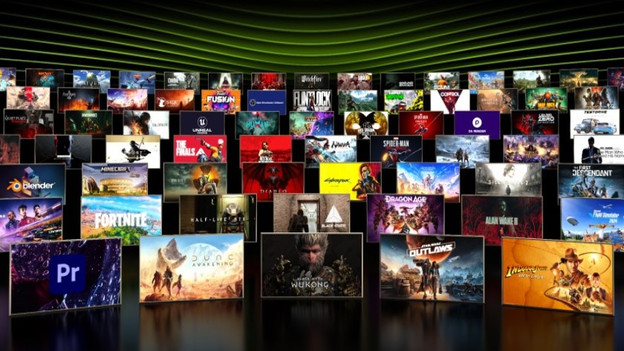
Which games support DLSS?
Almost all new and modern games support DLSS. For example, the latest Call of Duty, EA Sports FC, and Assassin's Creed. Re-released games like the old GTA trilogy got improved DLSS support. Mostly, DLSS is missing from old games from before 2020 or games that run on older systems. Systems like Unity or Unreal Engine 4, for example. In addition, many small games or indie games don't support DLSS.

How do you turn DLSS on?
You first turn on DLSS in your game and video card. You can do this in NVIDIA GeForce Experience. Here, you can update your drivers to the latest version. You can then check the settings in your game in the graphics menu or video options. Choose the DLSS mode you want here, and adjust the resolution and frame rate to your liking.
Article by Giorgos
Laptop Expert.