Sony earbuds
Get advice from Stan
newOur digital expert Stan helps you with choosing. Together, you'll find the Sony earbuds that suits you best.
Completely immerse yourself in your music
2 extra noise canceling microphones
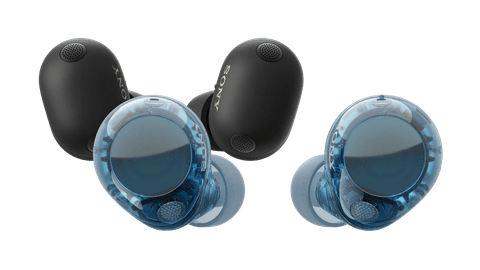
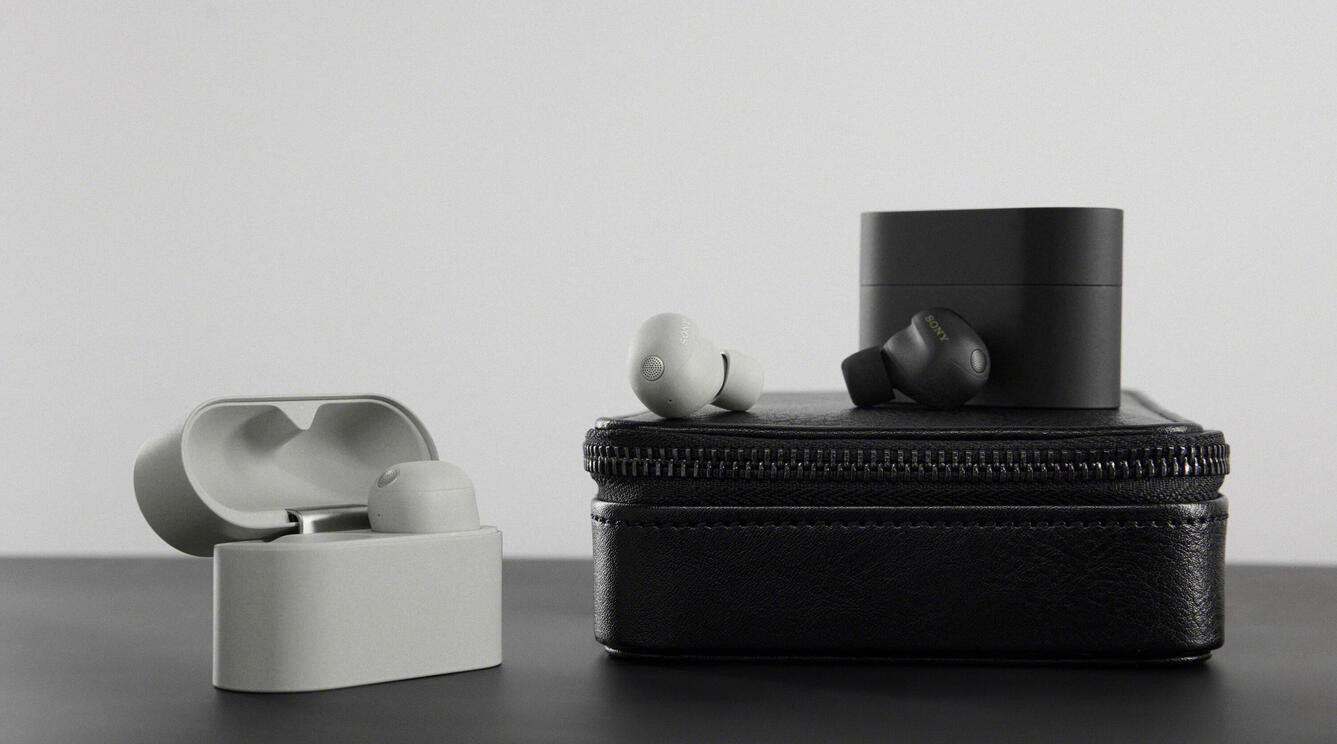
The earbuds have 8 noise canceling microphones, which are 2 more than the WF-1000XM5. That way, you can barely hear your surroundings and completely immerse yourself in your music. With the AI noise suppression and voice recognition, the person on the other end of the line can clearly hear you during phone calls.
Sony earbuds
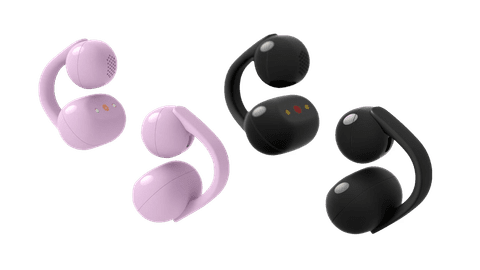
With Sony earbuds, you can listen to high-quality music both wirelessly and wired. With the wireless Sony WF-1000XM6 and WF-C710N, you don't hear any ambient noise thanks to noise canceling. This way, you can fully immerse yourself in your favorite music. Still want to hear your surroundings? Choose the Sony LinkBuds Clip or WF-C510. These allow you to stay alert in traffic, for example. With the wired Sony earbuds, you can listen to music for as long as you want. They have a remote on the cable, so you can easily skip through your music.
The differences between the wireless Sony earbuds
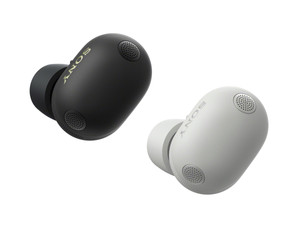
Most detailed sound, best noise canceling
You can enjoy the most detailed sound thanks to Hi-Res audio and the balanced sound reproduction.
The earbuds have 8 noise-canceling microphones, so you barely hear anything of your surroundings.
With the 8-hour battery life, you can listen to music the entire work day.
You're clearly audible during phone calls thanks to the AI noise suppression.
From
299,-
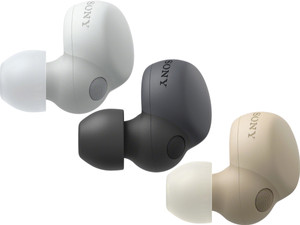
More detailed sound and powerful noise canceling
Thanks to Hi-Res audio, you hear more detail and depth in your favorite music.
Your earbuds have 6 noise canceling microphones, so you can enjoy your music in peace.
With the 8-hour battery life, you can listen to music the entire work day.
From
199,-
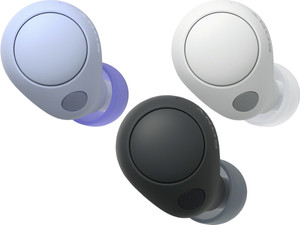
Detailed sound and reasonable noise canceling
Thanks to the stereo and spatial sound reproduction, you can enjoy spatial audio.
Thanks to noise canceling, you hear less of your surroundings and you can listen to your music in peace.
From
to85,-
99,-
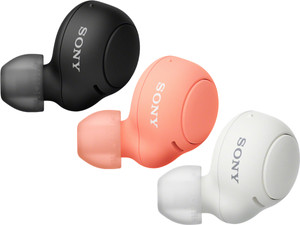
Decent sound without noise canceling
Music sounds lively thanks to the stereo sound reproduction.
From
to44,99
48,99

Personalize your sound with the Sony Headphones App
In the Sony Headphones App, you can adjust the sound to your preferences. For example, you can amplify the bass if you like intense bass. In this article, we explain how to get the most out of your Sony earbuds with the app.

Sony noise canceling explained
With Sony noise canceling, you can close yourself off from your surroundings. Noise canceling greatly reduces ambient noise, so you're fully immersed in the music. It's also easier to focus on your work with Sony noise canceling. That's because you hear your fellow students or colleagues at the office less.
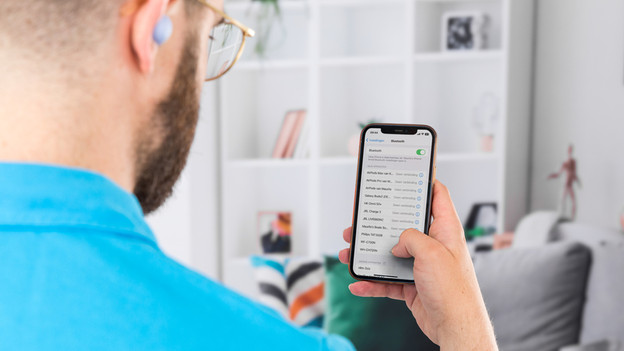
Multitask more easily with multipoint pairing
With multipoint pairing, it's easier to multitask. With this technology, you connect your Sony headphones to 2 devices at the same time. For example, connect your earbuds to a laptop and a smartphone. So if you're listening to music on your laptop and receive a call, the earbuds automatically switch the connection.
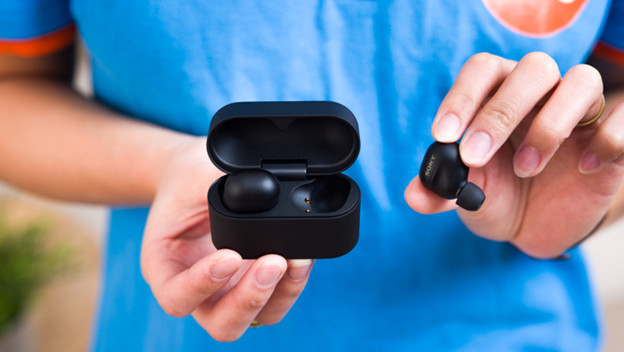
Read everything on the new Sony WF-1000XM6
The Sony WF-1000XM6 is the successor to the WF-1000XM5. The updated design of the earbuds and charging case has rounded corners. The WF-1000XM6 earbuds also have 2 extra noise-canceling microphones and AI noise suppression. Our audio expert tested the earbuds. You can read what they think of the product here.
Sony earbuds in use

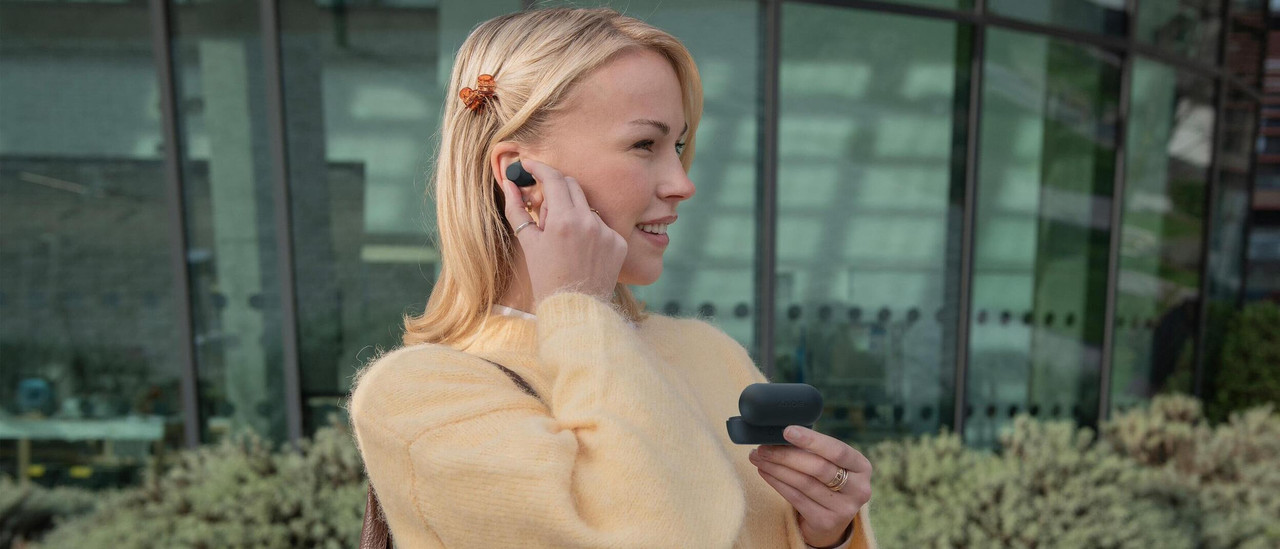


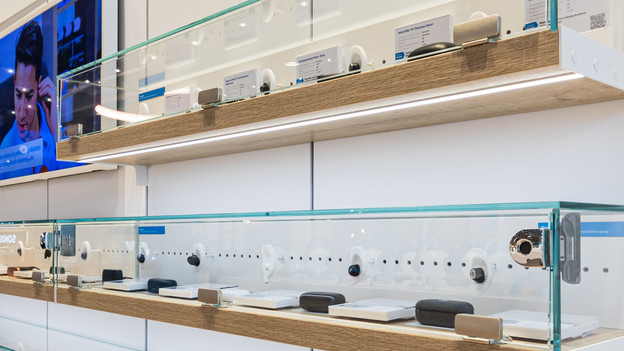
Test Sony earbuds in our stores
In our store, you can find Sony earbuds to test. Our audio experts can help you make the best choice for you. You can also make an appointment in one of our stores to extensively test Sony earbuds. This way, you're sure that you make the best choice for Sony earbuds. Check which earbuds you can test in each store.


FAQ
Can I adjust the sound preferences of my Sony earbuds?
With the Sony Headphones App, you can adjust the sound reproduction to your wishes. This way, you can amplify the bass if you like intense bass, for example. You can also adjust the noise canceling in the app. In the article below, you read more about the Sony Headphones App.
How do I ensure a good connection with my Sony earbuds?
If you have a bad connection with your earbuds, you can do a few things. For example, a reset of your earbuds can help. It also helps when you download a software update, if there's one available. In this article, we help you with a good connection for your Sony earbuds.
What can I do with Google Assistant with my Sony earbuds?
You can control the Sony earbuds with your voice via Google Assistant. You can ask about the weather, traffic, and your calendar, for example. How do you turn this on? In this article, we help you get started.
How do I get started with my earbuds as quickly as possible?
As soon as you get your Sony earbuds, you want to listen to music as quickly as possible. First, connect the earbuds to your smartphone. Then, put the earbuds in your ears. You can read in the article below what else you need to do to get started with your earbuds.
How do I connect my Sony earbuds?
It differs per type of earbud how you connect your earbuds. With some earbuds, you press the left and right earbud at the same time. The earbuds then go into pairing mode. With other earbuds, you press a button on the back. Take a look at the manual of each earbud to find out how to connect it.