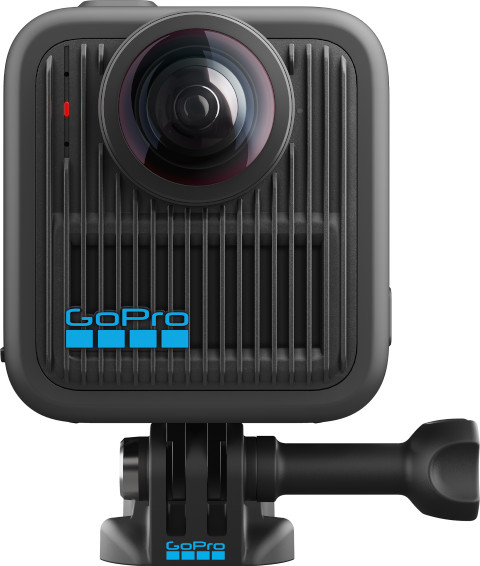
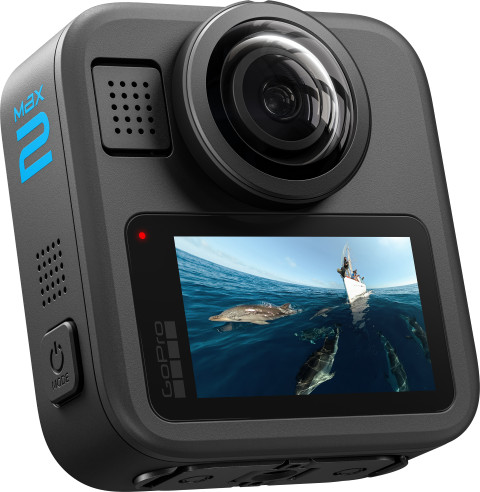
I find the GoPro MAX2 a versatile 360-degree camera. I choose from various recording modes and also use the MAX2 as an action camera. I quickly edit my sharp 8K footage in the GoPro Quik app. However, I notice that pixels become visible more quickly in my footage at night.
High image quality
I record sharp 8K 360-degree footage with the MAX2. I'm happy with this, because the high resolution allows details to remain clearly visible. I find this useful because I often crop my 360-degree videos to 9:16 for Instagram reels. If I don't want to constantly film in every direction, I switch to Single Lens Mode. I then use the MAX2 as an action camera with a 180-degree field of view. I record in 4K video at up to 60 frames per second. This saves storage space and allows small details of my surroundings to remain clearly visible, such as letters on traffic signs or the texture of the road surface where I skateboard. During the day, I record clear and sharp footage. In the evening, I see more pixels in my images, which makes the camera less suitable for night shots.
Shooting Modes
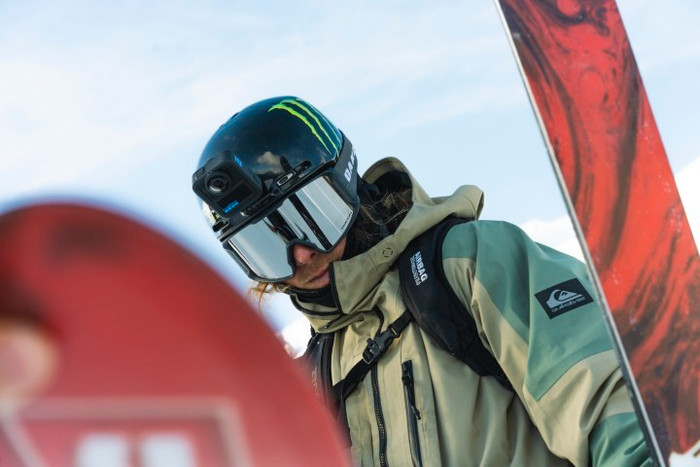
This camera is versatile, and that's its biggest advantage. It's especially suitable for sporty outings or vacations, such as a ski trip or bike ride. I tested it while skateboarding on a rainy day. The camera is waterproof up to 5 meters, making it ideal for various weather conditions. The MAX2 also has handy features that allow me to quickly create different types of videos. In the menu, I can choose from several recording modes, such as POV, Hyperlapse, Selfie Mode, and Looping. With Hyperlapse, I record accelerated footage while skateboarding and share it without post-processing. I especially like the HyperSmooth feature. It removes vibrations and shakiness from my videos, making them pleasant to watch.
Recording and Editing with the GoPro Quik App
I use the GoPro Quik app to control my camera and edit my footage. I adjust my settings in the app and view my camera live via the preview. This way, I can determine beforehand whether a skateboard trick will be captured effectively. I also use the Quik app for post-processing. I upload my footage to the cloud and start editing immediately. Because I don't have to save it locally first, I save storage space. In the app, I choose the frames I want to show and crop my videos. I switch recording modes and change the angle of view to, for example, POV. This makes the viewer feel as if they're actually on the skateboard.