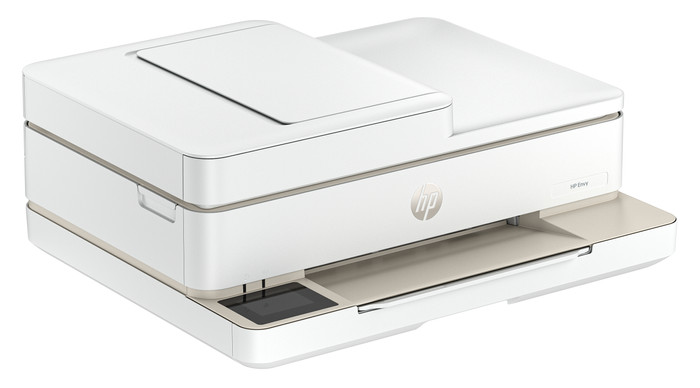
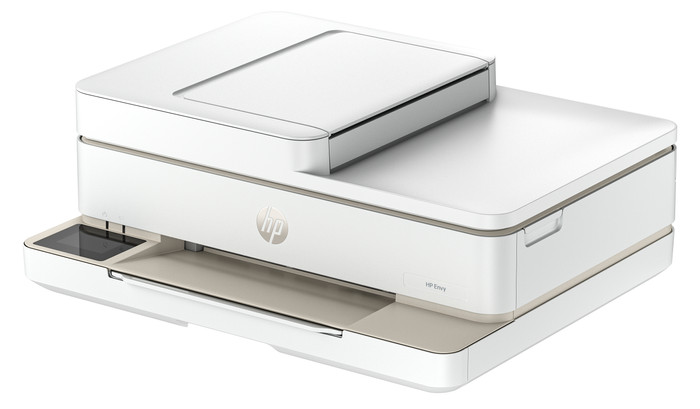
With the HP ENVY 6520e, I have a 4-in-1 printer that scans, copies, and even faxes. I save paper by automatically printing on both sides of the paper and can copy a stack of paper in one go with the automatic document feeder. The print speed is slow, so I wait longer for larger documents.
First Impression
My first impression of the ENVY 6520 is that it's quite compact for a printer with an automatic document feeder. It easily fits on my 140-centimeter desk. I also really like the printer's colors. Compared to its predecessor, this ENVY has a touchscreen, which makes it easier to use. When setting up the printer, I don't have to print instructions; they're displayed directly on the screen.
Many Options
The ENVY 6520e is a versatile printer. I can also use it to scan, copy, or even send a fax. I want to save paper, so I automatically print on both sides of the paper. The printer first prints on one side of the paper, then flips it over and prints on the other side. The printer also has an automatic document feeder. I place a document in this feeder and have it copied in one go. This saves me time and manual work. With a print speed of 7 color pages per minute, I wait a little longer for large color documents. Photos take even longer, up to about a minute per photo.
Printing photos and cards
In the paper tray, I swap my regular paper for HP photo paper, which I use to print my photos. The photo quality is good enough for vacation photos for your scrapbook or on the refrigerator. I also download designs from HP Printables via the HP Smart app. This is an HP website with free, ready-made designs for coloring pages, crafts, calendars, and cards. I print fun cards on card stock and print coloring pages and day planners to hand out.
3 months of free ink
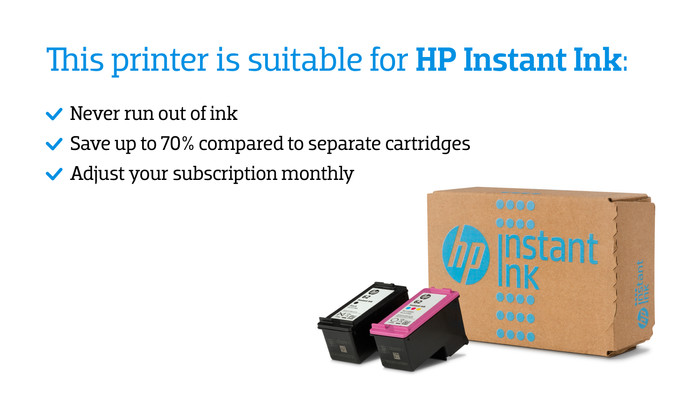
With the HP ENVY 6520e, I get 3 months of free ink through HP Instant Ink. I sign up for this through the HP Smart app. This allows me to print for free for 3 months and receive new cartridges on time. This way, I don't have to worry about running out of ink while printing. Individual cartridges are expensive, so Instant Ink saves me a lot on my printing costs.