HP printers for at home
Most HP printers for at home are all-in-one printers, which allow you to print, scan, or copy paper. You choose your HP home printer based on your printing habits. HP inkjet printers have a lower purchase price and print ink from cartridges. With an HP Smart Tank printer, you can print thousands of pages thanks to the affordable ink bottles. Mainly print text documents? An HP LaserJet printer is a good choice. Also consider useful printer functions. There are HP printers with an automatic document feeder to copy an entire stack of paper in one go. Or printers that have automatic duplex scanning or printing, for example.
HP printers for at home
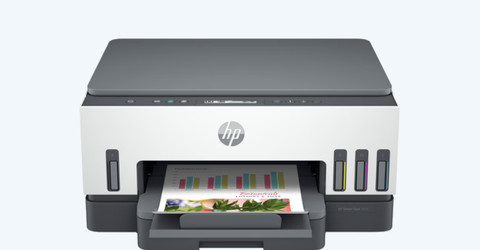
Top 10 HP printers for at home
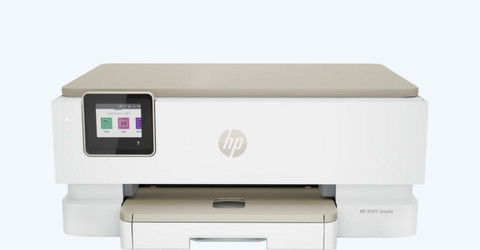
All HP printers for at home
Compare the HP printers for at home
Save on printing costs
With an HP Smart Tank, you can print affordably. These printers have an ink tank that you fill with affordable ink bottles. Print thousands of pages with 1 set of ink.
Print, scan, and copy with these models. Choose a model that automatically prints in duplex and save paper.
Thanks to the ink tank, you save on printing costs.
The ink bottles you use to fill the ink of the printer are more sustainable than cartridges.
From
to169,-
378,-
Automatically print in duplex
HP ENVY printers print in duplex, which saves you paper. Thanks to the separate photo paper tray and extra photo functions, you can easily print photos.
Print, scan, and copy your documents. You can automatically print in duplex and save paper.
You can print photos directly from the photo paper tray.
From
to75,-
228,-
Single-sided printing only
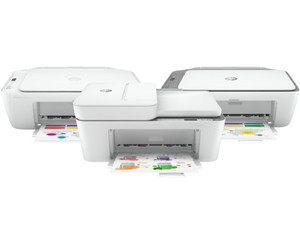
You can't print in duplex with the printer. Because of the low speed, an HP DeskJet is especially suitable if you print an e-ticket or scan a passport every now and then.
You print, scan, and copy with these all-in-one models.
From
to56,-
68,-
Highlighted ink tank printer for at home
Print extra affordably with ink bottles
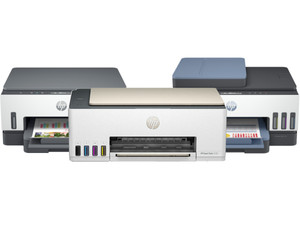
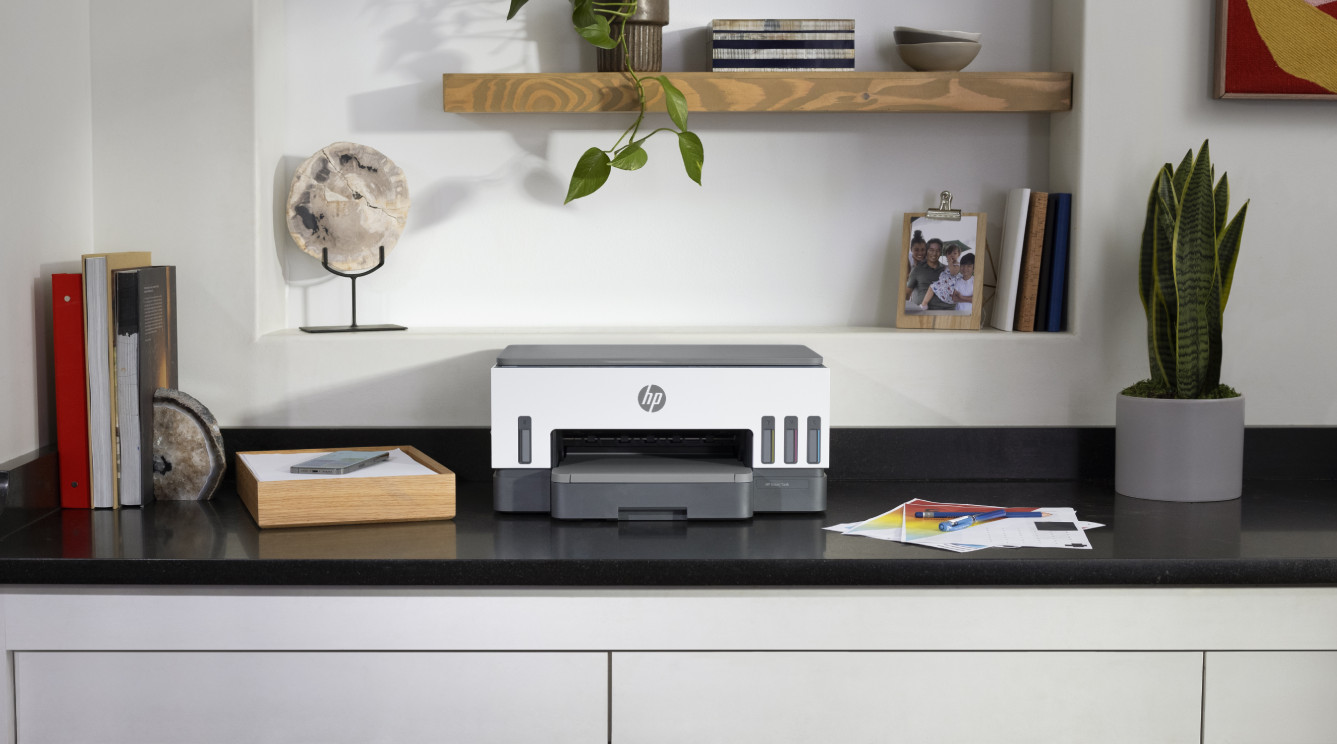
With the HP Smart Tank 7005, you can print thousands of pages with 1 set of ink bottles. That's because this printer doesn't use cartridges or toner cartridges, but ink from a large refillable ink tank. This way, you can save a lot on your printing costs.
View all HP Smart Tank printers
Highlighted inkjet printer for at home
Print for free for 6 months
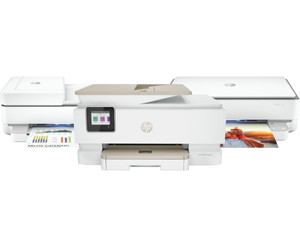
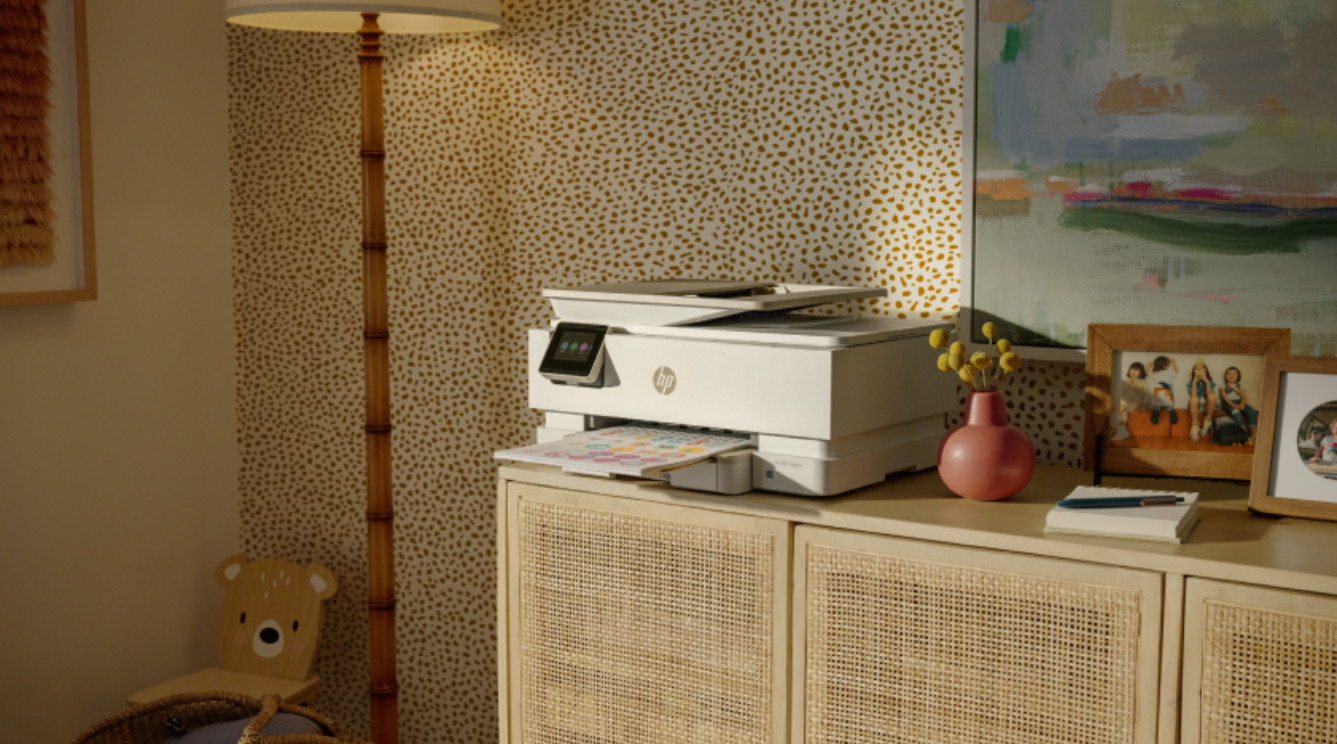
With this printer, you can easily print all your documents in black and white and color. The print speed of this printer is 10 pages per minute, so you never have to wait for your print for a long time. Thanks to the automatic document feeder, you can easily scan and copy large stacks of paper in one go. You also receive 6 months of HP Instant Ink for free, so you don't have to buy ink for the first 6 months.
View all ENVY printers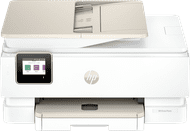
HP Instant Ink for at home
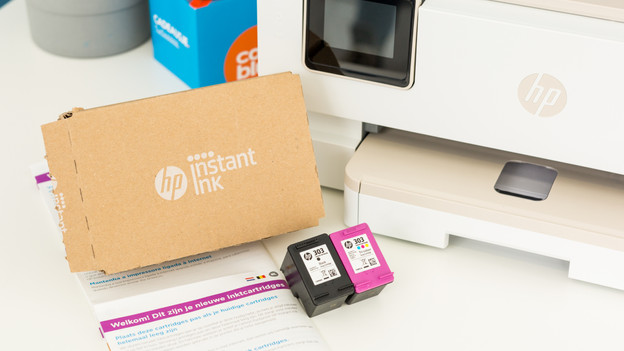
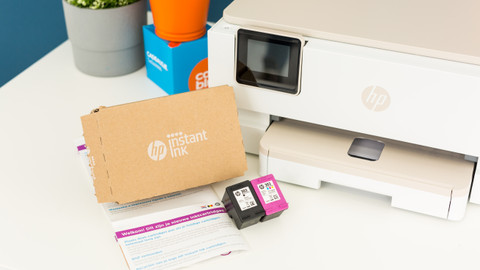
With a printer at home, you can print multiple documents. For example, school files, your administration, or vacation photos. Cartridges are expensive, so the costs can run up quite a bit. With HP Instant Ink, you pay a fixed amount per month for the number of pages you print. You receive cartridges at home for an affordable price, even before you run out of ink.
Advice on HP printers
How do you register your HP printer for HP Instant Ink?
Want to register your HP printer for Instant Ink? Read how to do this step by step here.What are the differences between the HP printers?
Read what the differences are between all HP printer series here.
Creative printing


Frequently asked questions
How do you choose the best HP printer for at home?
Before you choose an HP printer for at home, you need to ask yourself some questions. Do you want to print a return form or e-ticket every now and then? An HP DeskJet is sufficient. If you print regularly and also want to print your vacation photos, choose an HP ENVY. These printers automatically print in duplex and have extra photo functions. Do you want to print a lot and want to save on printer costs? Choose the HP Smart Tank. These printers use ink bottles instead of cartridges, so the printing costs are low.
How do you register for HP Instant Ink?
With HP Instant Ink, you receive new ink in time and for an affordable price. You need an HP printer that's suitable for Instant Ink for your registration. In addition, make sure that you have a working WiFi connection and that your printer is connected to it. You also need a valid email address, a payment method, and a delivery address. You can register for this service in no time.

Advice on HP printers for at home
Can't choose? View the advice from our expert.