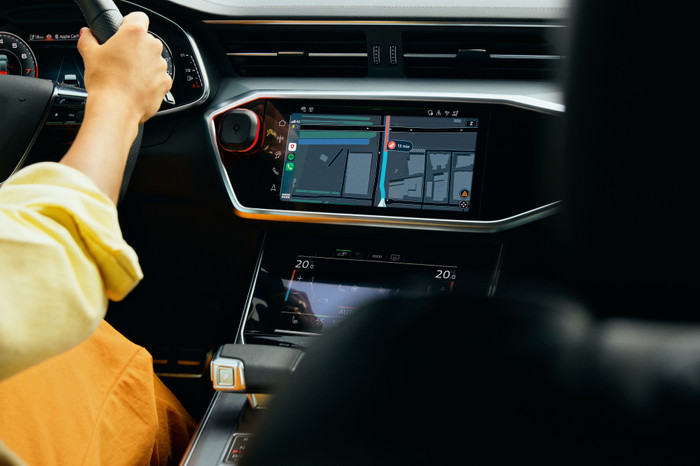
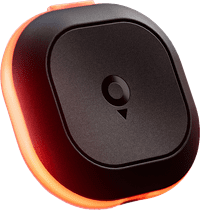
With Tom, I can focus more on the road, be well-prepared for traffic situations, and avoid fines. It's rechargeable and works without a subscription with the free TomTom app.
Small and rechargeable device
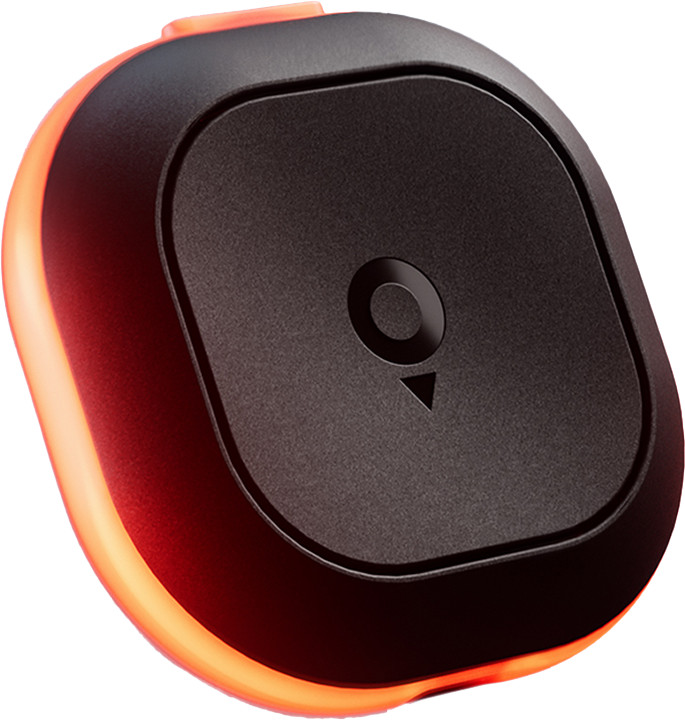
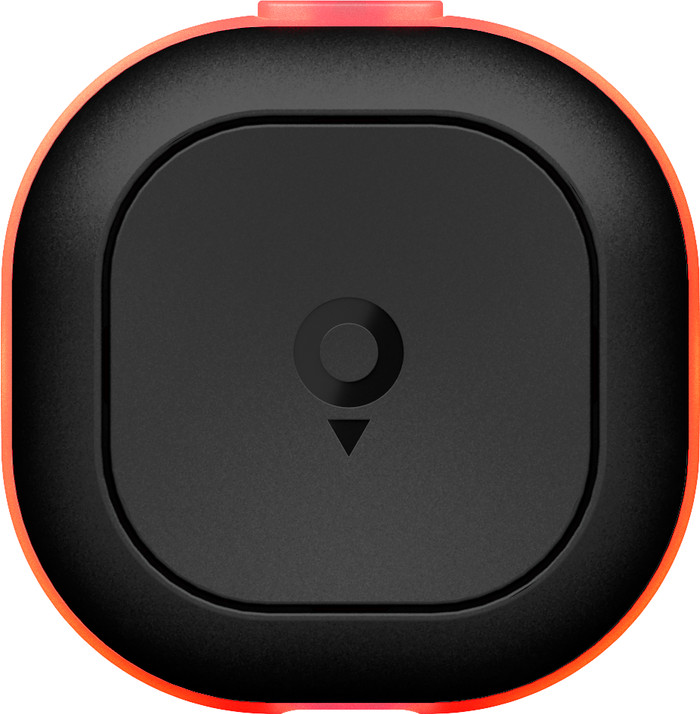
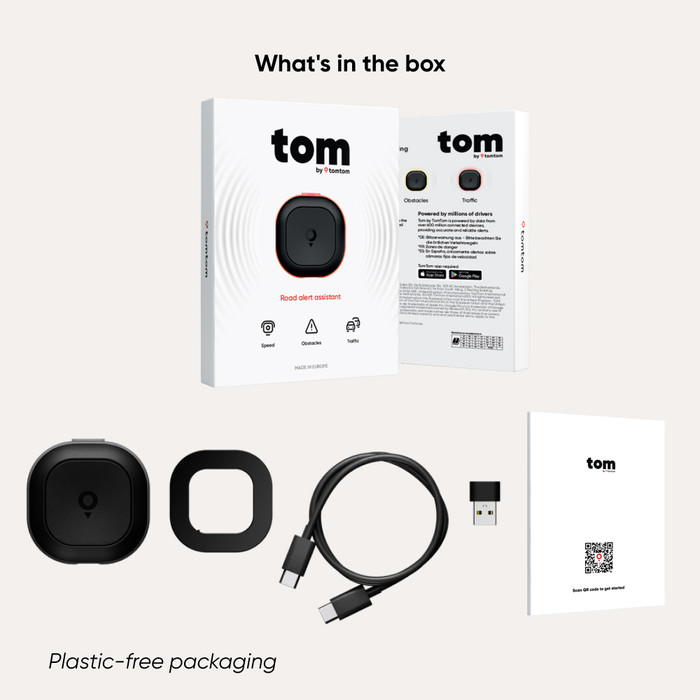
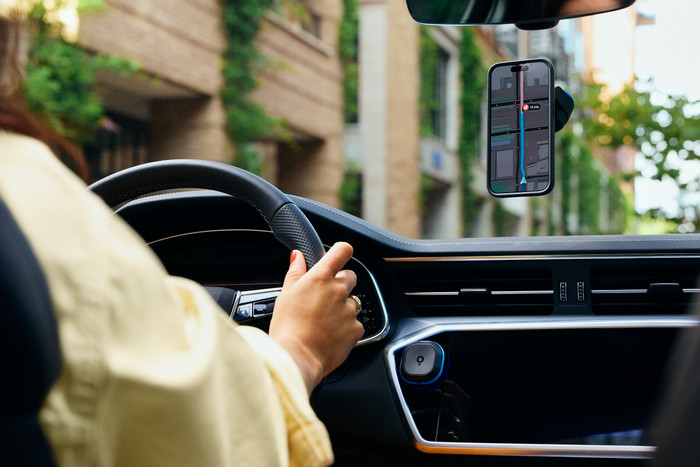
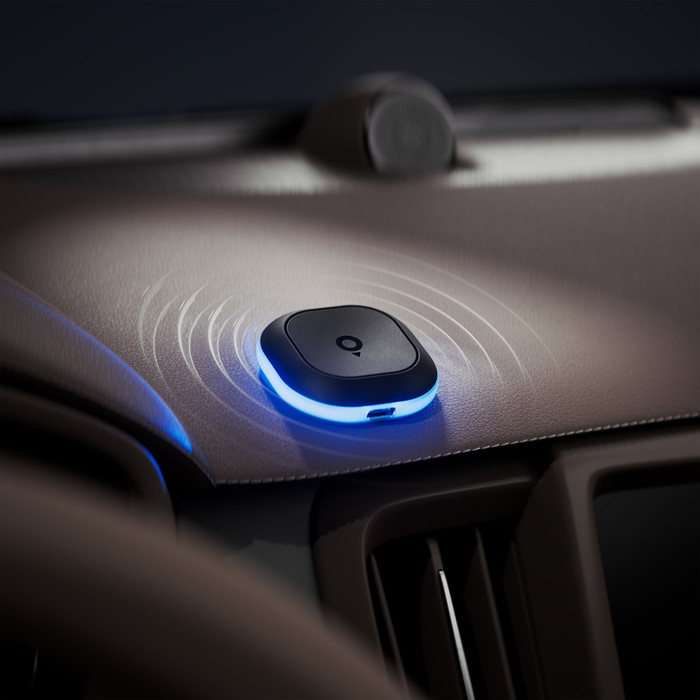
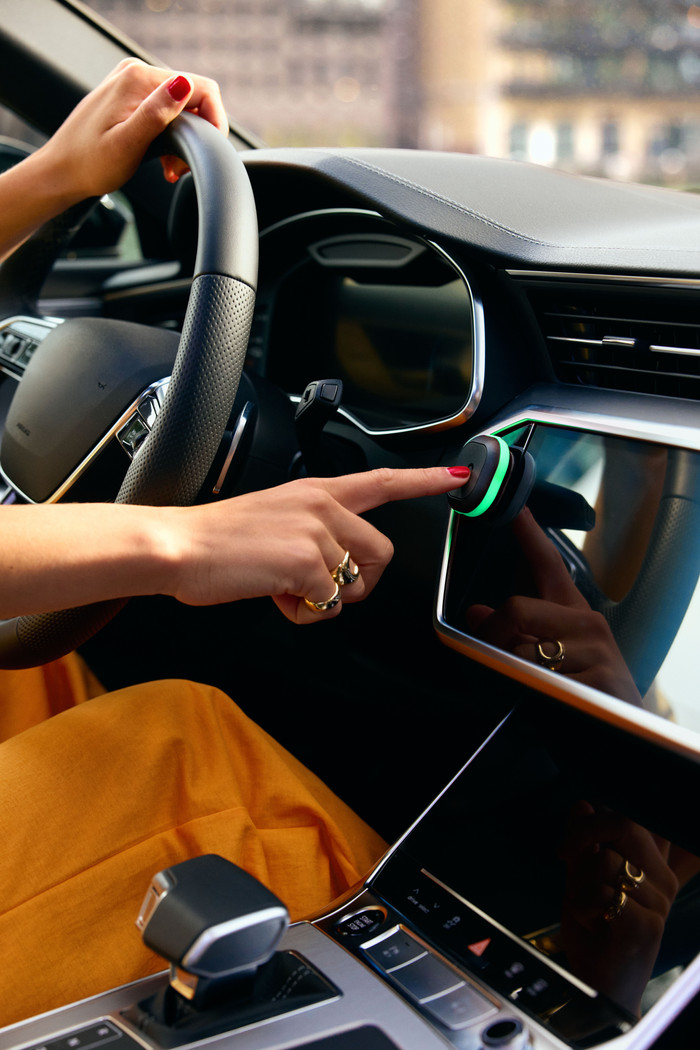
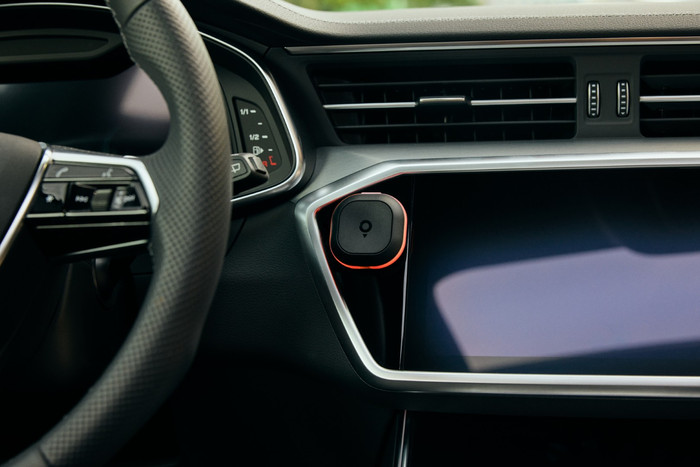
The traffic report is compact. It's about the size of a dental floss box. There's a large button on the front, which I use to report situations. On the back, there's a mount that I attach to my dashboard with an adhesive strip. Tom attaches magnetically to the mount, so I can take it with me out of the car. However, it doesn't come with a mount for the air vent. A USB-C cable is included for charging the report, so no hassle with batteries.
Easy installation
Installation is quick and easy. I pair the device via the settings in the TomTom app on my smartphone. I turn the device on, and the app automatically detects it. I'm ready to go. Tom works without a subscription with the free TomTom app. It's available in the Apple App Store and Google Play Store.
Works instantly and doesn't distract.
I don't have to pair the notification when I get in the car, because that happens automatically. I receive a notification on my smartphone when Tom is paired. So I don't have to use the app to get traffic alerts. This is handy for short or familiar trips. Of course, I always have to have my smartphone with me. Tom's notifications are short and don't distract me from the road.
Notifications for speed cameras, average speed checks, and more.
Tom alerts me in a timely manner, for example, about a speed camera. Well before a speed camera, the device lights up blue and I hear a beep. I also had a situation with unexpectedly stopped traffic, and then it lit up red. I also receive a notification if I'm driving too fast; I see an orange light. I can check if a speed camera is correct by pressing the large button in the center once. If there's an obstruction on the road, I hold the button until Tom flashes yellow.