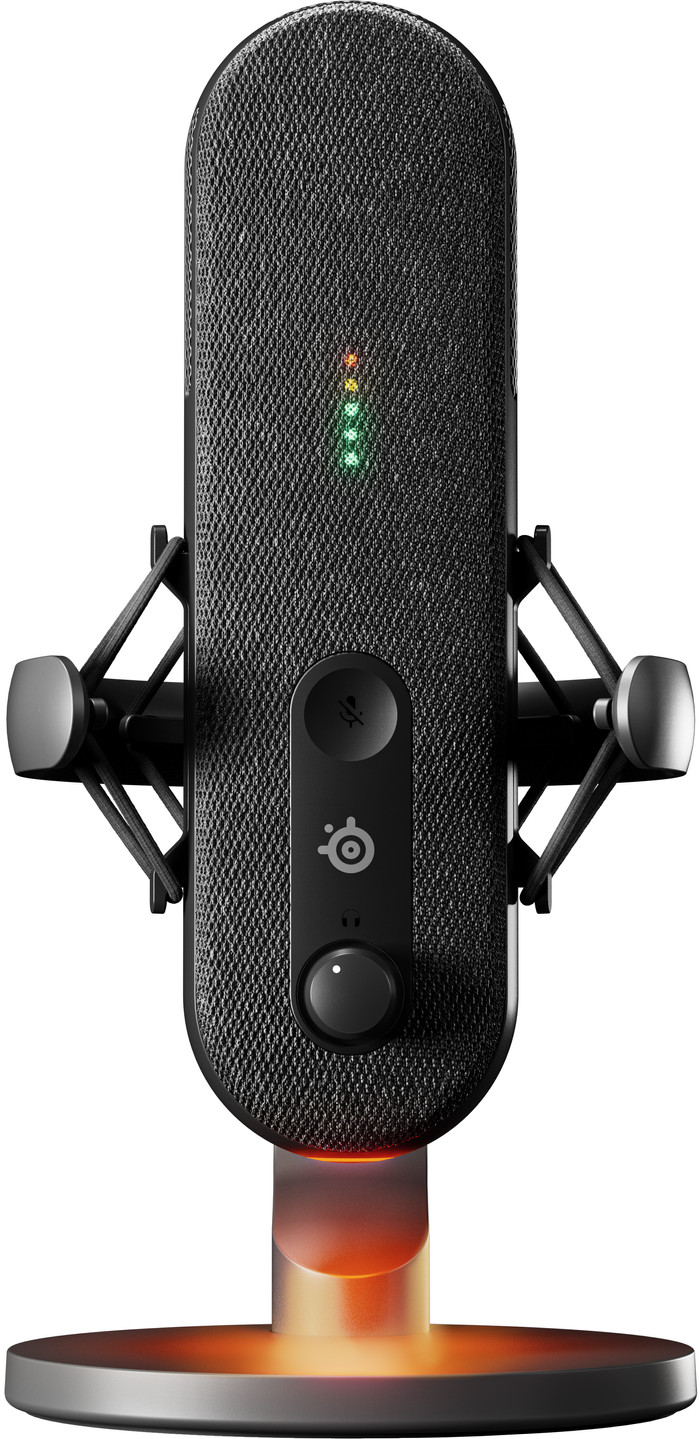
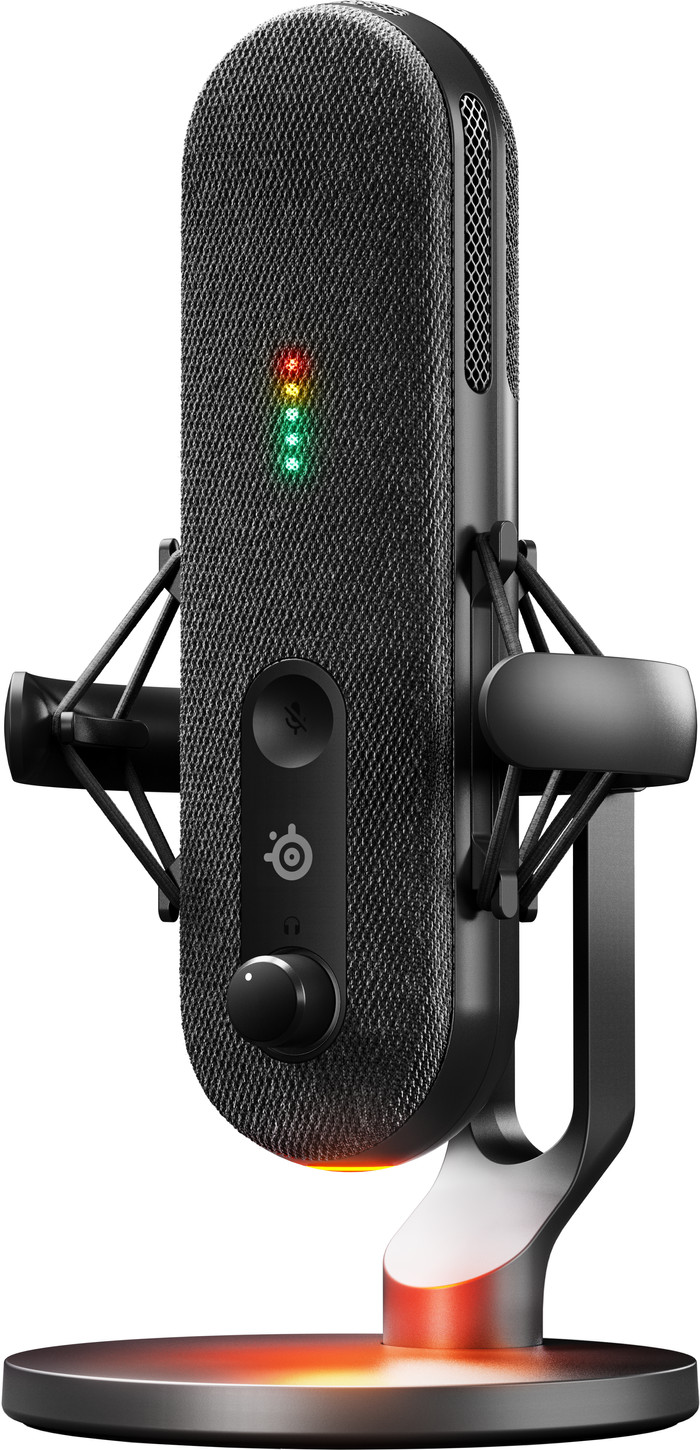
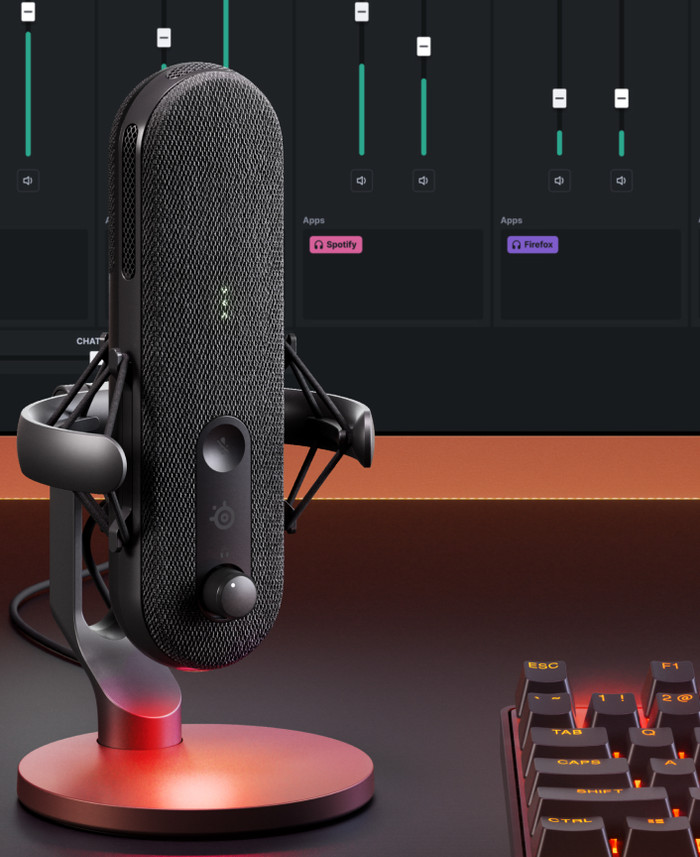
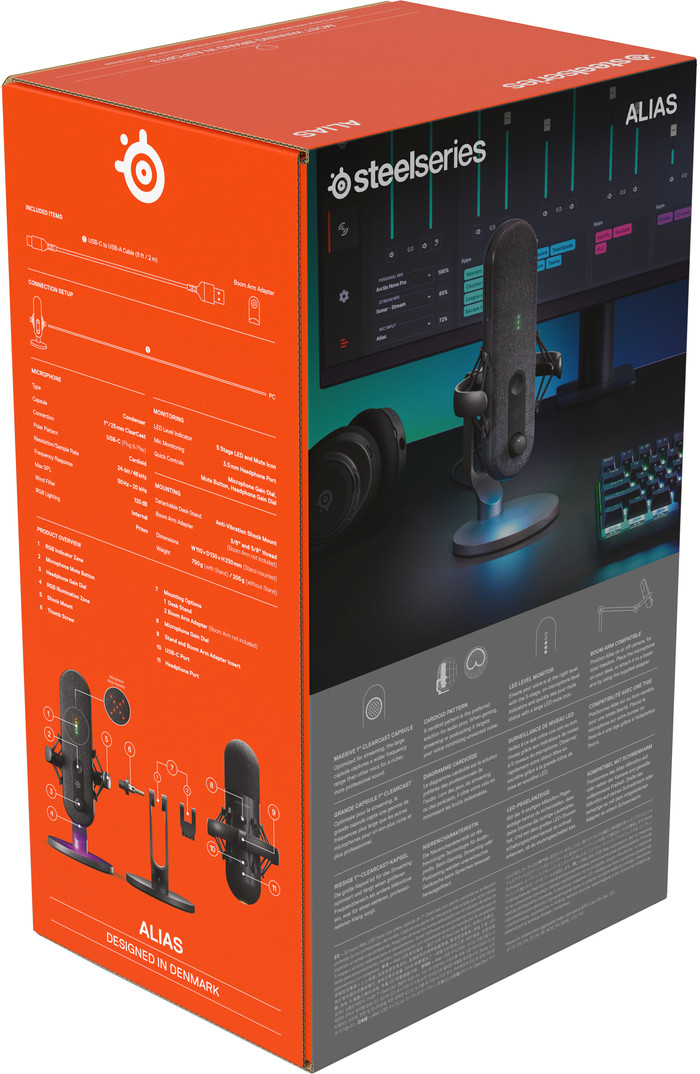
The SteelSeries Alias is a streaming microphone with clear sound. The box contains a microphone, USB cable and a table tripod. I connect the microphone to my laptop or PC via the USB cable.
Design
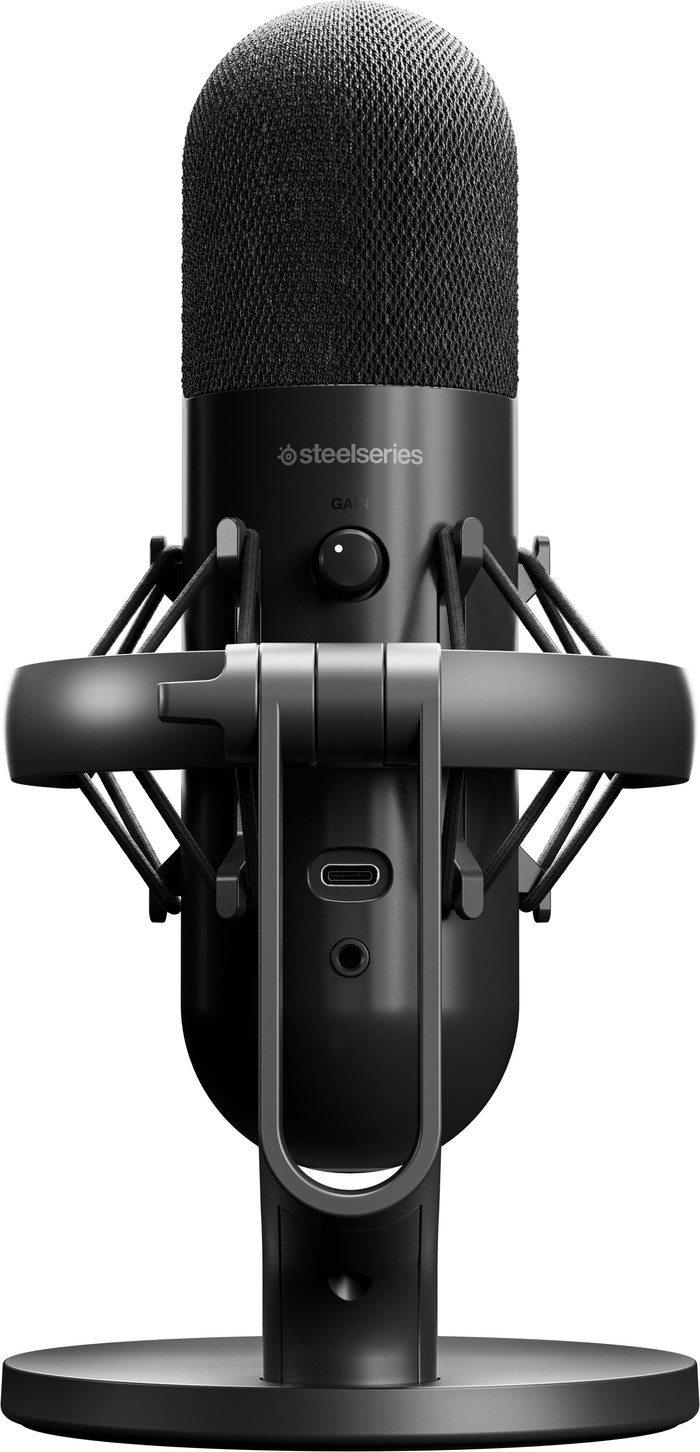
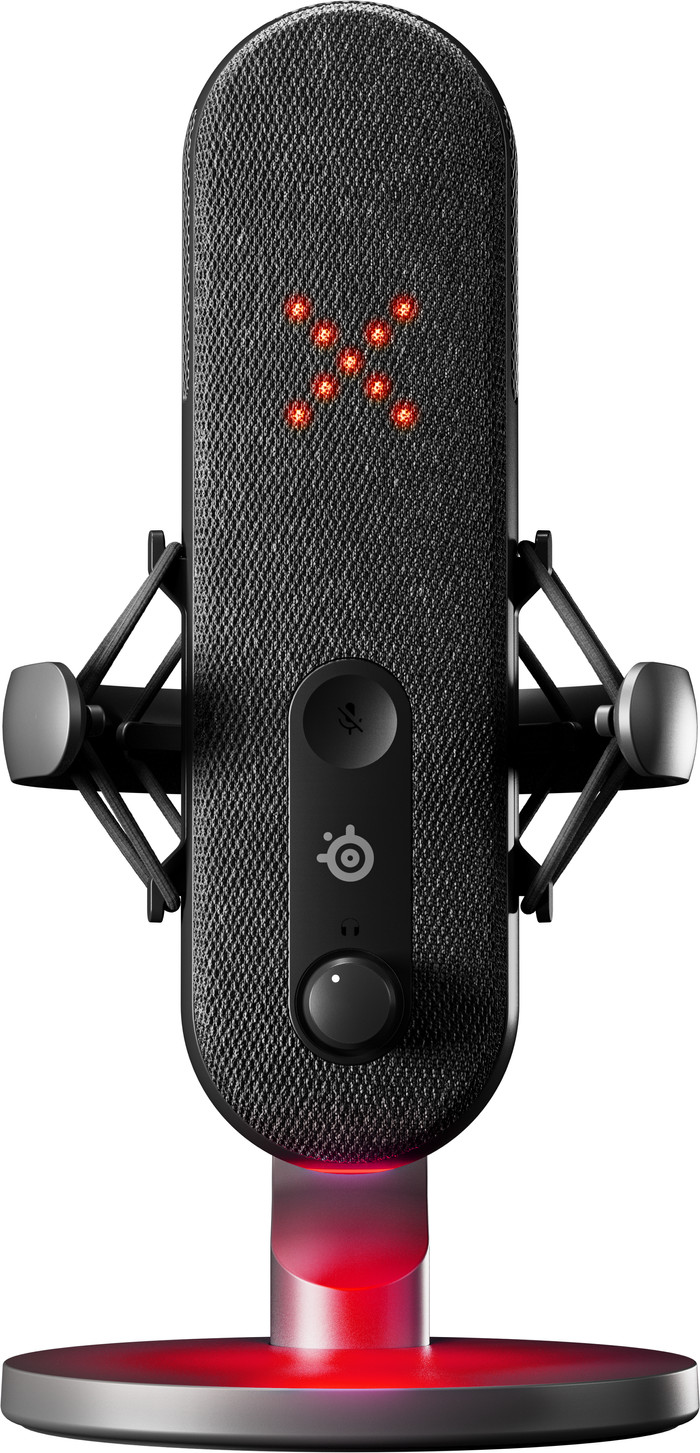
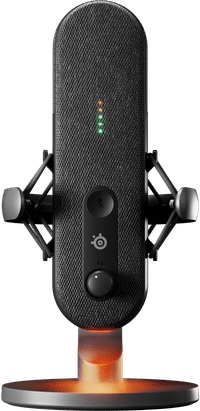
This is a nice streaming microphone with a minimalist design. The microphone has a fabric layer. This makes the microphone look different than most streaming microphones. However, the design is a bit longer in shape, making it less compact than most streaming microphones. The microphone itself has a mute button, a dial for the headset volume and a dial for my microphone volume. The microphone has a general swivel screw that fits any microphone arm or stand. This means I also use the SteelSeries Alias with my current microphone arm.
Recordings
This is a cardioid streaming microphone. This means that the microphone records the sound from the front. Because of this, I notice that if I don't talk directly into the microphone, the sound sounds further away. The recording is best when the microphone is directly in front of my mouth. The sound is then very clear and I am clearly audible to my viewers. I use the button on the back to change the volume input of the microphone. This is useful because I don't need separate software to change this.
SteelSeries GG software
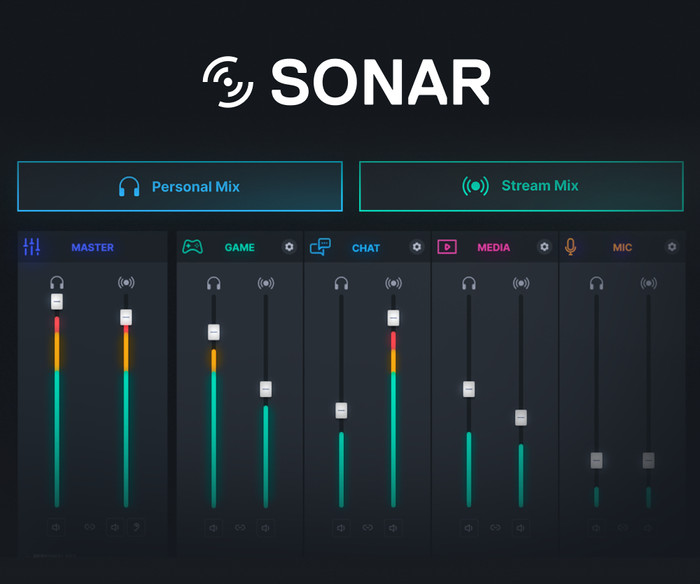
I set up my audio channels for my stream via the SteelSeries GG software with SteelSeries Sonar. This allows me to easily adjust the different sound channels, such as making the party chat louder or quieter. However, setting up this software does take some time, so keep this in mind when you connect the microphone for the first time. I also have different configurations for each audio channel to choose from. For example, in the game channel I choose between different games, each of which has its own equalizer. This means I don't have to set it all up myself.
Are you looking for a nice streaming microphone with a unique look and clear sound? Then choose the SteelSeries Alias that looks great during your stream.