Written by Lucas
Edited on
9 October 2026
·
12:32
Compare the Blue Yeti X to the Yeti and Yeti Nano
The Blue Yeti X, Yeti, and Yeti Nano are very similar, so it's difficult to choose the right USB microphone for your situation. In this article, we'll explain the similarities and differences between the 3 microphones.
Comparison Blue Yeti X, Yeti, Yeti Nano
| Blue Yeti X | Blue Yeti | Blue Yeti Nano | |
|---|---|---|---|
| Directional characteristics | Bidirectional, Cardioid, Omnidirectional, Stereo | Bidirectional, Cardioid, Omnidirectional, Stereo | Cardioid, Omnidirectional |
| Sample rate | 24 bit / 48kHz | 16 bit / 48kHz | 24 bit / 48kHz |
| Volume indicator | Yes | No | No |
| Blue VO!CE | Yes | No | No |
| Size | Medium-sized | Medium-sized | Compact |
Blue Yeti X
- You connect this microphone to the USB port of your computer, so you don't need an external sound card.
- Thanks to the 4 different directional characteristics, you can use the microphone for different types of recordings.
- The LED indicator shows how loud your recordings are, so it's easier to record your voice with the right volume.
- This microphone doesn't include a popfilter and shock mount, so you might record unwanted sounds.

179,-
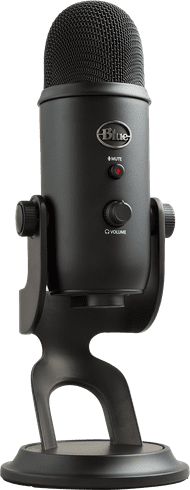
Blue Yeti
- You connect this microphone to the USB port of your computer, so you don't need an external sound card.
- Thanks to the 4 different directional characteristics, you can use the microphone for different types of recordings.
- With the adjustable mini tripod, you can easily adjust the direction of the microphone.
- Because of the design of the microphone, you can only use the Blue Radius III shock mount and universal shock mounts don't work.
96,-
Blue Yeti Nano
- You can connect this microphone to the USB port of your computer, so you don't need an external sound card.
- Thanks to the latency-free headphones output, you can listen to your voice recordings while talking without causing a delay.
- When you want to record a group of speakers, you can turn on the omnidirectional characteristics.
- It's better to not connect the microphone to your computer via a USB hub, because the sound quality will get worse.

100,-
Directional characteristics

Blue Yeti X: 4 directional characteristics
The Blue Yeti X has 4 different directional characteristics, bidirectional, cardioid, omnidirectional, and stereo. Via a button on the back of the microphone, you can choose the directional characteristics that best suits your situation. For example, you can choose sensitivity in the front or back, in the front, 360 degrees around, or from left to right. This means you can optimize the microphone for 1, 2, or a group of speakers.
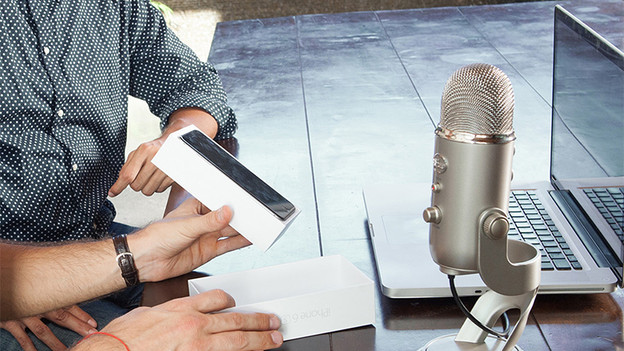
Blue Yeti: 4 directional characteristics
Just like the Yeti X, the Yeti has 4 different directional characteristics, bidirectional, cardioid, omnidirectional, and stereo. Thanks to this, you can optimize the microphone for 1, 2, or a group of speakers. Press the button on the back to change the directional characteristics.
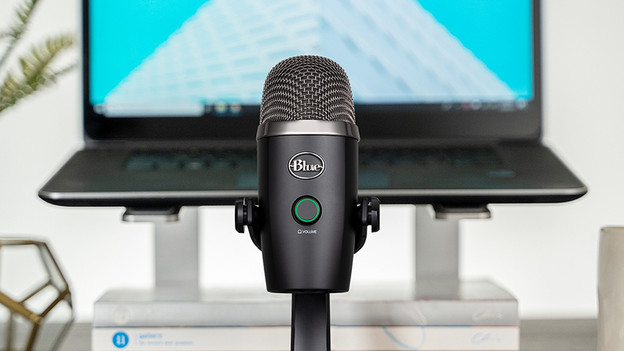
Blue Yeti Nano: 2 directional characteristics
With the Blue Yeti Nano, you can choose between 2 directional characteristics, cardioid and omnidirectional. You can choose for sensitivity at the front or 360 degrees around. This means you can use the microphone to record 1 speaker or a group. So it's less suitable for recording 2 different people.
Recording quality
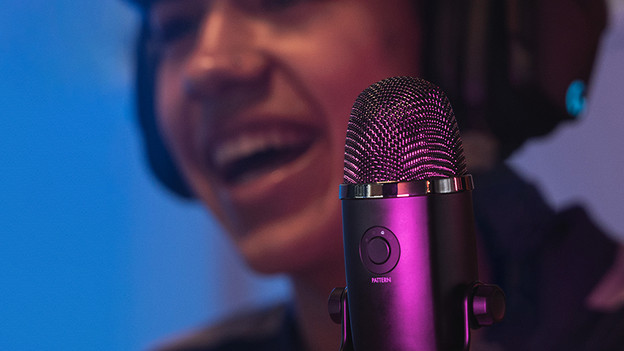
Blue Yeti X: 24 bit / 48kHz
The Blue Yeti X has a sample rate of 24 bit / 48kHz. Thanks to this, you can record sound with a high quality. The higher the sample rate, the more detailed voices and instruments sound.
Blue Yeti: 16 bit / 48kHz
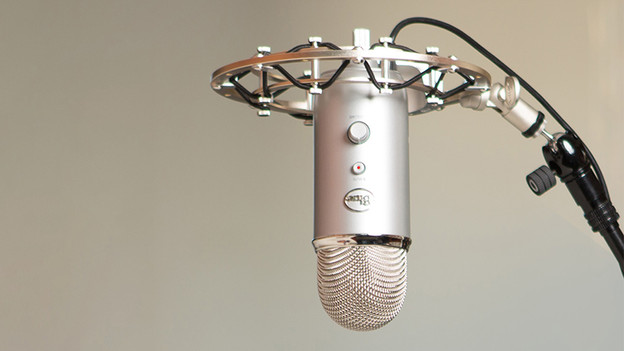
The Blue Yeti has a sample rate of 16 bit / 48kHz. Thanks to the bit rate of 16, your recordings have less detail than with the Blue Yeti X and Yeti Nano.
Blue Yeti Nano: 24 bit / 48kHz
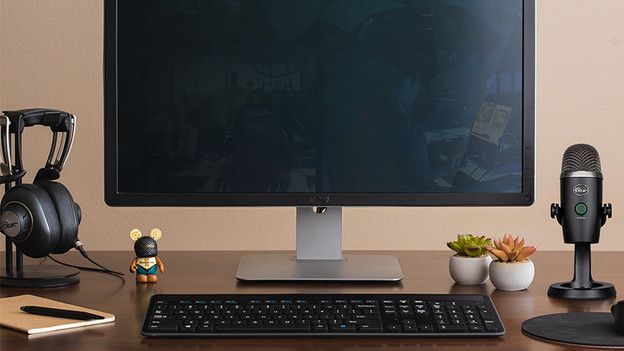
Just like the Blue Yeti X, the Blue Yeti Nano has a sample rate of 24 bit / 48kHz. That's why your recordings have more detail than with the yeti.
Volume indicator
Blue Yeti X: volume indicator
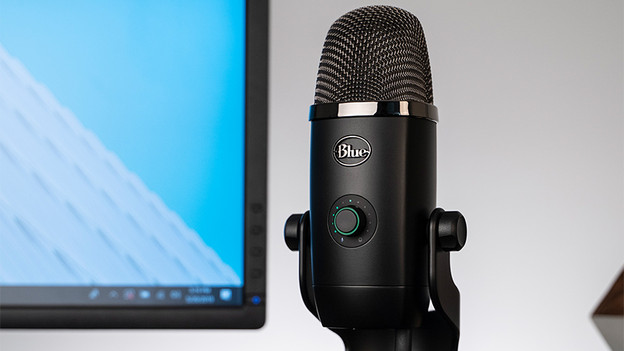
The Blue Yeti X has a volume indicator. It directly indicates how loud your recordings are. That way, you can see if you're talking too loud or too soft right away, so you can adjust your voice accordingly. This makes the microphone ideal for recording a podcast or livestream. With the volume limiter, you prevent your recording from being too loud.
Blue Yeti: no volume indicator
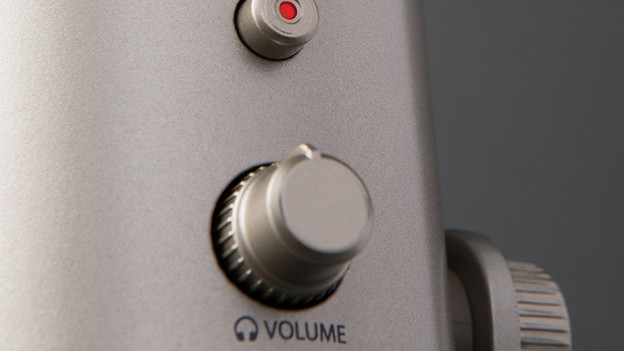
Because the Blue Yeti doesn't have a volume indicator, you can't see how loud or soft you're talking. You can adjust the output volume on the microphone. That way, you can control the volume of your recording.
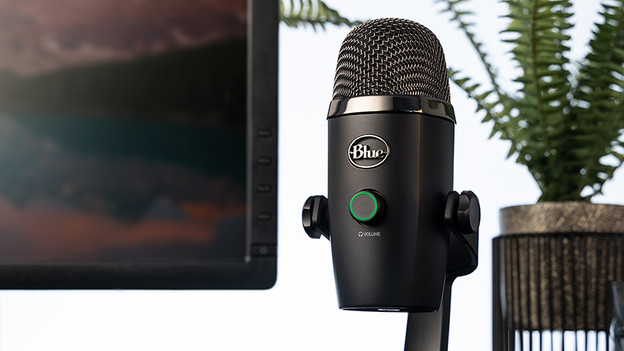
Blue Yeti Nano: no volume indicator
The Yeti Nano doesn't have a volume indicator like the Yeti X. You can adjust the output volume via a button on the front.
Blue VO!CE
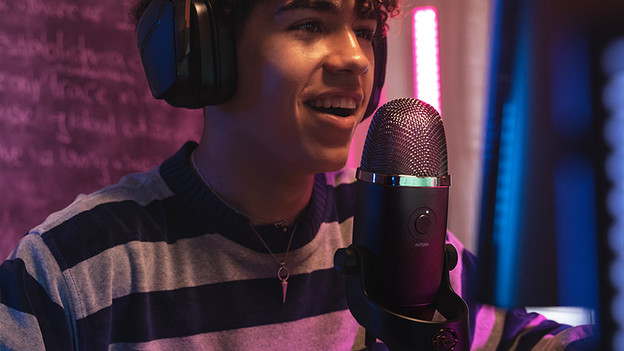
Blue Yeti X: Blue VO!CE compatibility
With the Blue VO!CE software, you can add voice effects during your recording. That way, you can reach the best sound quality possible. You make the Yeti X sound the way you want with pre-settings for sharp and modern, warm and vintage, the classic radio voice, or your own unique sound.
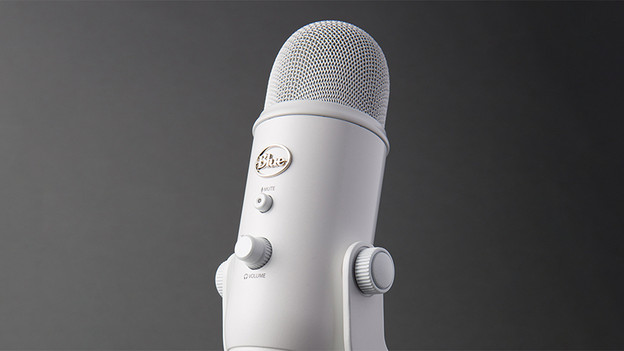
Blue Yeti: not compatible with Blue VO!CE
The Blue Yeti isn't compatible with the Blue VO!CE software, so you can't add voice effects while recording.
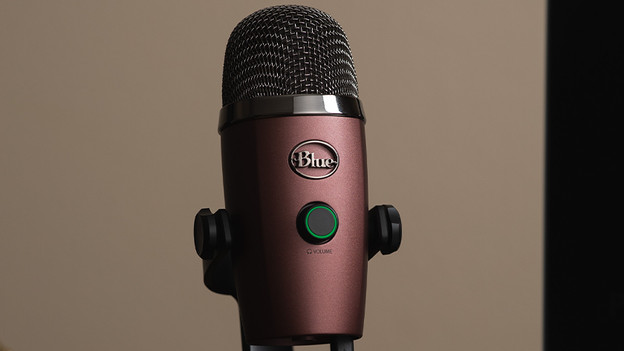
Blue Yeti Nano: not compatible with Blue VO!CE
Just like the Blue Yeti, you can't add voice effects to the Blue VO!CE software. The program isn't compatible with the microphone.
Size
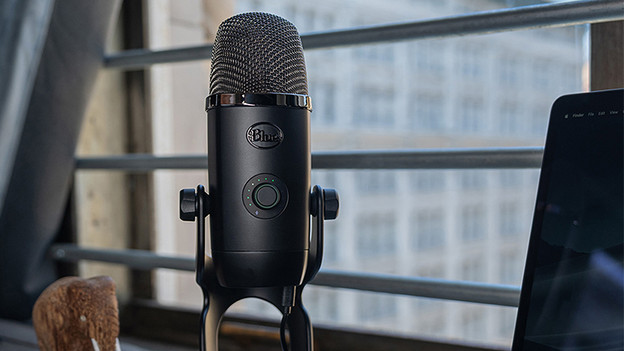
Blue Yeti X: medium-sized
With a height of 29cm, the Blue Yeti X is a medium-sized microphone. That's why it doesn't fit in compact studios as easily.
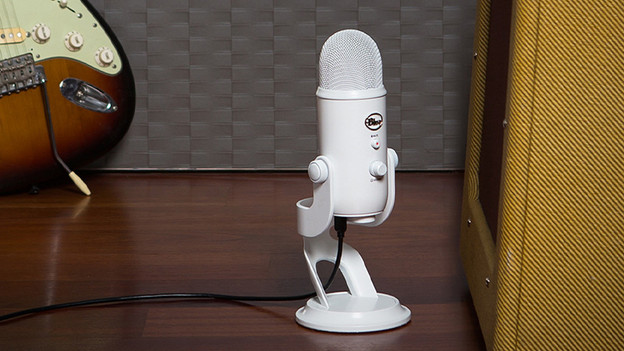
Blue Yeti: medium-sized
The Blue Yeti is medium-sized, just like the Yeti X. The Yeti is 0.5 higher, which makes it slightly larger.
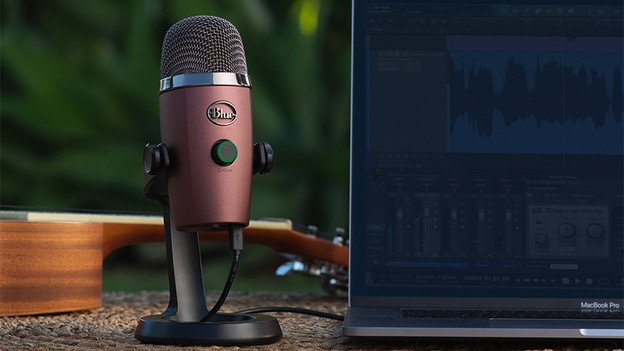
Blue Yeti Nano: compact size
Thanks to the height of 21cm, the Blue Yeti Nano is the smallest microphone of the 3. That's why it easily fits in every studio and it's easy to take with you.