Written by Giorgos
Edited on
25 March 2025
·
12:01
Compose your own AMD PC
Choosing the right parts for your own AMD gaming PC is an important part of building your own PC. For example, an Intel AMD AM5 setup is future-proof, but an AMD AM4 setup offers enough power for the current games and programs. We're happy to help you own your way. All components are specially selected by us and are 100% compatible with each other. We'll explain the difference between AMD AM5 and AM4.

AM5: Ryzen 7000 series, future-proof
The AMD AM5 socket works with the current AMD 7000 series processors that were released in 2022. This future-proof socket supports DDR5 RAM and PCIe 5.0 SSDs, which allows you to build a setup for the coming years. This socket also supports a higher TDP, which is shown by the future-proofness and power consumption too. The disadvantage is that AM5 only supports DDR5. This means that you'll need a completely new setup. The advantage is that it'll last for years. Are you looking for a new, powerful build? Choose an AMD AM5 socket.
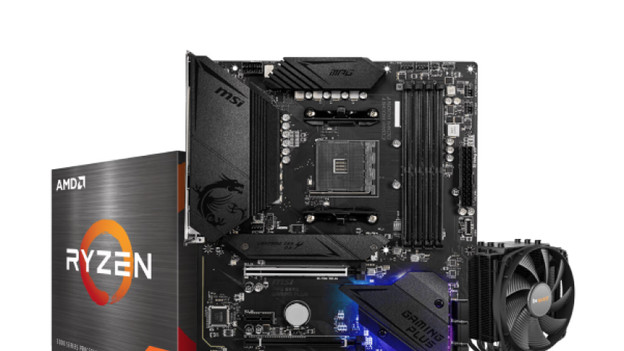
AM4: Ryzen 5000 series, for a lower budget
The AMD AM4 socket is suitable for AMD processors of the Ryzen 5000 series. Thanks to the large support for processors, this socket is suitable for older builds. This means you can combine current components with older parts in a setup without having to pay the top price. AM4 supports RAM up to DDR4 and SSDs up to PCIe 4.0. This makes AM4 less future-proof than AMD AM5. Are you looking for a powerful setup, but don't want to pay the top price? Choose an AMD AM4 socket.
This is how you build an AMD gaming desktop
- Choose components. In order to build a PC, you need at least a processor, motherboard, and memory. In addition, you'll need a power supply, computer case, operating system, and storage (SSD and/or HDD). Want to use it for gaming or graphic design? You need a video card to provide images. Make sure you also have a processor cooler to keep the PC properly cooled.
- Choose performance. The chosen components determine the performance of your PC. The usual rule of thumb is the higher the number, the more powerful. For example, an AMD Ryzen 7 processor is faster than a Ryzen 5 processor and an RX 6800 XT video card is more powerful than an RX 6700 XT video card.
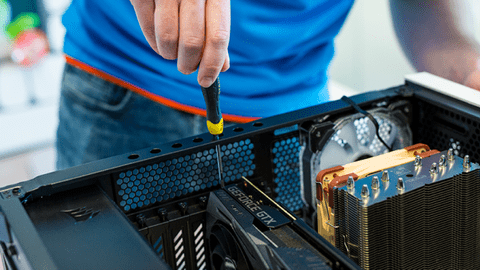
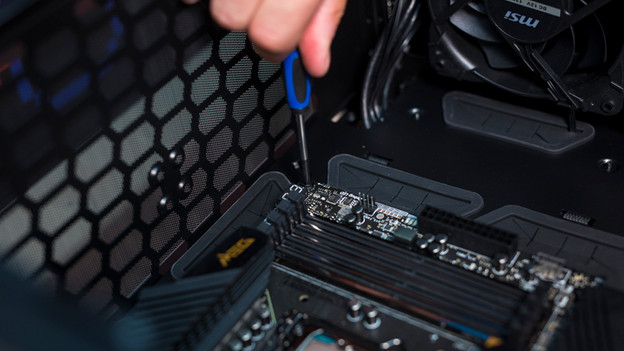
- Build PC. The final step is to build the physical PC. This is easier than it seems. In the article linked below, we'll explain how.
Help building a PC
You need this for an AMD build
Article by Giorgos
Components Expert.