Everything on installing your computer power supply unit
Prevent short circuiting when you install your computer power supply unit. Install your power supply unit correctly in one go and hide the cables out of sight. If you want to reduce the voltage of your power supply unit (PSU), we'll tell you how to do this from start to finish.
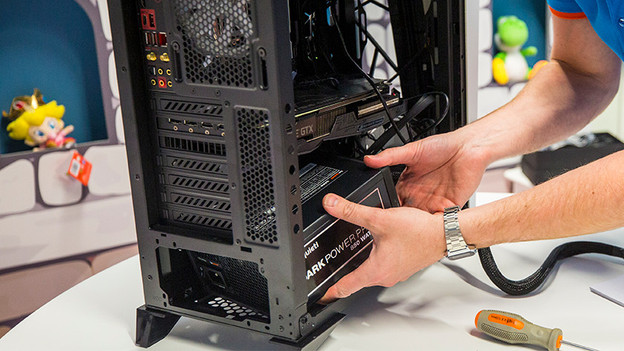
Install computer power supply unit
Installing your computer power supply unit in your PC starts with disconnecting all of the cables. Via the link below, we'll explain how to install the power supply unit from start to finish.
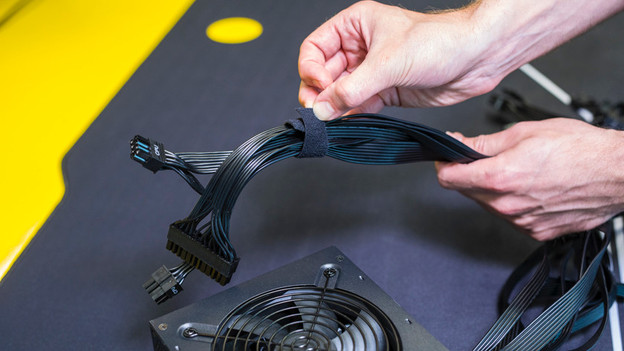
Cable management
Provide your gaming desktop with cable management. You can keep the cables in place with velcro or zip ties. Via the link below, we'll explain how to hide your cables out of sight.
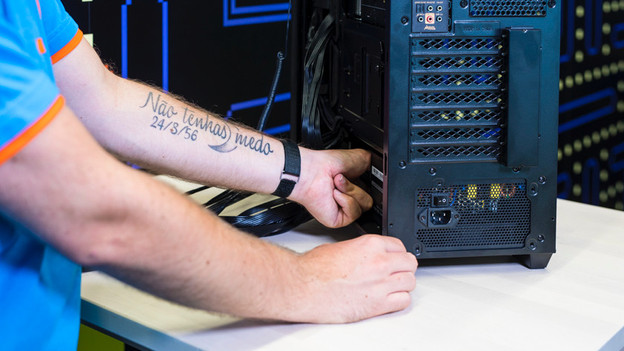
Other tips
Prevent power problems and static shocks when installing your PSU. Use a good power strip and ground yourself while you install your PC's power supply unit. With the tips below, you can avoid problems during the installation of your computer power supply unit.