
Written by Mieke
Edited on
13 October 2025
·
14:32
Expert review of the Sonos Beam (Gen 2)
The successor of the Sonos Beam has the same small size as its predecessor, but is has some new functions. I can create a home cinema with virtual surround sound, thanks to the Dolby Atmos support. Are you curious about what I think of the Beam (Gen 2)? You can read my opinions in this article.
Sonos Beam Gen2 Black
- Dolby Atmos sends effects via the ceiling to your listening position, which makes the sound extra spacious.
- Adjust the sound of the soundbar to the room via TruePlay on your iOS device.
- Add the soundbar to the Sonos multi-room system and you can stream music throughout the house.

468,-
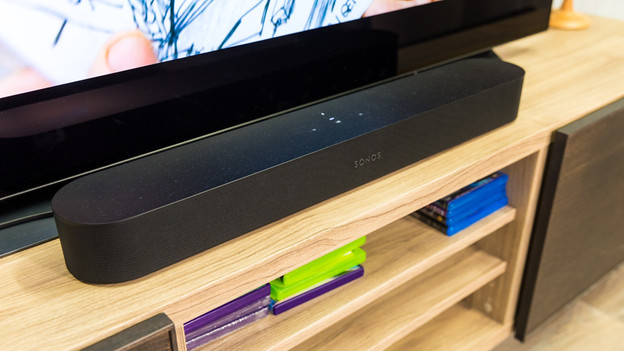
First impression of the Sonos Beam (Gen 2)
The experience starts when you unbox Sonos products. That's the same with the Beam (Gen 2). The bar is packaged in a cover, and the cables are in a cardboard box. The soundbar is light and compact, with rounded corners. That way, it has a sleek design.
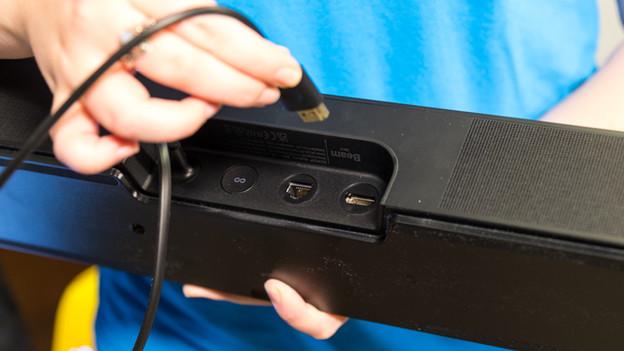
Fast setup
It's quick to set up. I can set up the bar in my living room and connect it to the HDMI ARC port of my TV with an HDMI cable. The Sonos app is already on my phone. When I open it, the app has already detected a new Sonos device. When I click on 'add', the setup begins. After that, the bar is ready for use.
Simple app
Via the Sonos app, I can adjust the sound of the Beam as I like. That way, I can adjust the treble and bass separately. The app also allows me to set an alarm. The soundbar will play music at a certain time the next day. No I can wake up every day with my favorite music.
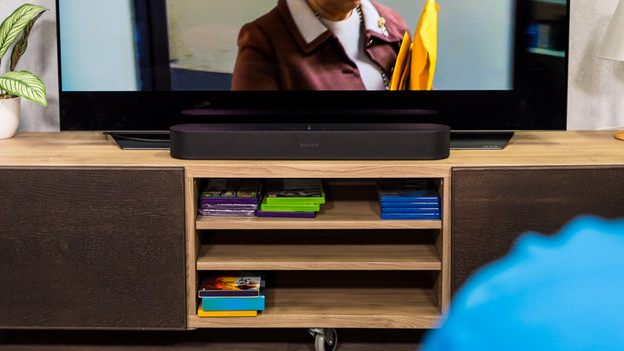
Detailed sound
This second generation of the Beam has Dolby Atmos. With this virtual application of surround sound, I can turn my living room into a mini cinema, without separate rear speakers. Dolby Atmos echoes the sound to my listening position via the ceiling. That way, it's like I'm in the middle of the action of the movie. The virtual surround sound surprises me in a positive way. It really sounds like the cars in the movie drive past me.
Connectivity and voice assistant
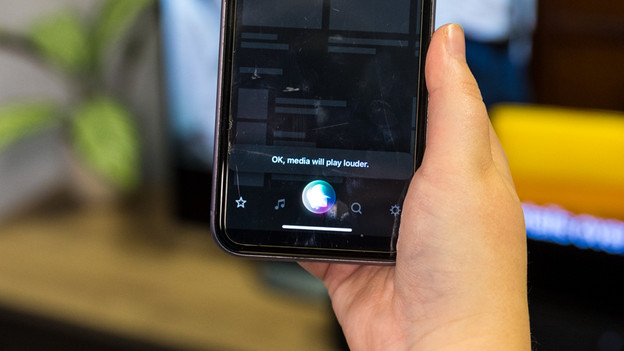
When I connect the bar via the optical input, I can also control it with the remote of the TV, so that's amazing. Normally, that's only possible via an HDMI connector. I can add the bar to the Apple HomeKit and control it via my Apple HomePod with Siri. That way, I can ask Siri to raise the volume. Via AirPlay 2, I can wirelessly stream my favorite sound from Apple Music to the Beam.
Conclusion
Just like the Beam, the Beam (Gen 2) provides a powerful sound for such a compact soundbar. I think the Dolby Atmost really adds something, and also my favorite songs sound detailed. The connection and setup via the app is easy, and it's also easy to control the app. If you want a read home cinema experience, you can add rear speakers and a Sonos Sub to your sound setup.

465,-
