Written by Gaby
Edited on
13 October 2025
·
14:32
Expert review of the Philips Sonicare ProtectiveClean 6100
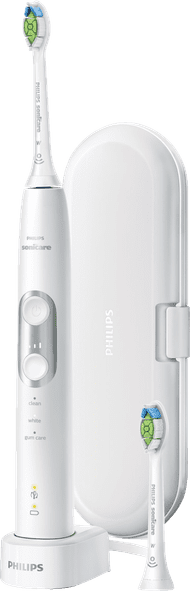
So far, I've always used a manual toothbrush, but now I get to try the Philips Sonicare ProtectiveClean 6100 HX6877/29. This toothbrush automatically sets the brushing mode based on the brush attachment you're using. You also get a signal when you need to replace the brush attachment. Is it really that easy? I've tested it for you.
In short
- The toothbrush automatically selects the brushing mode that is the right fit for the brush attachment.
- You get a signal when you need to replace the brush attachment.
- You don't have to charge it often, because the battery lasts 2 weeks.
- If you want to brush longer than 2 minutes, you have to turn on the toothbrush again.
- You can't use the included travel pouch as a charger, so don't forget to bring the charging dock along on vacation.
99,99
No longer available
The first impression of the ProtectiveClean 6100
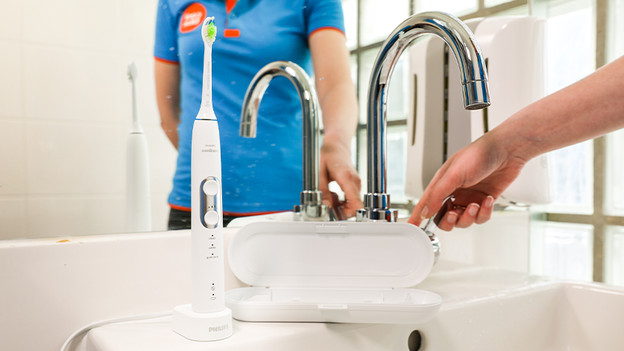
So far, I've only brushed my teeth with a manual toothbrush, so I'm curious to see what is in the box. The toothbrush feels lightweight and comfortable to hold. I think the extra brush attachment is a plus. This means I already have a brush attachment for my partner. I also take a charger and a sturdy travel pouch out of the box. This pouch may be too big for my toiletry bag, but its hard exterior makes me confident I can put it in a bag or suitcase separately.
Choose brush setting automatically
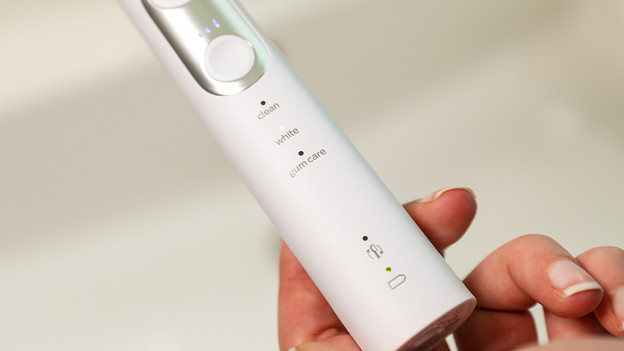
This toothbrush has a brush sync. This means that the toothbrush automatically chooses a brushing mode to match your brush attachment. With the toothbrush, you get an Optimal White brush that goes well with the whitening mode. This mode is quite intense if you use an electric toothbrush for the first time. Luckily, you can adjust both the brushing mode and the intensity. So, for the first few days I brushed my teeth with the normal clean brushing mode and a low intensity to get used to the toothbrush.
Timer
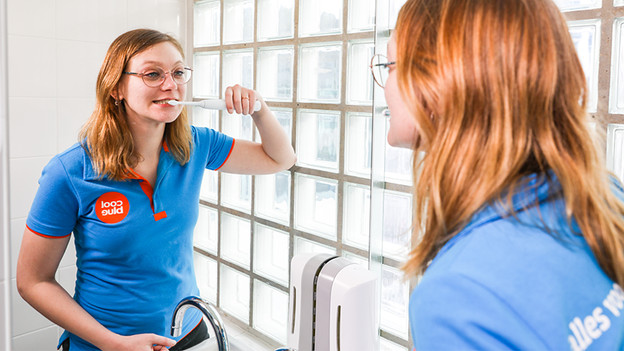
Thanks to the timer, the toothbrush vibrates when it's time to switch zones. When the time is up, it turns off automatically. I wasn't very pleased with that, because I like brushing my teeth for a longer period of time. Luckily, the duration of a dental cleaning differs per brushing mode. I didn't exactly track the time, but the gum care mode lasted the longest and the clean mode the shortest. That is why my most used mode is the gum care mode.
Replace brush attachment
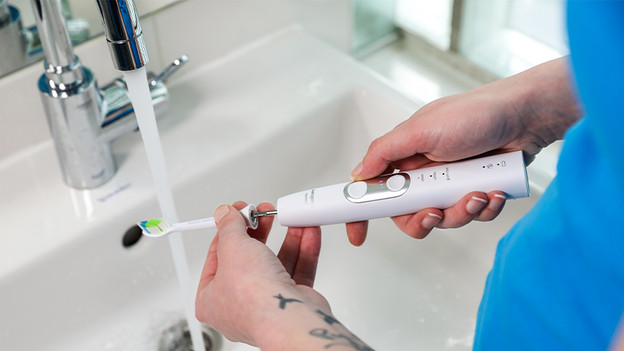
Thanks to the brush sync, you also get a signal if you need to replace the brush attachment. Because I've been using the toothbrush for less than 3 months, I haven't received a notification yet. I like the idea that the toothbrush will indicate it's time to replace the brush attachment. That way, I can be sure I won't forget to change the brush.
Conclusion
This toothbrush makes brushing your teeth surprisingly easy. You don't have to think about replacement of the brush attachment and you always brush your teeth using exactly the right setting. I found the gum care mode the most pleasant myself, because it allows you to brush your teeth a bit longer than the other modes. I doubt that I'm really going to need all brushing modes, but I like the idea of being able to switch it up.
99,99
No longer available