Written by Julia
Edited on
12 November 2024
·
15:00
Get started with the GPS of your Garmin smartwatch
When you use your Garmin smartwatch, you want your location tracking to be as accurate as possible. This way, you can track your route and progress properly. You need the strongest possible GPS signal for this. In this article, we'll explain how to ensure that you receive a strong GPS signal.

3 tips to improve your GPS signal
With the following tips, you ensure that the GPS signal on your smartwatch is as strong and accurate as possible.
- Tip 1. Synchronize your watch with your account regularly.
- Tip 2. Go outside with your smartwatch.
- Tip 3. Stand still.

Tip 1: synchronize your watch regularly
Make sure that your regularly synchronize your Garmin smartwatch with Garmin Connect. This way, your watch downloads a few days worth of satellite data. Your device will find satellite signals faster as a result.
This is how you can synchronize:
- Via your computer: connect your smartwatch to your computer via a USB cable. You do need to have the Garmin Express app on your computer.
- Via your smartphone: synchronize your watch with the Garmin Connect app. Go to the app and your watch will synchronize automatically.
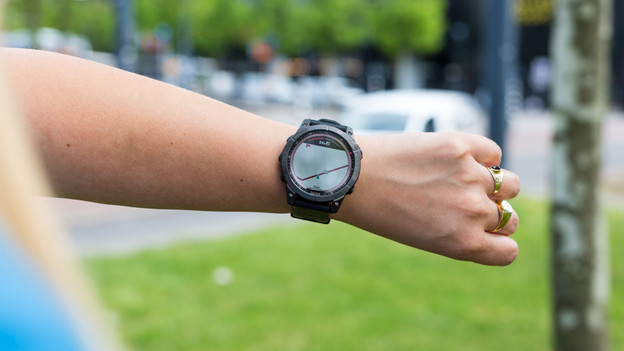
Tip 2: go outside with your smartwatch
A satellite signal is least disrupted in you stand in an open area outside. Trees and high buildings disrupt the GPS signal.
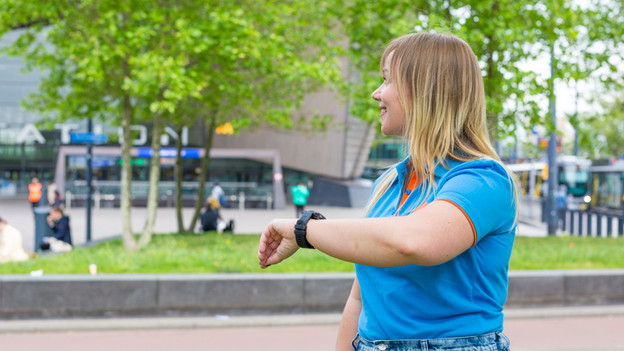
Tip 3: stand still
It sometimes take a while for your watch to receive a GPS signal. It helps to stand still. This gives your watch time to find a GPS signal in that exact location.