
Written by Megan
Edited on
13 May 2024
·
08:35
How do you set up a Kobo e-reader?
You've got a new e-reader and you want to start using it right away for reading, of course. You'll first have to go through the setup. In this article, you'll read how to do this in a couple of steps. It's important to set up your e-reader properly. That way, you can download books and get the latest software updates.
Set up your Kobo e-reader in 3 steps
There are 2 possible ways to set up your Kobo e-reader. The fast way to set up your e-reader is via a WiFi connection. Do you already have a lot of e-books on your computer? In that case, it's easiest to do the setup via your computer. You can transfer them to your new e-reader right away.
-
- Make sure you have a Kobo account
- 2a. Set up your e-reader via your computer
- 2b. Set up your e-reader via WiFi
- Put books on your e-reader
Make sure to charge the e-reader for at least one hour before you start.


Step 1: make sure you have a Kobo account
If you don't have a Kobo account yet, you can create one. You can do this in various ways. Do you already have an account? You can easily log in.
- You can create a Kobo account with your email address and a password via the Kobo website.
- Another option is to log in with an existing Google, Facebook, or Apple account. The advantage is that you don't have to remember another username and password that way.
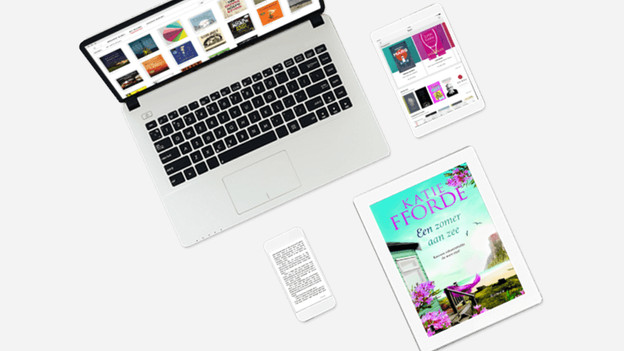
Step 2a: set up your e-reader via your computer
Before you start, go to the Kobo website. Download the program "Kobo Desktop". Install this software on your computer.
- Start the software and log in with your Kobo account.
- Switch on your e-reader.
- Choose the preferred language. Click 'Next'.
- Choose 'Don't you have a WiFi network?'.
- Connect your e-reader to your computer with the micro USB cable.
- 'Configure and synchronize' will appear on the screen of your computer. Wait until the software displays 'Completed'.
- Click 'Next' and 'Eject'.

Step 2b: set up your e-reader via WiFi
A different, easy way to set up your e-reader is via a WiFi connection. You can do this the following way:
- Switch on your e-reader.
- Choose your preferred language. Click 'Next'. Choose the option 'Setup via WiFi'.
- Choose the WiFi network that you want to use and enter the password.
- Adjust the date and time zone if necessary. Click 'Continue'.
- The e-reader will install the available updates automatically. This will take about 20 minutes.
- You can now log in with your Kobo account.
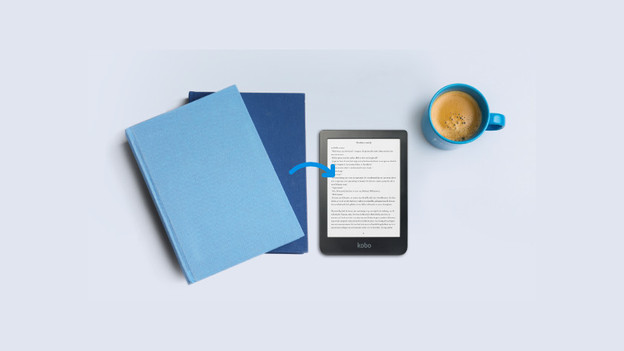
Step 3: put books on your Kobo e-reader
If you already have books in your Kobo account, they'll be transferred to your new e-reader during the setup. You can also put e-books on your device in other ways. Read our article to read how to do this.
