Written by Daniel
Edited on
12 July 2024
·
15:23
How do you set up a Ubiquiti access point?
The installation of Ubiquiti access points may seem difficult. That's why we'll help you with this step-by-step plan. This way, you can install your access points within a couple of minutes.
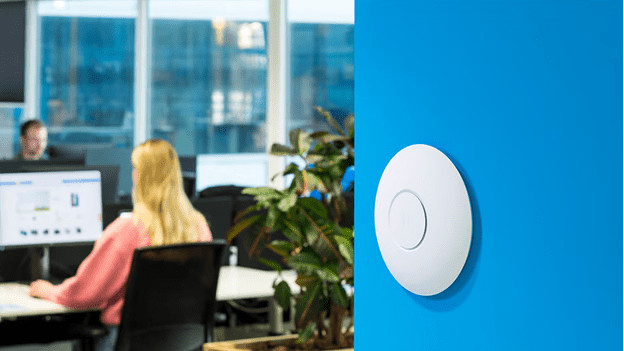
Connect your Ubiquiti access point
With these 3 steps, you can install the access points within 10 minutes. You need a pencil, a hammer, and a drill. These are the steps:
- Step 1: mount your access point
- Step 2: connect the cables to your access point
- Step 3: install your network
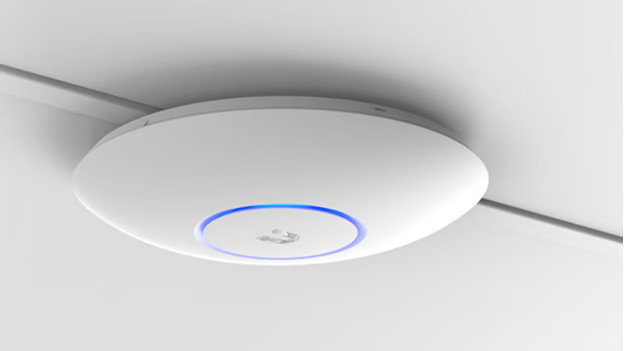
Step 1: mount your access point
Hold the mounting plate of your access point against the wall. There's a spirit level at the bottom of your mounting plate. When the air bubble is exactly in the middle, you can be sure that your mounting plate is level. With a pencil, draw 4 dots behind the screw holes. Drill 4 holes of 8mm in the wall, put in the plugs, and attach your mounting plate with screws. Want to mount the access point to the ceiling? You'll have to drill 6mm holes.
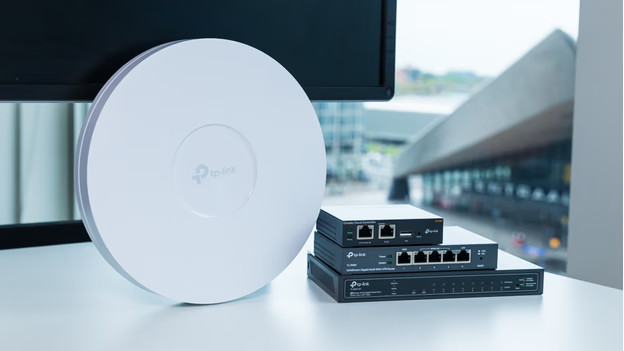
Step 2: connect the cables to your access point
Then, connect your access point to your router or modem with a network cable. If necessary, drill a hole with an 18mm diameter below your mounting plate so your PoE network cable fits through it. Attach the access point at an angle to the left and twist it to the right until you hear it click. You've now installed your access point.
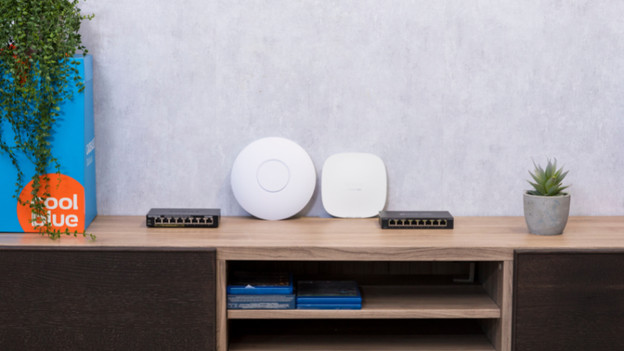
Step 3: set up your network
Before you can use the access points, you have to set them up via the UniFi app. You can find this app via the Play Store or the App Store. When you open the app and turn on location services, the app finds your access points right away. When it does, tap 'Set up' at the bottom of the screen. Rename your access point and click 'Next'. It'll now connect to your access point. This takes about 2 minutes. From now on, you can find your new access point in the second menu at the bottom of the screen.