Written by Jelle
Edited on
11 July 2023
·
08:46
What's Apple macOS Big Sur?
In 2020, Apple released macOS Big Sur. This macOS operating system introduced lots of new functions and a new look. Curious about the new functions of this operating system? Read everything about Apple macOS Big Sur here.
Note: newer version
The successor to the Big Sur was announced in 2021 and is called Monterey. The name comes from the Montery Bay in Califonia.
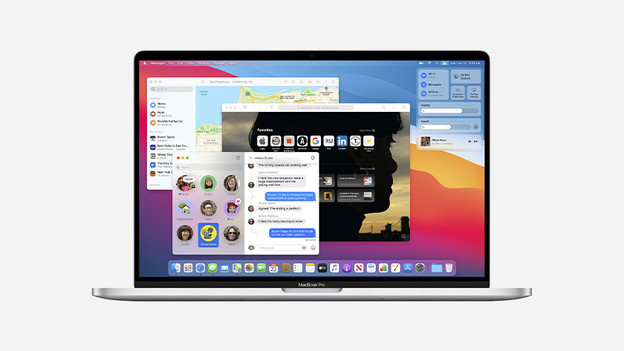
What's new?
With macOS Big Sur, Apple left Mac OS X behind. The new operating system marks the beginning of the macOS 11 era and puts an end to 20 years of Mac OS X. Big Sur brings the following changes:
- Support for Apple Silicon
- A new look
- More personalization options
- A better, faster version of Safari
- An improved interface
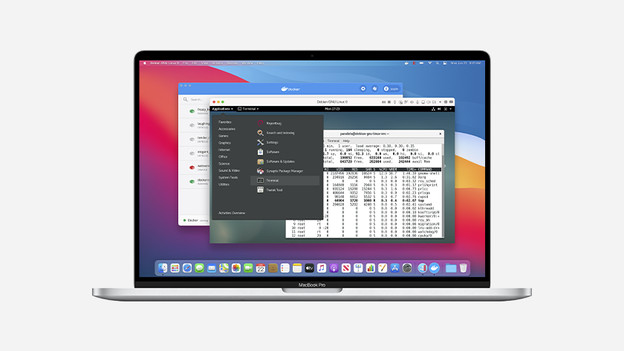
Support for Apple Silicon
In 2020, we got more than just a new operating system. Apple also introduced its very own M1 chips. Big Sur supports the new Apple M1 chips. Not all programs work with these chips by default. To make sure you can still use those programs on your Apple MacBook, Big Sur has the Rosetta 2 program. This allows you to use Intel-based apps without any problems on models with such a chip.
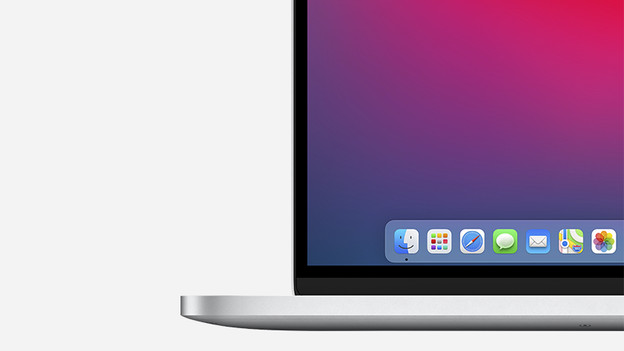
A new look
Apple macOS Big Sur has an entirely new look. All app icons have been changed and even the dock has a new design. The windows have a new look, and buttons fade into the background when you don't need them. In addition, you can easily adjust what information is displayed on your desktop. You can use different widgets or fully adjust the menu bar to your liking, for example.
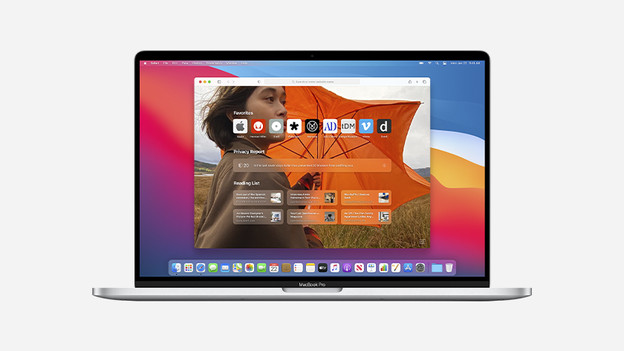
A better and faster version of Safari
Big Sur has a faster and more secure Safari version. In addition, the new version has more personalization options. You can add a background image, for example. You can also easily adjust what information is displayed on your homepage. The new update makes it possible to have pages translated automatically and you can add extensions. You also have even more control over your privacy with the new update thanks to the Privacy Report function.
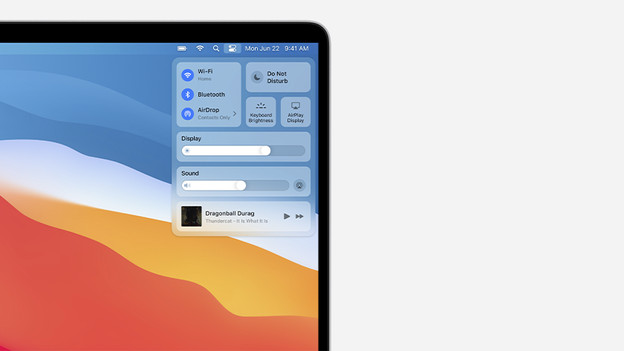
Improved interface
MacOS Big Sur has useful functions that you already know from iOs and iPadOS. For example, you can now find the Control Center you know from your iPhone or iPad on your MacBook as well. The Control Center allows you to clearly store all your favorite settings in one place. You can drag frequently-used settings to the menu bar so they're always within reach.