Written by Bram
Edited on
10 July 2025
·
07:47
How do you set up WiFi in the car?
Do you spend a lot of time in the car or are you going on vacation by car? You want a stable internet connection while you're on the go. In this article, I'll give you the tips you need to go online on the go.
A WiFi connection with your mobile hotspot
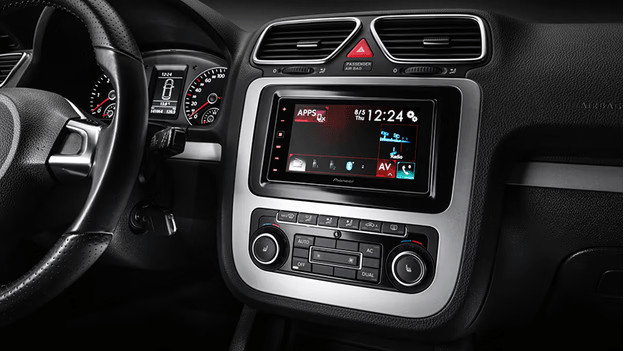
You can provide internet for up to 2 devices on the go, thanks to 1 smartphone with a mobile data plan. Create a hotspot via the settings of the phone with the mobile data plan. For Apple phones, you find this option in your settings as 'Personal Hotspot'. For Android phones, you can find the 'hotspot' setting in the menu of 'network settings'. This hotspot has enough coverage for a family car, because the range is about 2m.
An extra stable connection with a MiFi router
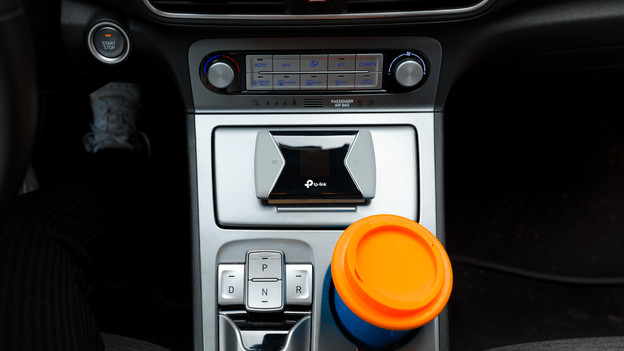
Do you want a stable connection, or do you want to go online with 3 or more people? Choose a MiFi router. This creates a hotspot for all your devices in the same way, but you can connect up to 20 devices. The connection is as stable as possible, so you can watch 4K series without slowing down.
Use your own mobile phone plan abroad
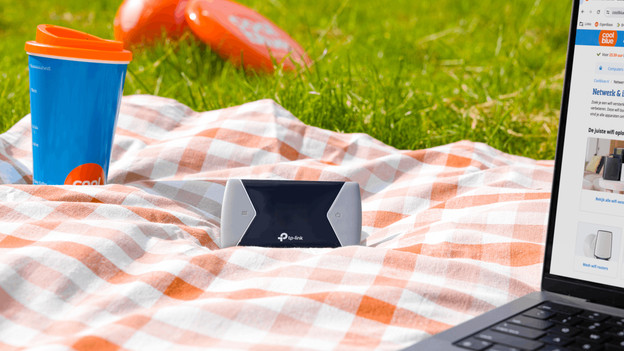
Are you going abroad by car? You can use your own mobile phone plan in Europe without extra costs. Many providers do have a limit to the number of gigabytes you can use per month. Afterwards, you pay roaming costs than can rise up to € 10 per megabyte. These limits are high, but check this with your provider before you leave. It's best to use a prepaid bundle when you go abroad outside of Europe.

Extra tip: download series and movies at home
Are you going on a long trip, or do you have a limited mobile phone plan? You can download most of the data at home. Movies and series are the biggest, so you save costs if you download them at home. You can do so via the settings of your streaming service. With Netflix, you can download a whole season via 'menu' under 'downloads'. For Disney+, you can only find the download button when you start a movie. Click 'information' and then 'download'.