Oral-B electric toothbrushes
Find the Oral-B electric toothbrush that suits you
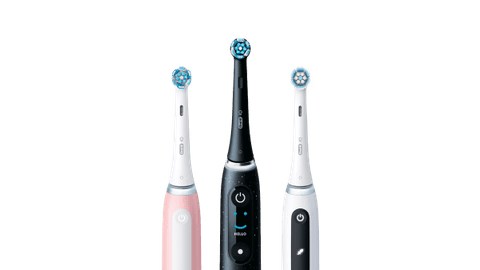
Compare the Oral-B electric toothbrushes
Extensive feedback in the app and smart charging dock
On the smart charging dock of the iO 10, you receive feedback while brushing. Thanks to the 3D tracking, you receive extensive feedback in the app.
With 7 brushing modes, you can adjust the mode to your teeth and needs.
You can see the brushing mode, whether you're brushing right, and when to replace the brush on the interactive color display.
Thanks to the magnetic charger, you can quickly charge the Oral-B toothbrush within 3 hours,
The smart charger gives you feedback while you brush, so you don't need the app while you brush your teeth.
From
to285,-
355,-
Extensive feedback, but no smart charging dock
With the iO 9, you receive extensive feedback in the app thanks to the 3D tracking. On the color display, you can see useful information and you choose from 7 brushing modes.
With 7 brushing modes, you can adjust the mode to your teeth and needs.
You can see the brushing mode, whether you're brushing right, and when to replace the brush on the interactive color display.
Thanks to the magnetic charger, you can quickly charge the Oral-B toothbrush within 3 hours,
From
to185,-
390,-
No extensive feedback, with interactive display
The iO 6 has 5 brushing modes. On the display, you can see information on if you're brushing well. You do receive less extensive feedback in the app.
With 5 brushing modes, you can adjust the mode to your teeth and needs.
You can see the brushing mode, whether you're brushing right, and when to replace the brush on the interactive black-white display.
From
to109,-
267,-
No intensive feedback and interative display
With the iO 5, you can choose from 5 brushing modes. You do receive less extensive feedback in the app and you can't see any information on a display.
With 5 brushing modes, you can adjust the mode to your teeth and needs.
From
to99,-
217,-
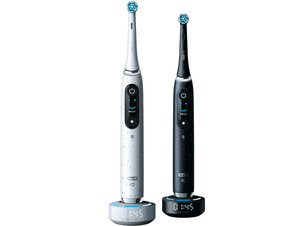


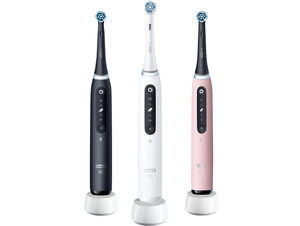
Oral-B toothbrush of the month
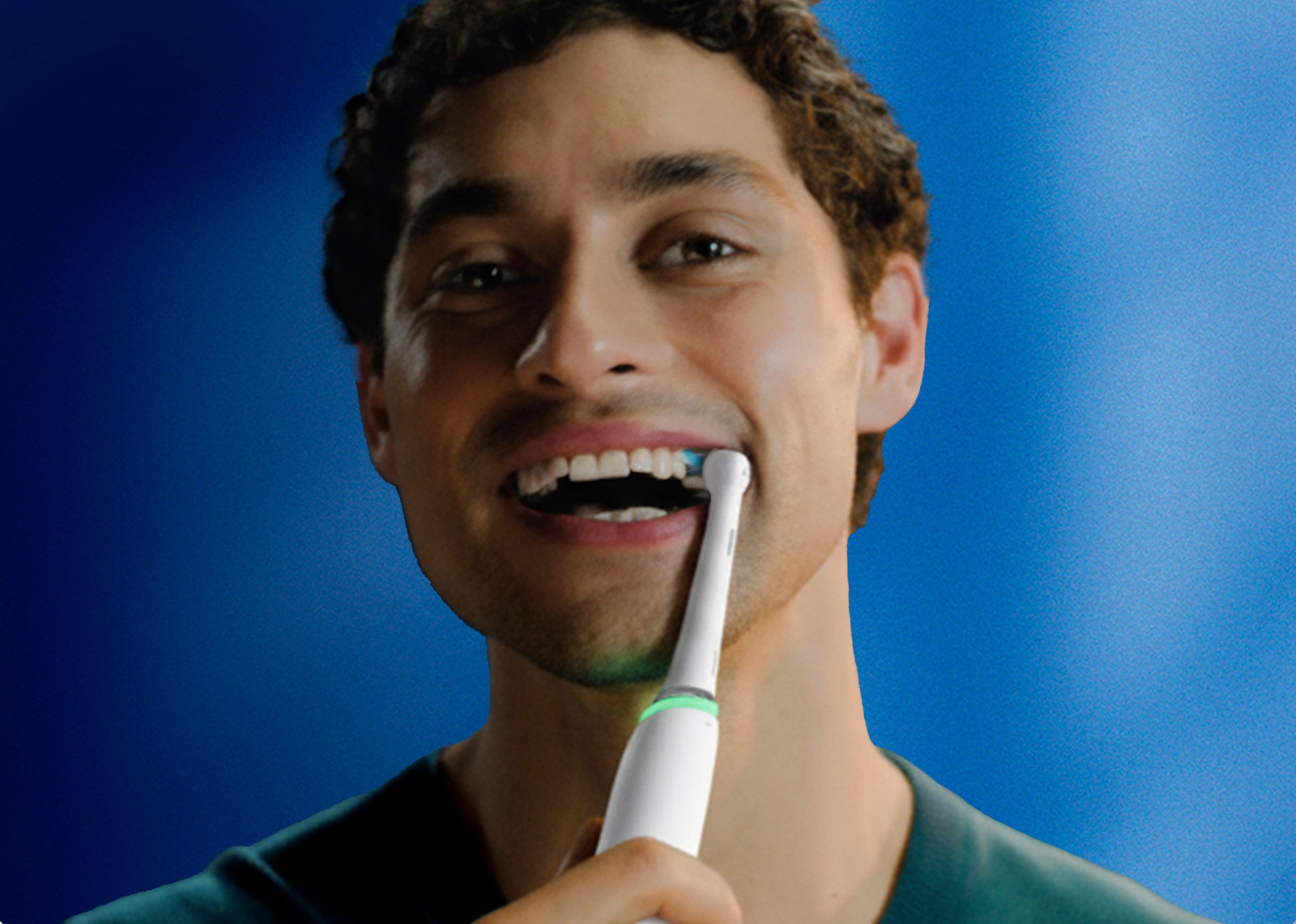
Brush thoroughly with feedback in the app
On the mouth map in the app, you can see exactly which part of your teeth you're brushing well or can brush better. With 5 brushing modes, you can adjust the mode to your teeth.
Discover the advantages of Oral-B

Brush better thanks to feedback in the app
You can connect the Oral-B iO 5, 6, 9, and 10 to the smartphone app. In the app, you receive personal feedback on your brushing behavior. With this feedback, you learn how to brush better and get healthier teeth. You can see exactly which parts of your teeth you need to brush better on the mouth map, for example. The timer also shows you if you've brushed long enough and you receive a notification if you press too hard. This way, you prevent damage to your teeth and gums with an Oral-B toothbrush.

Adjust the brushing mode to your teeth
It differs per iO series how many brushing modes it has. All iO toothbrushes have a standard brushing mode. They also have a thorough mode for whiter teeth and a soft mode for sensitive teeth. Want a suitable mode for every situation? Go for a model with many brushing modes. With 7 settings, the iO 9 and 10 have the most modes. These models have a tongue brushing mode and a mode for very sensitive teeth, for example.
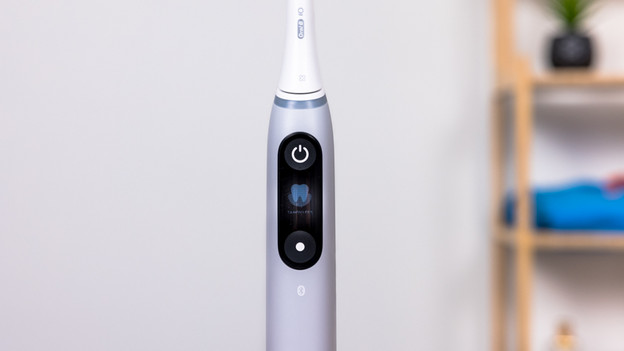
Easily read the information on the display
The Oral-B iO 6, 9, and 10 have a useful display. The iO 6 has a black and white display and the 9 and 10 have a color display. On the display, you see the selected brushing mode. The display also uses a smiley to indicate if you're brushing well. Thanks to the timer, you know exactly if you brush for long enough. The Oral-B toothbrush also shows when the brush attachment needs to be replaced. The iO 5 has a LED display with icons. The iO 2 and 3 don't have a display.
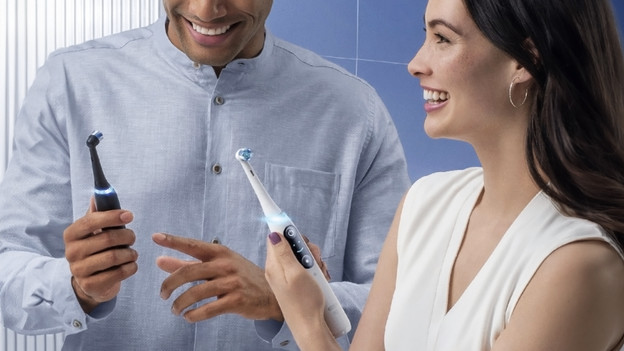
More on the differences between the Oral-B toothbrushes
There are 6 different iO series. There are the iO 2, 3, 5, 6, 9, and 10. Want to read more about the differences between these models? We've listed all the differences for you.
Frequently asked questions
What's the difference between the Oral-B toothbrushes?
The Oral-B iO models differ in the number of brushing modes, the type of display, and the feedback in the app. The iO 2 is the starter model with 3 brushing modes and no display. The iO 10 is the most extensive model. This toothbrush has 7 brushing modes and an interactive color display. Thanks to 3D tracking, you can see if you brush each tooth good enough in the app.
Which Oral-B toothbrushes can I connect to the app?
You can connect the Oral-B iO 5 up to the 10 with the smartphone app. With these models, you receive personal feedback on your brushing behavior. You can't connect the iO 2 and 3 to the app.
Which Oral-B toothbrushes have a display?
The Oral-B iO 6, 9, and 10 have a display. The iO 6 has a black and white display and the 9 and 10 have a color display. The iO 5 only indicates the brushing mode with icons. The iO 2 and 3 don't have a display.
How often should I replace my Oral-B brush attachment?
For the best possible brushing result, we recommend replacing your toothbrush brush attachment every 3 months. After this period, the bristles are worn out and you can't remove plaque as effectively. If you replace the attachment regularly, you also prevent bacteria from growing in the brush. Brush more than twice a day or for longer than 2 minutes at a time? Replace the brush attachment sooner.


Advice on Oral-B electric toothbrushes
Can't choose? View the advice from our expert.