Apple HomeKit IP cameras
You can control IP cameras that work with Apple HomeKit via Siri, among other things. You simply ask Siri to turn the camera on or turn it off when you get home. You can also view the footage from your camera. The HomeKit surveillance cameras also work with other HomeKit-compatible devices. This way, you switch your lights on and your camera off when you get home with the same command. Or share your location with HomeKit to automate this.
1
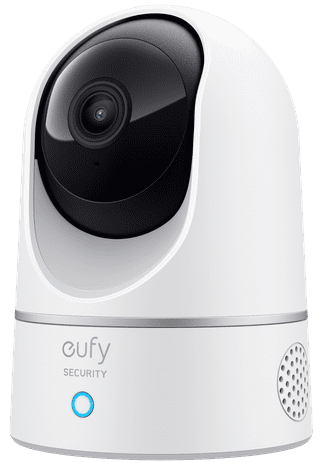

None Battery (power source)|No HomeBase required|2304 pixels
48,99
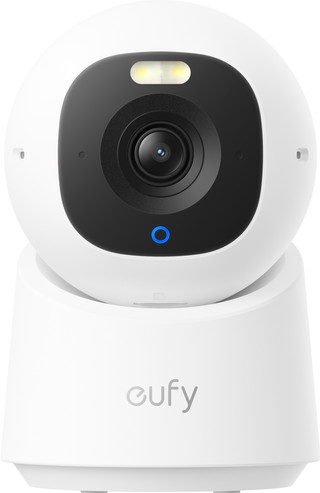
None Battery (power source)|No HomeBase required|2304 pixels
97,98
92,-
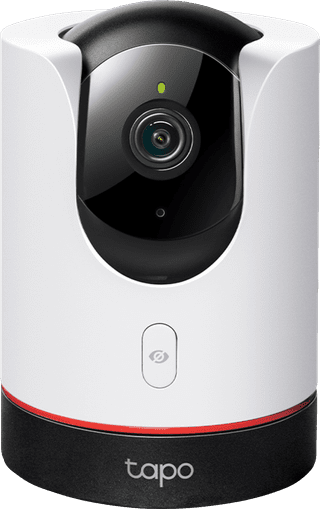
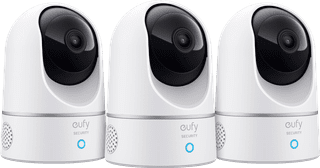
None Battery (power source)|No HomeBase required|2304 pixels
146,97
142,-
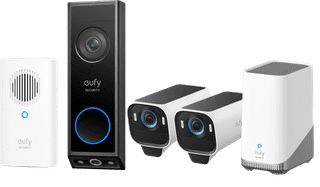
Our choice for a security pack with IP camera and doorbell|Battery (power source)|HomeBase 3|3840 pixels
738,-
682,-
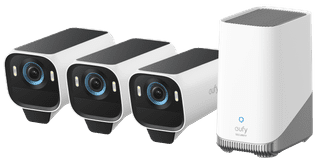
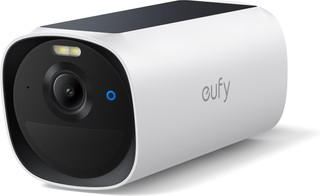
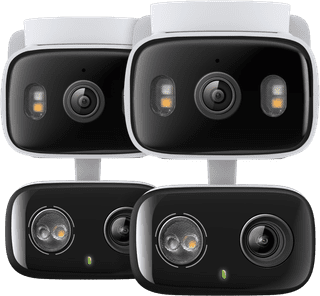

TP-Link Tapo C246D Duo Pack
Review is 0 out of 10.
Spotlight|None Battery (power source)|1296 pixels
128,-
111,-
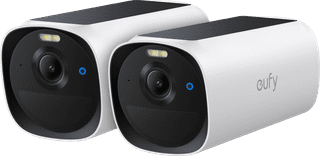
Battery (power source)|No HomeBase|2688 pixels
248,-
216,-