Wireless keyboards connect to your laptop, desktop, or tablet without a cable. They can do this in 2 ways. There are wireless keyboards with a USB receiver or dongle that you put in the USB port of your device. There are also Bluetooth keyboards, so you don't need a USB dongle anymore. Keep in mind that your PC needs to have a Bluetooth function if you want to use a Bluetooth keyboard. With a wireless keyboard, you're not bothered by any cables and you get to enjoy more freedom of movement.


None Touch ID|100% (Complete)|Not spill-resistant
47,99-10%
42,99
Delivered tomorrow
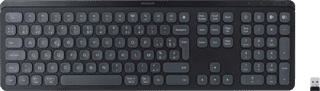
None Touch ID|100% (Complete)|Not spill-resistant
80,--10%
72,-
Delivered tomorrow
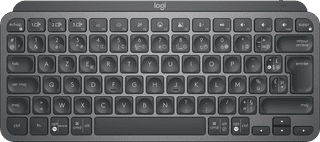

Not spill-resistant|Numeric keypad|Wireless
80,--8%
74,-
Delivered tomorrow


Our choice for a wireless gaming keyboard with a numeric keypad that you can also use for your studies|None Touch ID|100% (Complete)|Not spill-resistant
147,--5%
139,-
Delivered tomorrow
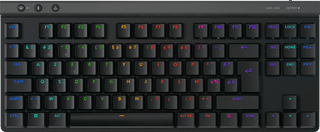
None Touch ID|80% (Tenkeyless)|Spill-resistant
116,--15%
99,-
Delivered tomorrow

None Touch ID|100% (Complete)|Not spill-resistant
195,--29%
139,-
Delivered tomorrow

None Touch ID|80% (Tenkeyless)|Not spill-resistant
167,--17%
139,-
Delivered tomorrow