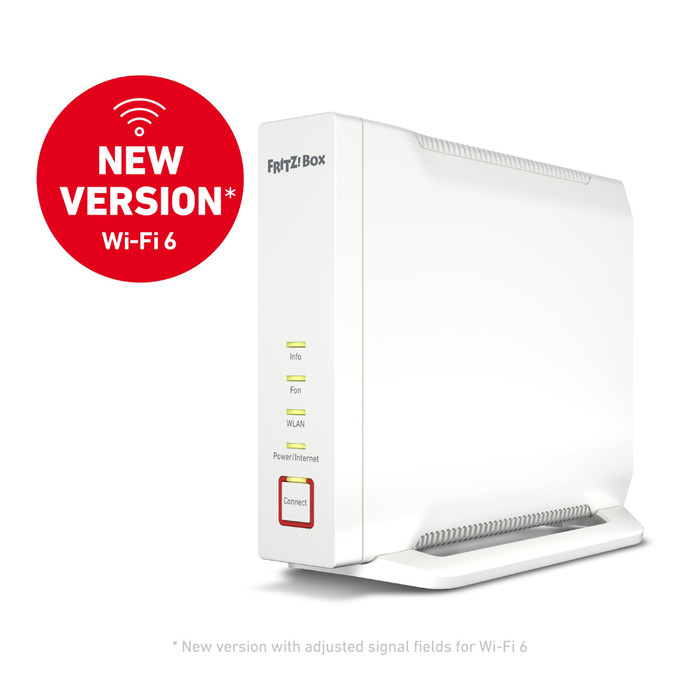
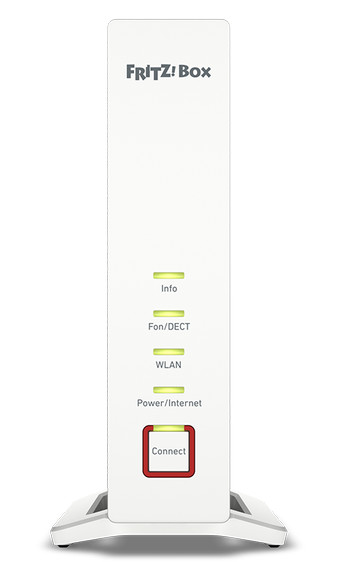
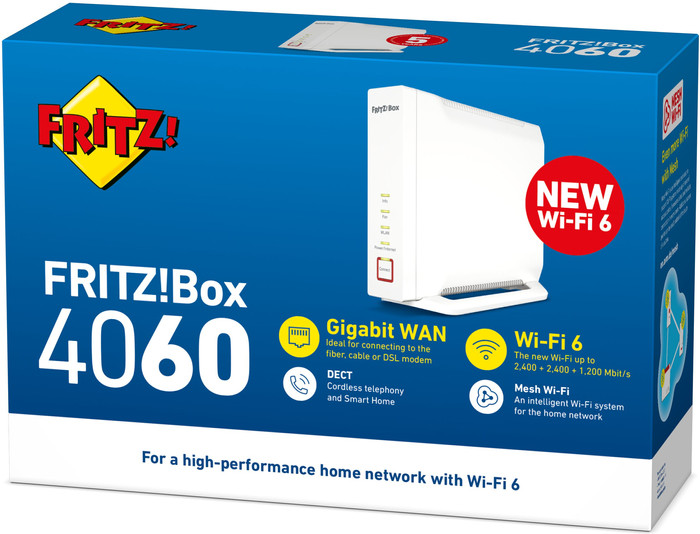
The FRITZ!Box 4060 Mesh Set is a combination of a router and a separate WiFi point. If you link these together, they work together as mesh WiFi. This ensures a WiFi network with coverage in a large part of your home. I have tested the set and will tell you what my findings are.
The FRITZ!Box 4060 router does not have a built-in modem. Do you now have a cable or ADSL connection? Then you still need the modem of your provider. I have fiber optic, so I can connect this router directly. The installation is done via the web browser. In the clear wizard I indicate what my provider is. I also answer some other questions. The router will then set itself up automatically. This allows me to connect within 10 minutes.
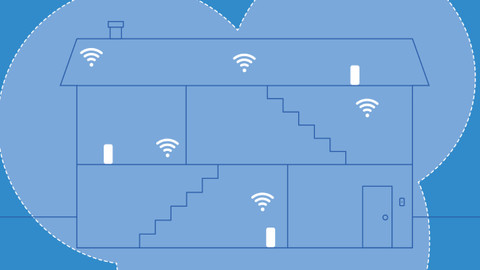
After this installation I have wifi on 1 floor. You connect a FRITZ!Repeater to increase this range. This is very simple: with two pushes of a button. First on the extra WiFi point, then on the router. The extra point is now automatically linked and the mesh network is active. That means that I now connect on 2 floors via the same WiFi network. My phone also switches itself off when I walk upstairs.
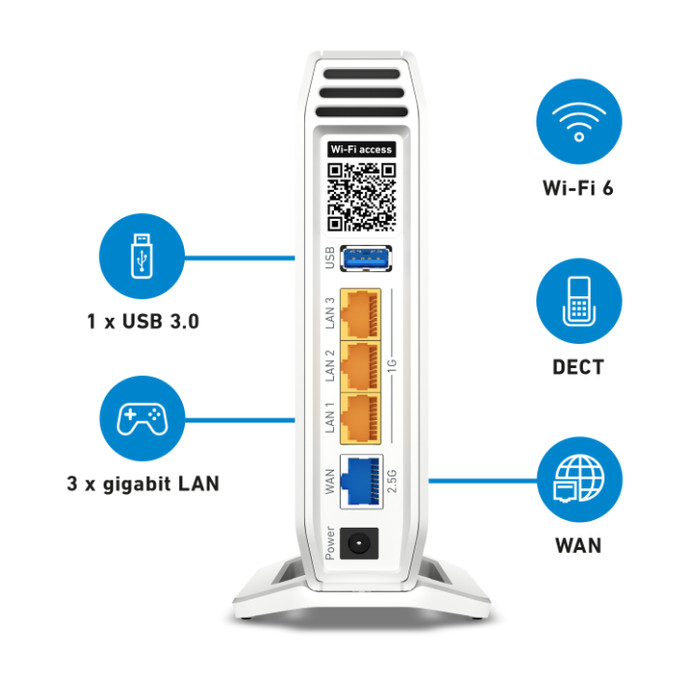
FRITZ!Box routers are known for their advanced options. For example, I tried the VPN server, which I use to log in to my home network while away from home. I also make a network drive of the FRITZ!Box by connecting a USB hard drive. If I combine these options, I also get to my hard drive from a different address. The FRITZ!Box also has a built-in telephone exchange and is a smart home hub. I connect cordless telephones and smart products such as a thermostat or smart lamp via DECT.
The FRITZ!Box 4060 is an advanced router that is especially suitable for people with fiber optics. In combination with an existing modem, you can use it with all providers. Thanks to WiFi 6, you have a high wireless speed and you can connect many devices. I also quickly go online on the second floor with a FRITZ!Repeater. If necessary, I connect more points to further expand the signal.