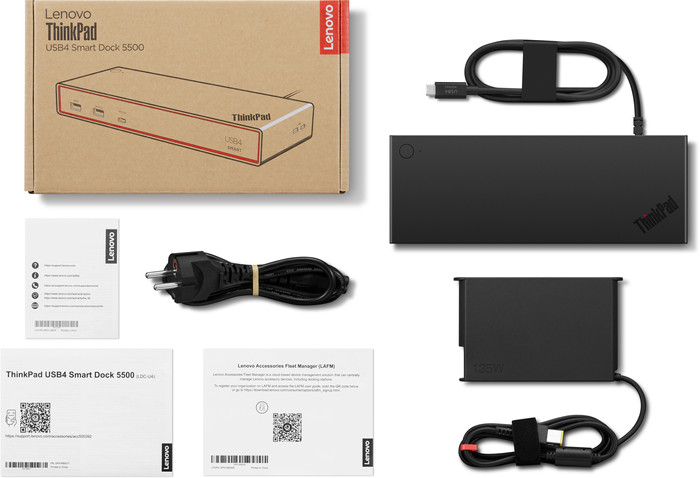
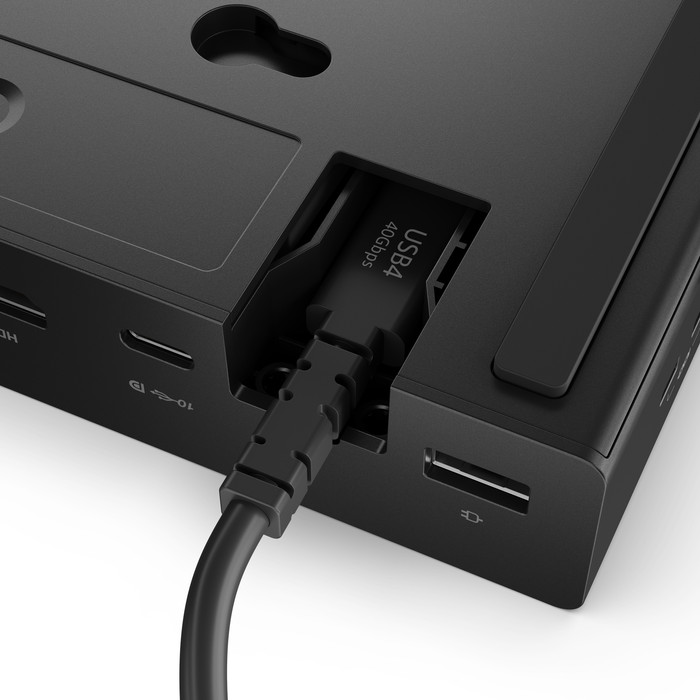
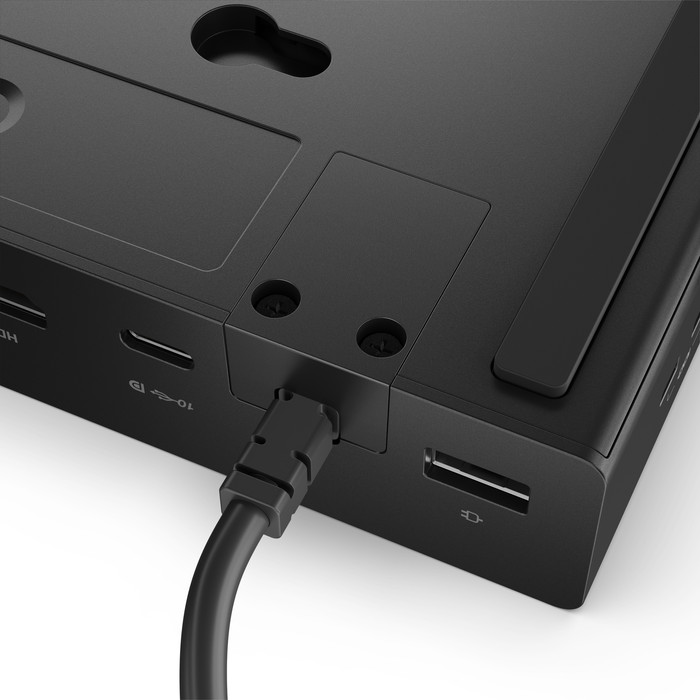
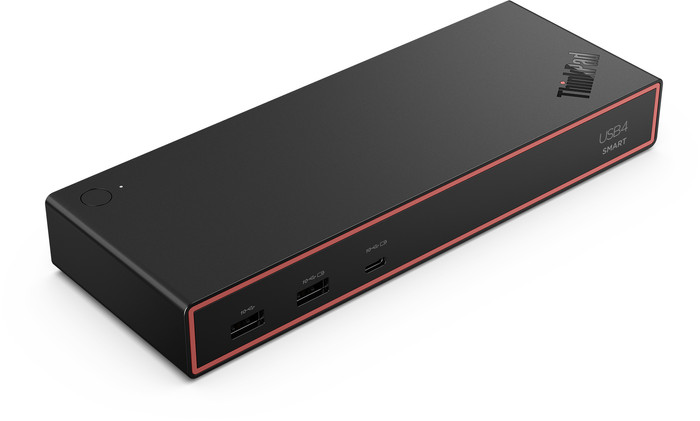
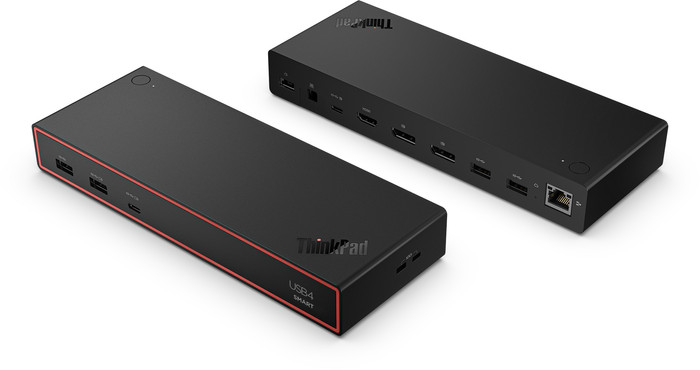
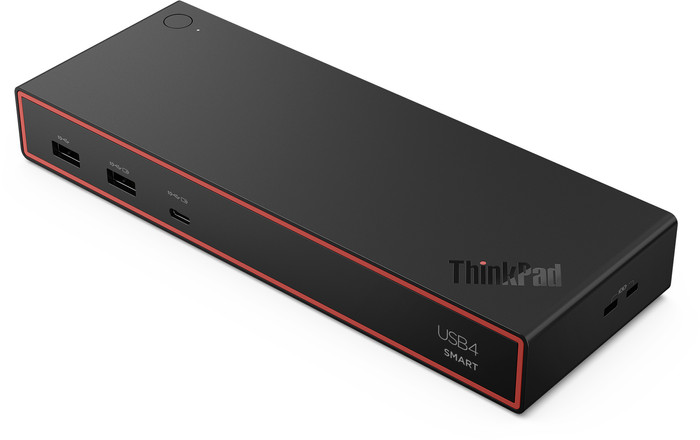
Use the Lenovo ThinkPad USB4 Dock 5500 135W at a productive workplace with up to 4 people. You can connect this dock to your laptop via the built-in USB 4 cable and get started right away. Via USB 4, you can transmit images, data, and power. This allows you to reach a 40Gbps speed. You can connect monitors via HDMI, DisplayPort, or USB-C. You can connect your accessories via the USB-A ports and use the Ethernet port for stable, wired internet. At the same time, the dock charges your laptop quickly with 100W as long as your laptop supports Power Delivery. With the 2 Kensington slots, you can secure your laptop. IT administrators can manage this dock centrally via Lenovo Dock Manager and Lenovo Accessories Fleet Manage, so firmware and settings are always up-to-date. This docking station works on all Windows laptops and MacBook models with a USB-C port that can transmit a video signal. This is how you check if your laptop has a suitable USB-C port.
What can you do with this docking station?
- Connect up to 4 monitors
- Charge a laptop (if it supports Power Delivery)
- Work with wired internet
- Connect a mouse and keyboard
- Charge a phone
What can't you do with this docking station?
- Read a memory card
- Connect headphones
If you connect
1 monitor to this docking station, you can reach a maximum resolution of
8K at 60Hz.
If you connect
2 monitors to this docking station, you can reach a maximum resolution of
4K at 144Hz.
If you connect
4 monitors to this docking station, you can reach a maximum resolution of
4K at 60Hz.