With a Lenovo docking station, you can connect all of your peripherals to your laptop. This way, you can truly complete your workplace. Get started with your daily work right away with the help of extra monitors, a keyboard, and wired internet. When choosing a docking station, keep in mind the type of USB ports you need. On this page, we've listed all Lenovo docking stations for you.

  • How do I choose a docking station?
Lenovo
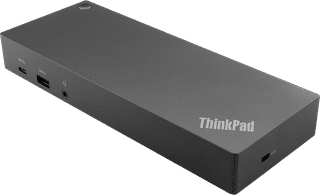
Lenovo ThinkPad Hybride USB-C and USB-A Docking Station
Our choice for a docking station for up to 2 extra monitors with your MacBook|Standard USB-A, USB-C|Headphone jack|None thunderbolt connector

182,-

In stock

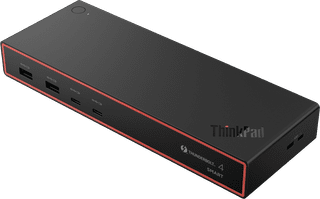
Lenovo ThinkPad Thunderbolt 4 Smart Dock Gen2 7500
Lenovo
None headphone jack|Thunderbolt connector|None memory card reader

278,-

In stock

Advertentie
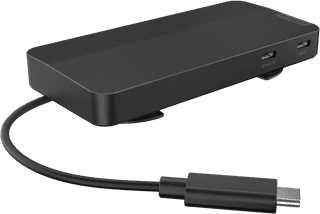
Lenovo USB-C-Travel Dock for 2 Screens (with adapter)
Lenovo
Lenovo
Lenovo USB-C-Travel Dock for 2 Screens (with adapter)
None headphone jack|None thunderbolt connector|None memory card reader

103,-

In stock

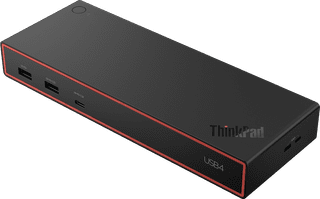
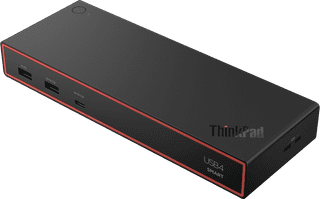
Lenovo ThinkPad USB4 Smart 5500 135W
Lenovo
None headphone jack|Thunderbolt connector|None memory card reader

232,-

In stock

Affordable Second Chance

from

193,-

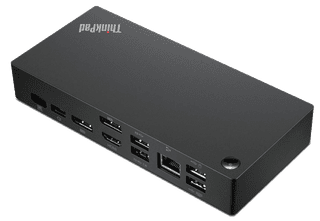
Lenovo Thinkpad USB-C Dock
Lenovo
Lenovo
Lenovo Thinkpad USB-C Dock
Black|Headphone jack|Thunderbolt connector

176,-

Temporarily sold out

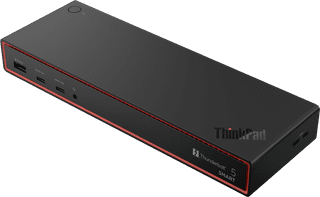
Lenovo ThinkPad Thunderbolt 5 Smart Dock 7500
Lenovo
None headphone jack|Thunderbolt connector|None memory card reader

439,-

Temporarily sold out