LG 27UP650K-W.AEU

Choose your monitor
27 inches - 4K - IPS - Adjustable - DisplayHDR 400
Choose your monitor
- Be the first to know when this product is in stock
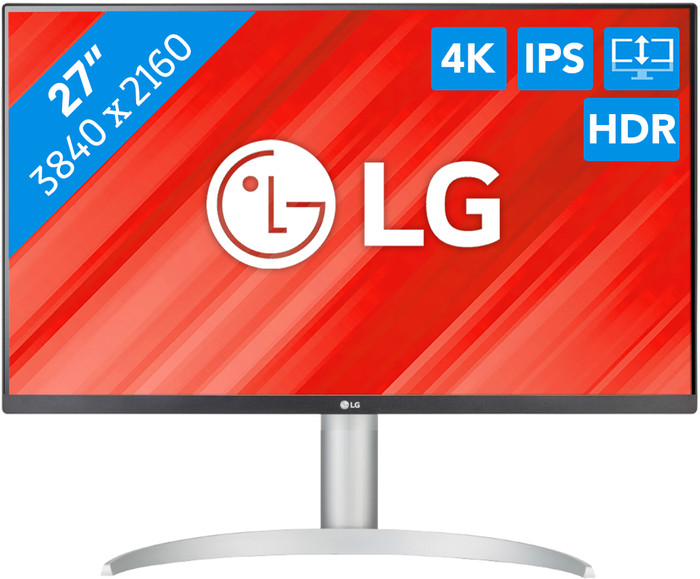
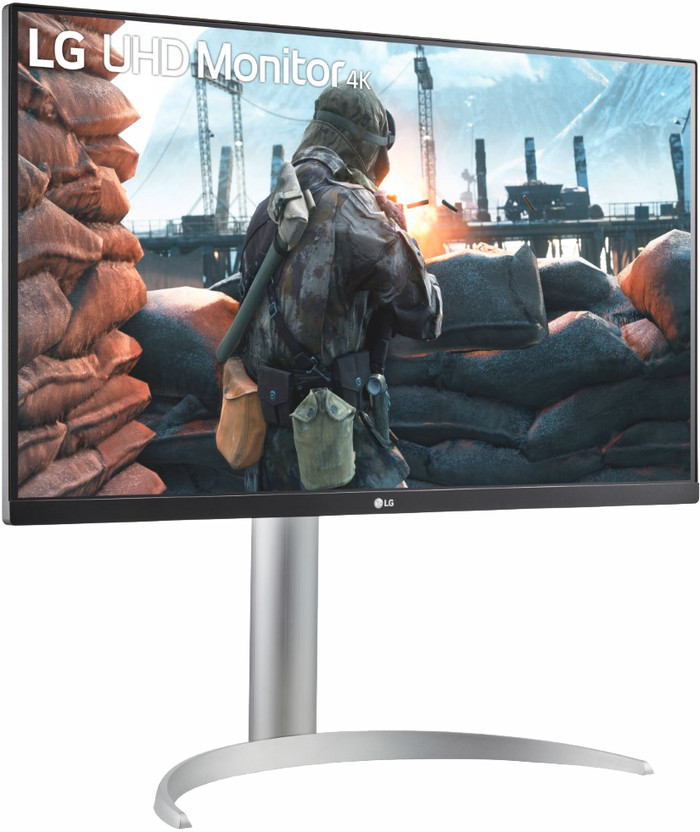
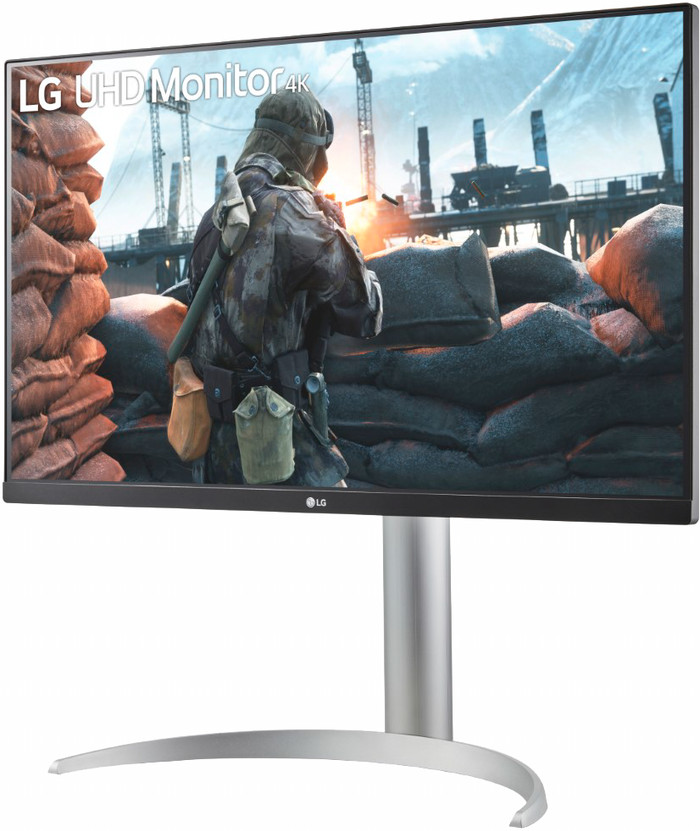
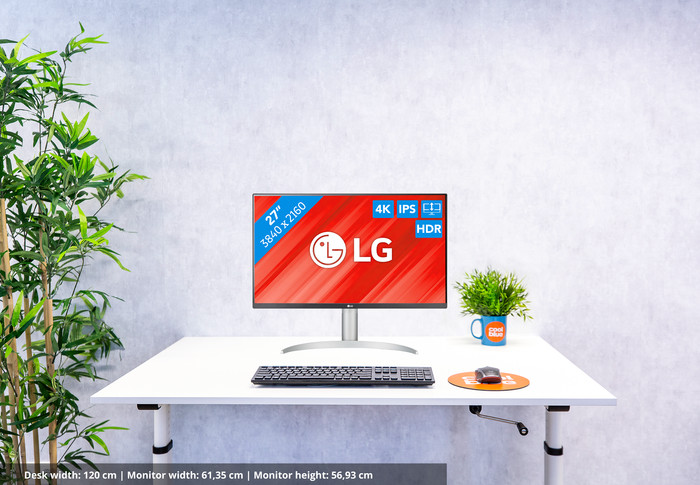
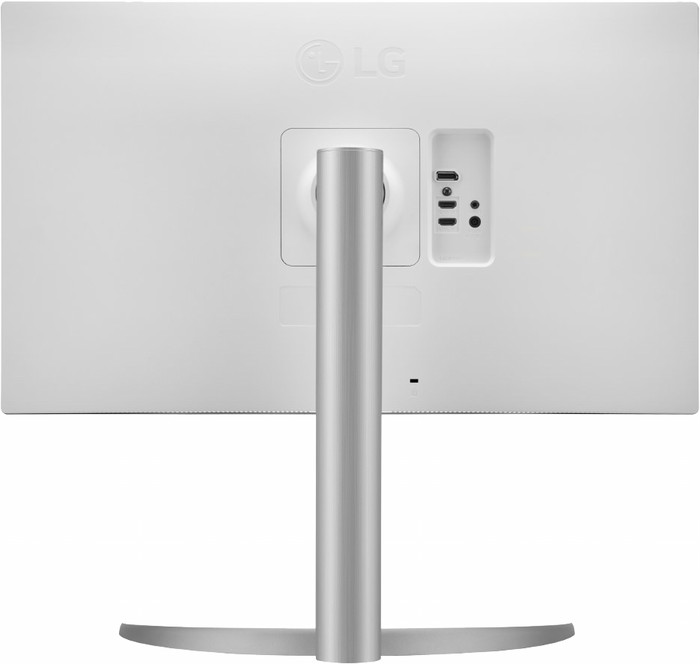
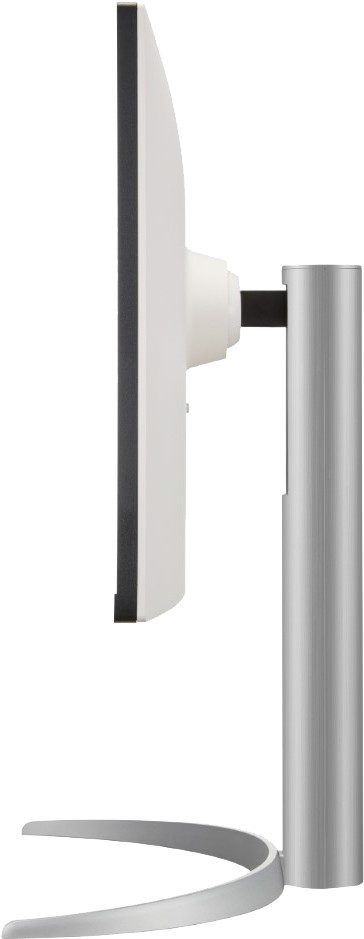
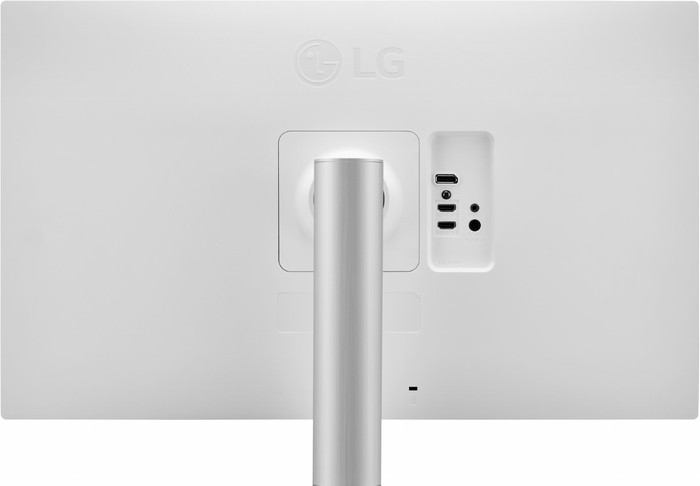
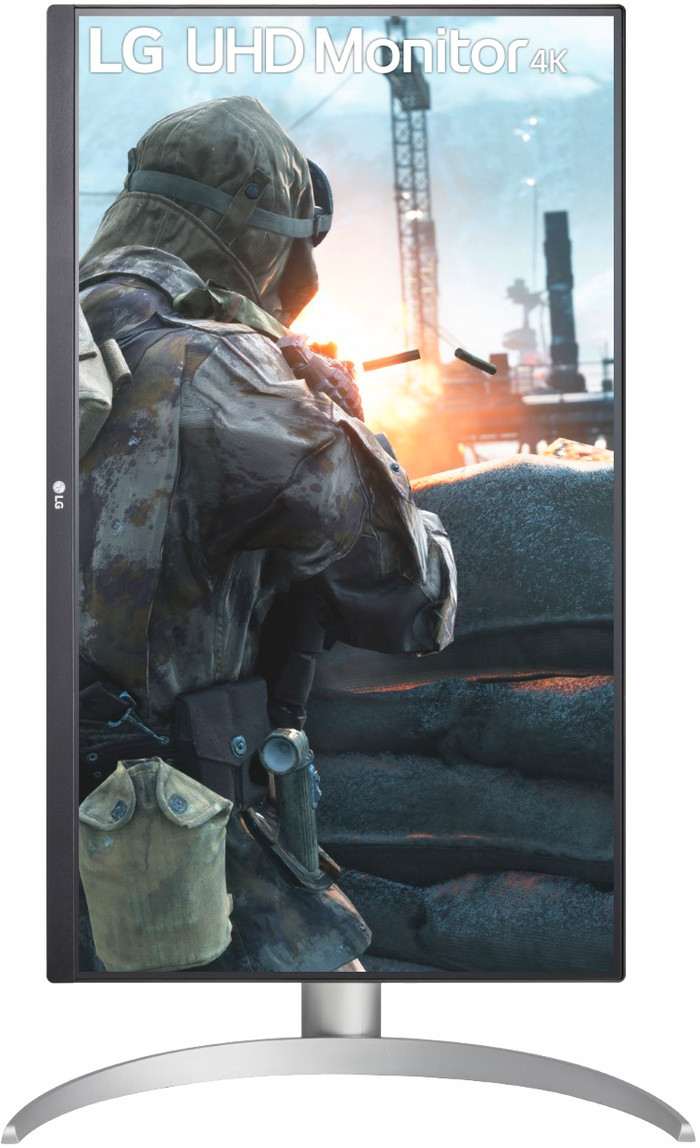
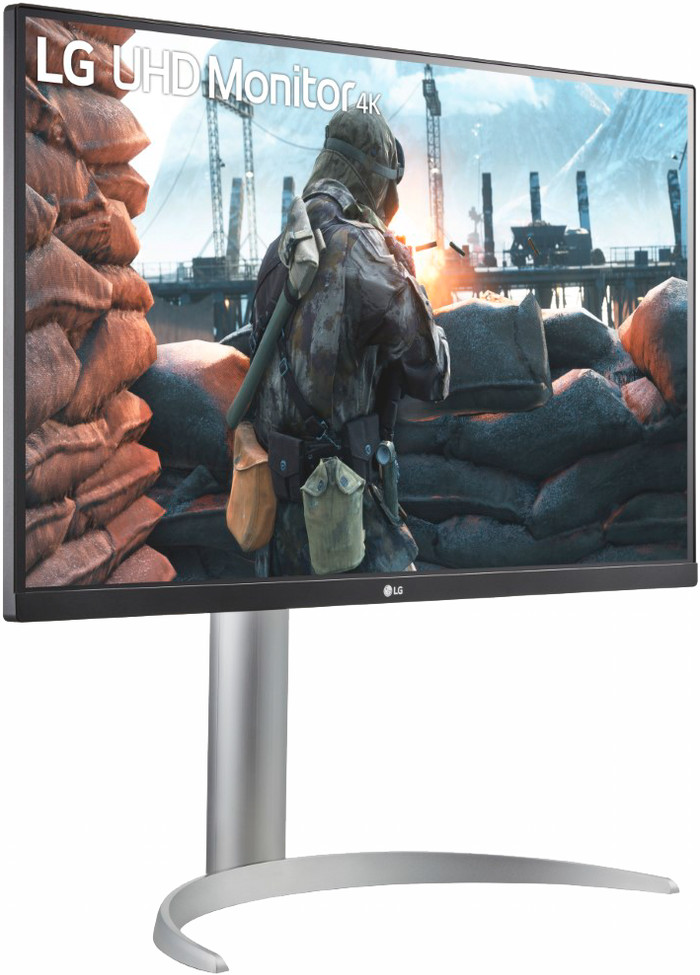
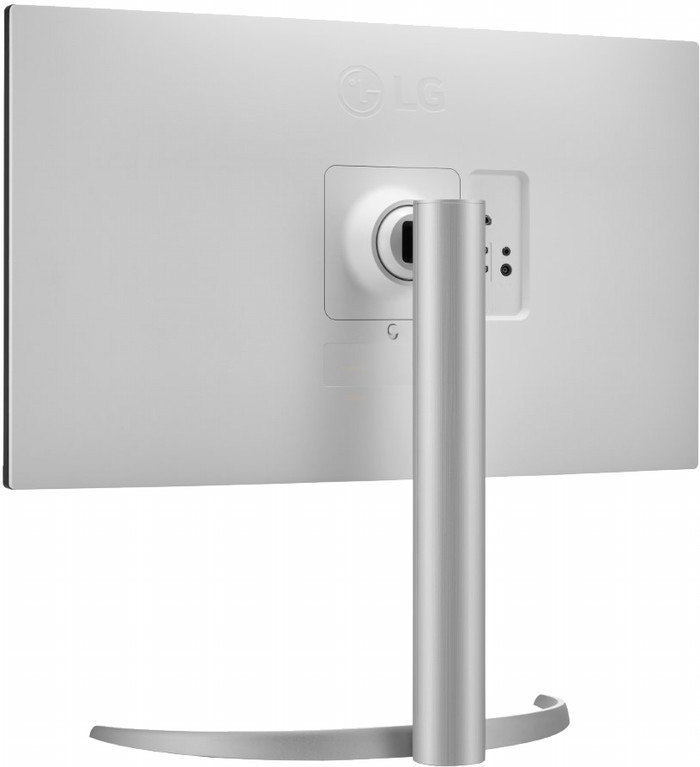
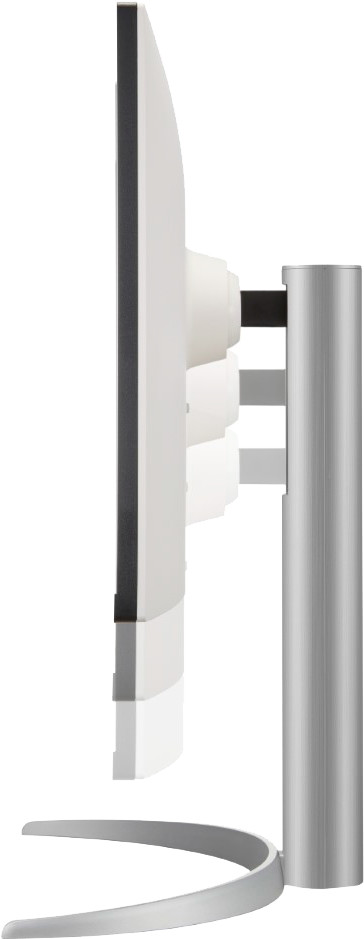
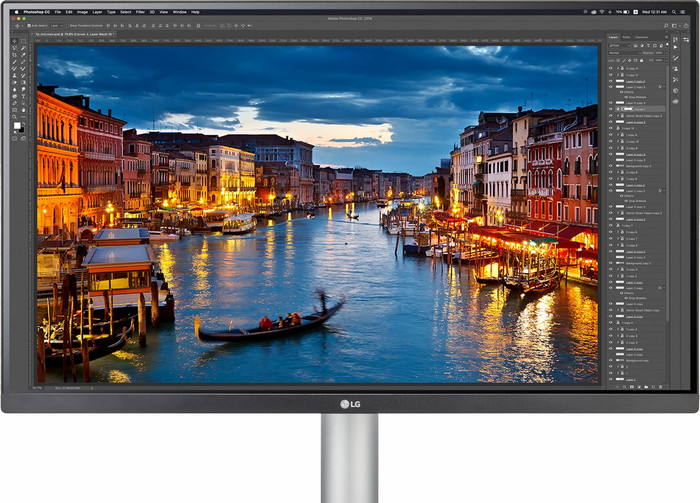
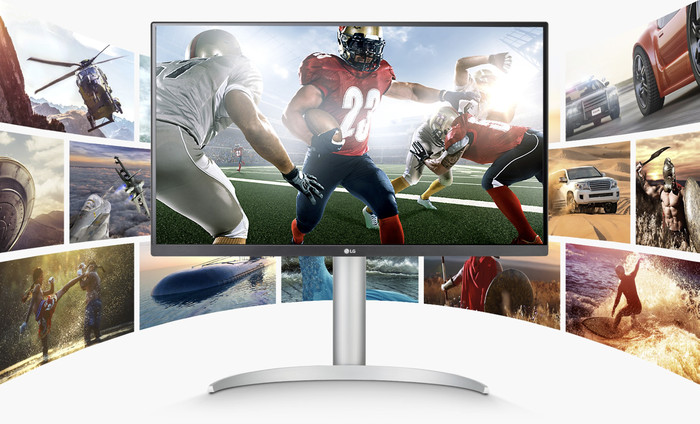
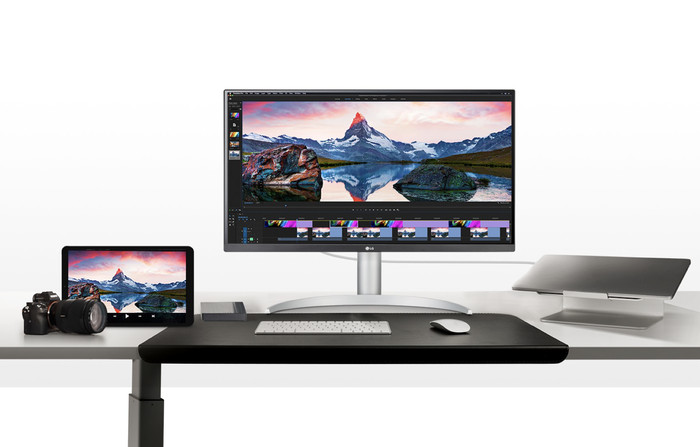
27 inches - 4K - IPS - Adjustable - DisplayHDR 400
Choose your monitor
Product number | 905599 | |
|---|---|---|
Manufacturer code | 27UP650K-W.AEU | |
Brand | LG | |
Warranty | 3 years | |
Processing of your defect | Via Coolblue |
Screen size | 27 inches | |
|---|---|---|
Recommended display resolution | 3840x2160 | |
Sharpness | 4K (UHD) | |
Aspect ratio | Standard (16:9) | |
Refresh rate | 60 Hz | |
Response time | 5 ms | |
Panel type | IPS panel | |
Brightness | 400 cd/m2 | |
Local dimming | ||
HDR support | ||
Contrast ratio | 1200 | |
Touchscreen | ||
Type of HDR | DisplayHDR 400, HDR10 | |
Screen reflection | Anti-glare | |
Blue light filter | ||
Flicker-free technology | ||
Color space | DCI-P3 | |
Color depth | 1 billion colors (10-bit) | |
Adaptive Sync | ||
Type of adaptive sync | FreeSync | |
Resolution width | 3840 pixels | |
Resolution height | 2160 pixels | |
Anti-reflection type | Anti glare | |
Horizontal viewing angle | 178 ° |
Height | 56,93 cm | |
|---|---|---|
Width | 61,35 cm | |
Depth | 23,93 cm | |
Weight | 5,6 kg | |
Color | White | |
Including stand | ||
Material | Plastic | |
Cable management | ||
Appearance | Neutral | |
Curved |
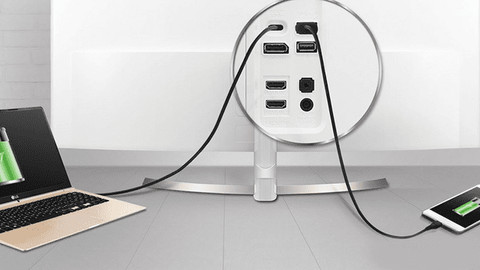
Number of HDMI connectors | 2 | |
|---|---|---|
Number of Female HDMI type A 2.0a port | 2 | |
Number of headphone jacks | 1 | |
Type of headphone connection | 3.5mm (TRS) | |
Number of Female Standard DisplayPort 1.4 ports | 1 | |
Number of female 3.5mm TRS Audio Jack ports | 1 | |
Suitable for daisy chaining |
Included by default | DisplayPort cable, HDMI cable | |
|---|---|---|
Not included by default | USB-C cable |
Adjustable in height | ||
|---|---|---|
Tiltable | ||
Pivotable stand | ||
Pivot function | ||
VESA mount option | ||
VESA mount | 100x100mm |
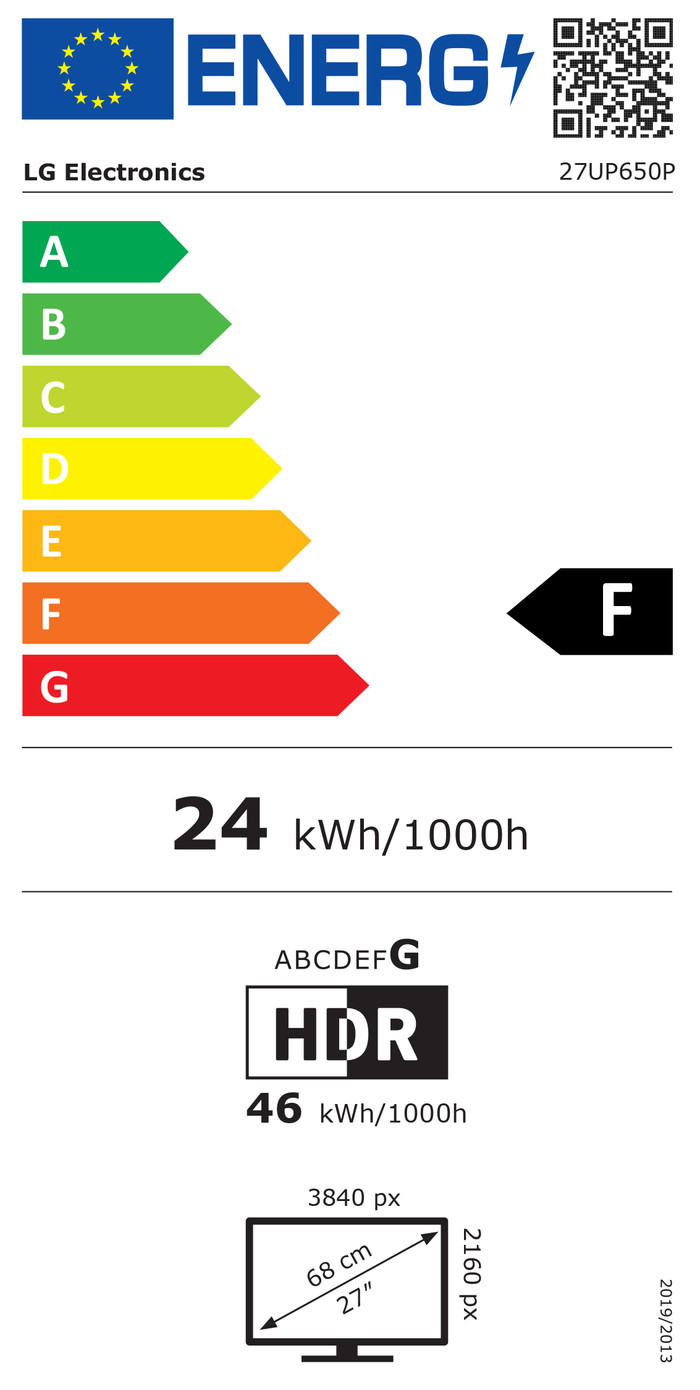
Energy label | F | |
|---|---|---|
Energy consumption standby | 0,5 W | |
Energy consumption active | 24 W | |
Energy consumption per 1000h | 24 kWh | |
Annual energy consumption | 35 kWh | |
Annual energy costs | 14,02 euros |
Built-in speakers | ||
|---|---|---|
Webcam | ||
Split screen | ||
Kensington lock |
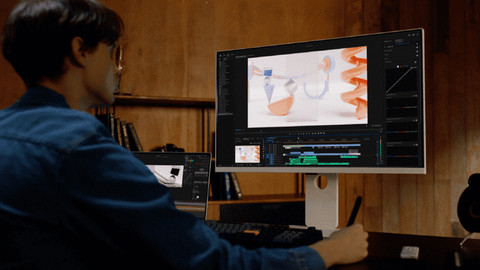
Recommended for use | Gaming, Image editing and graphic design, Office work, Photo editing, Video editing, Watching movies in 4K |
|---|
Our digital expert will help you, but it can sometimes make mistakes, like humans do.
According to our monitor expert
See every detail: you can see small details clearly on the screen thanks to the 4K resolution.
Work comfortably: you can set the screen to a comfortable eye level thanks to the height-adjustable monitor.
More overview: you can work more clearly with multiple windows open on the 27-inch screen.
No USB-C port: you can't connect your laptop with 1 cable for extra screen space.
No built-in speakers: you'll need to connect headphones or a separate speaker set for sound.
5 stars
26
4 stars
6
3 stars
2
2 stars
1
1 star
0
Installation ease
Image quality
Price-quality ratio
Design
Exactly what I expected, excellent for photo editing.
Denkers in Beelden
3 February 2024
Automatically translated from Nederlands
I like it because it mainly has pluses.
Ernst
27 July 2022
Automatically translated from Nederlands
Wenn Sie nach einem günstigen Monitor für Mac suchen, ist dies wahrscheinlich die beste Wahl. Die Bildqualität ist – für den Preis – sehr gut (sehr gute Farben – 90 % DCI-P3, Kontrast, Auflösung, ausreichend Helligkeit – ich persönlich verwende 60 % Helligkeit), aber vor allem passt die Pixeldichte (163 PPI) gut zu MacOS, das Bild ist scharf (ich verwende eine Skalierung von 150 % – 2560 x 1440 px, was der optimalen Einstellung zu sein scheint)
Wie die meisten günstigen Bildschirme weist auch dieser relativ starke Backlight Bleeding auf – für normale Büroarbeiten oder leichte Foto- oder Videobearbeitung ist das kein Problem, aber für professionelle Grafikdesigner ist dieser Bildschirm natürlich nicht geeignet.
Ich verwende den Monitor sowohl mit Mac als auch mit Windows, er eignet sich perfekt für beide Systeme, ohne dass unnötige Anpassungen erforderlich sind.
Wenn du keinen VESA-Ständer oder -Arm hast, ist der im Lieferumfang enthaltene Ständer sehr einschränkend. Ich würde ein höheres Modell empfehlen, das einen verstellbaren Ständer bietet.
Matej Gottwald
8 February 2026
Current product

239,-
249,-
259,-
229,-
249,-
4K (UHD)
Quad HD (1440p)
Quad HD (1440p)
Quad HD (1440p)
WUXGA
IPS panel
VA panel
VA panel
VA panel
OLED
F
F
F
E
C