LG monitors
Find the LG monitor that suits you
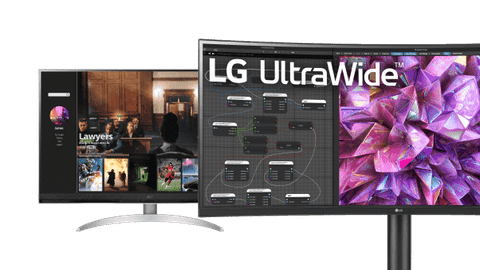
All LG monitors
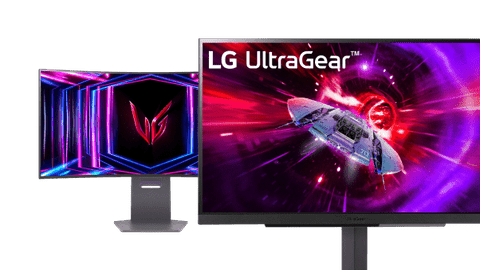
All LG gaming monitors
View the various LG monitors here
Business
The business LG monitors are tiltable and adjustable in height. This way, you can work comfortably without neck or back pain.Smart
Stream your favorite movies and series to the monitor with the LG webOS hub. That way, you can also use the monitors as a television.UltraWide
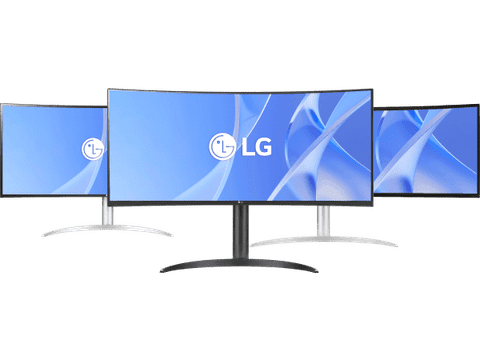
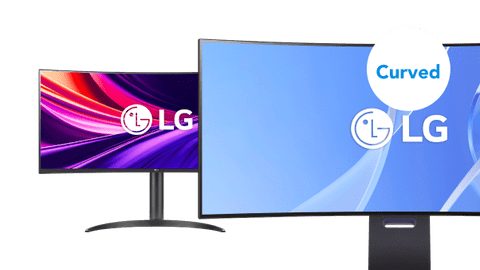
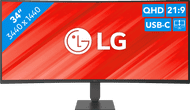
LG UltraWide monitors have a wider screen, so you have a better overview of your work. You can open multiple windows next to each other that way.UltraFine
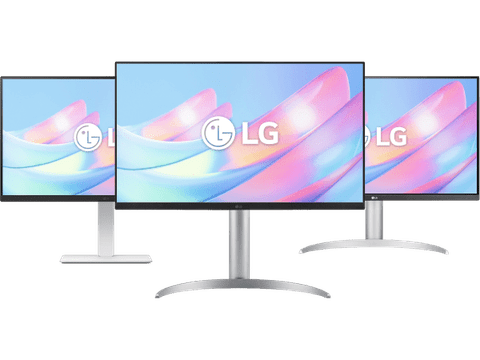
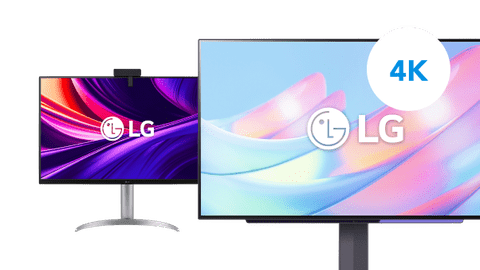
Thanks to the Quad HD or 4K image quality, you can edit photos and videos to the tiniest details. This makes your images look even sharper.

LG UltraGear evo gaming monitors
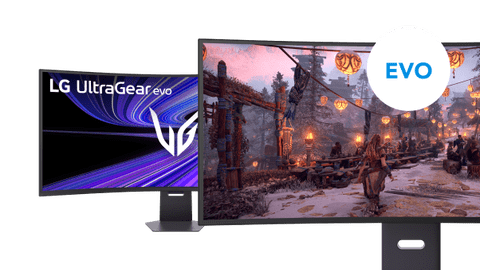
With an LG UltraGear evo gaming monitor, you can play all your games with sharp images. Thanks to the 5K2K resolution, your game looks lifelike. UltraGear evo monitors have a high refresh rate as well, so you can game with smooth images. The UltraGear evo monitors also have adaptive sync support, so you're less bothered by screen tearing. That way, you're faster than your opponent.



What's an LG UltraGear gaming monitor?
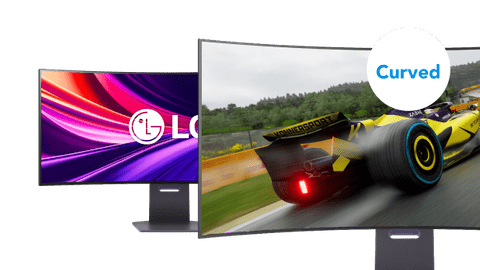
The UltraGear monitors are LG's gaming monitors. These monitors have a 144Hz refresh rate and higher, so you can game with smooth images. Thanks to this, you can see your opponents quickly and sharply. The adaptive sync support also makes sure you're not bothered by screen tearing. If you play open world games, a curved monitor is the right choice for you. In this article, we'll explain what to keep in mind when you choose an LG UltraGear monitor.

What are the differences between the LG monitors?
There are LG monitors for every usage situation. For example, there are UltraGear monitors for gaming, the UltraFine monitors for graphic design, and choose the UltraWide monitors for more screen space. Watch a lot of movies and series? A Smart monitor might be the best choice for you. These monitors have a smart hub, so you can stream movies and series to the monitor. Thanks to this, you can also use these monitors as television. In this article, we'll explain what the different LG monitors are.
The best screen size for you
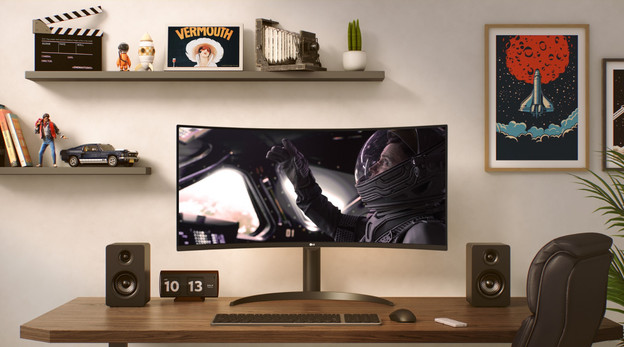
If you choose al LG monitor, it's important to keep the screen size in mind. This way, you're it fits on your desk. There's also a screen size for every usage situation. You can perform your daily work on a 24-inch monitor. Larger monitors from 27 inches are suitable for photo and video editing, because you can open multiple programs side by side. If you play open world games, an ultrawide monitor is the right choice for you. Thanks to this, you can see even more of the world in your game.
Highlighted LG monitor

LG 27UP83AK-W
With the LG 27UP83AK-W, you can edit photos and videos with sharp images thanks to the 4K screen. You can also enjoy high color contrasts thanks to the DCI-P3 color space. This way, your photos look even more realistic.
The bestselling LG monitors


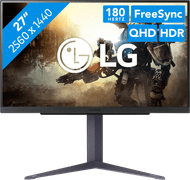

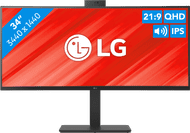
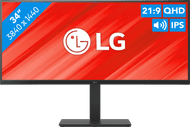

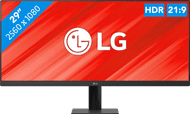




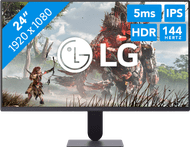
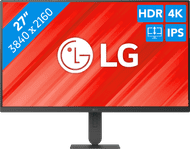
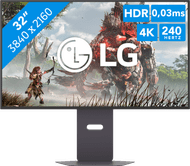
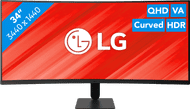
Advice on LG monitors
Can't choose? View the advice from our expert.