Similar cable converters
- USB-C (male)
- Ethernet (female)
- 5-year warranty
32,99
Delivered tomorrow
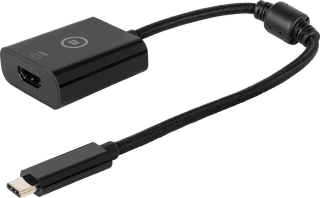
- USB-C (male)
- HDMI (female)
- 5-year warranty
29,99
Delivered tomorrow
32,99
Delivered tomorrow
29,99
Delivered tomorrow
Product number | 935404 | |
|---|---|---|
Manufacturer code | HOMEY-ETH-01 | |
Brand | Athom | |
Warranty | 2 years | |
Processing of your defect | Via Coolblue |
USB port | ||
|---|---|---|
Type of USB port | USB-C | |
Lightning connector | ||
HDMI connector | ||
DisplayPort connector | ||
DVI connector | ||
VGA connector | ||
Headphone jack | ||
Network connector | ||
Ethernet speed | Gigabit Ethernet (1000Mbps) |
Color | Gray |
|---|
anything for a smile
Current product
28,99
32,99
29,99
32,99
32,99
Gray
Black
Black
Black
Silver
USB-C
USB-C
USB-C
USB-C
Standard USB-A, USB-C
Color | Gray | |
|---|---|---|
HDMI connector | ||
Lightning connector | ||
USB port | ||
Type of USB port | USB-C | |
Network connector | ||
DisplayPort connector |
According to our cable converter expert
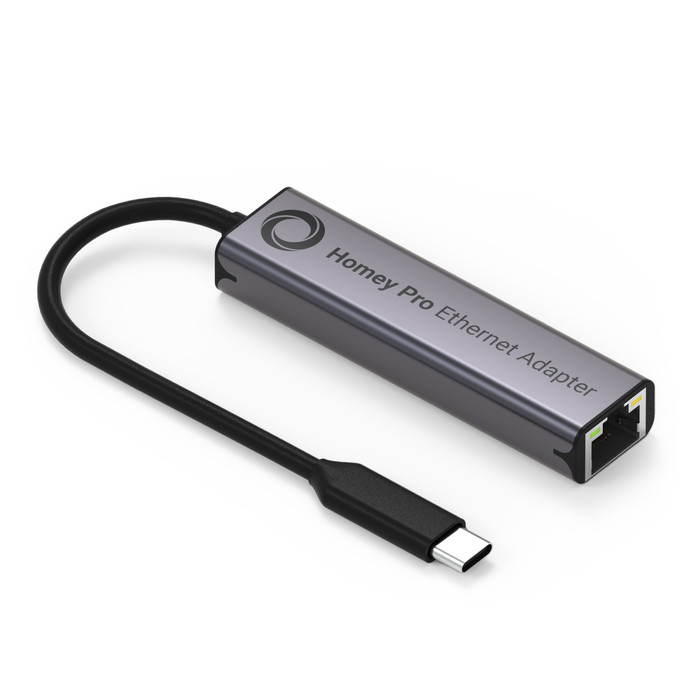
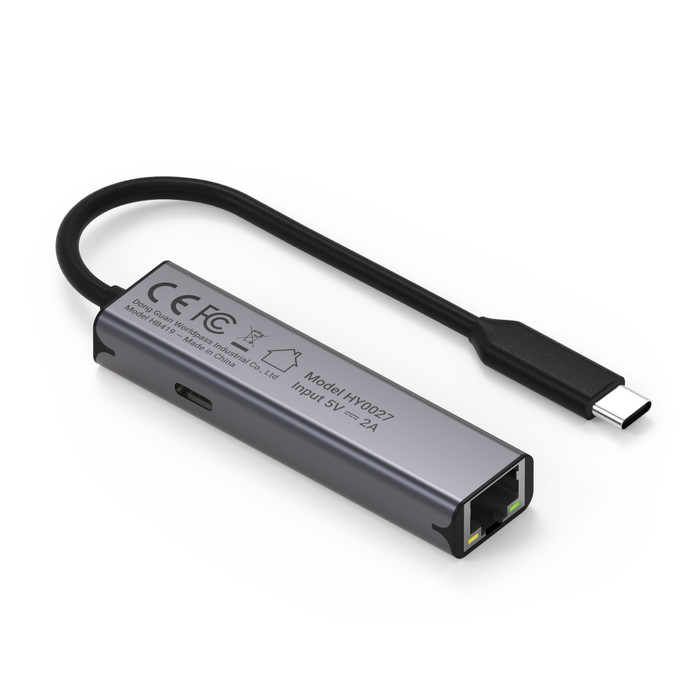
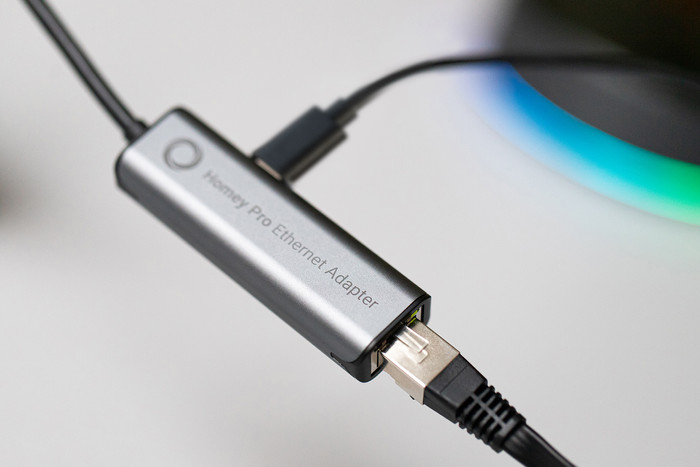
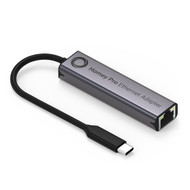
You can ensure a constant connection to your wired network thanks to this adapter.
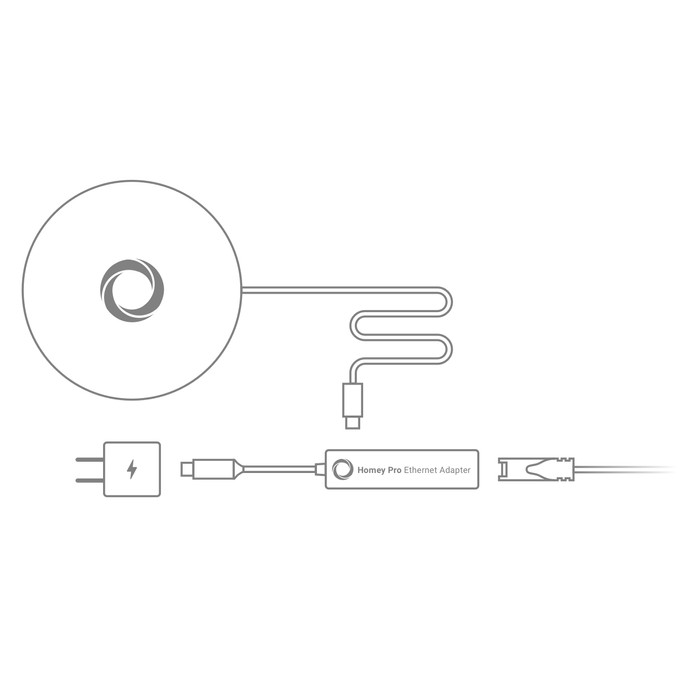
Via the USB-C port of the adapter, you provide your hub with power.
This adapter is made for the Homey Pro Early 2023.
I would connect it the other way around than indicated on the packaging; it's a bit illogical. The dongle works fine otherwise, and it's a shame this is practically a requirement for a stable connection for the Homey. It should have come with an internet connection by default.
Tom
5 March 2026
Automatically translated from Nederlands
If you use a USB-C to Ethernet adapter, you plug the USB C into your laptop and connect your Ethernet to it. But in combination with the Homey, the USBC goes into your power source and you don't use the USB C connector on the side as a power supply, but as a connection to your device. A lot of the user questions are about connecting the cables incorrectly. I think it's a design flaw. But hey, once connected correctly, it does what it's supposed to do.
Steven
15 February 2025
Automatically translated from Nederlands
It does what it's supposed to do! Fine and compact.
Folkert
19 January 2025
Automatically translated from Nederlands