Philips Ambilight televisions
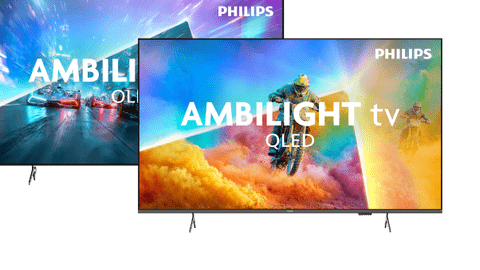
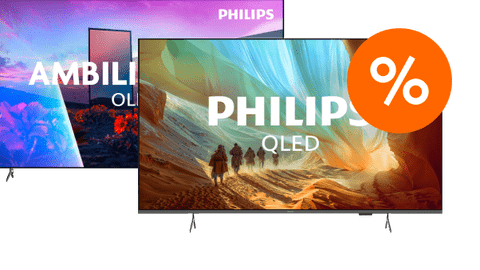
Compare Philips Ambilight TVs
Deepest black levels
Thanks to OLED technology, black is truly black.
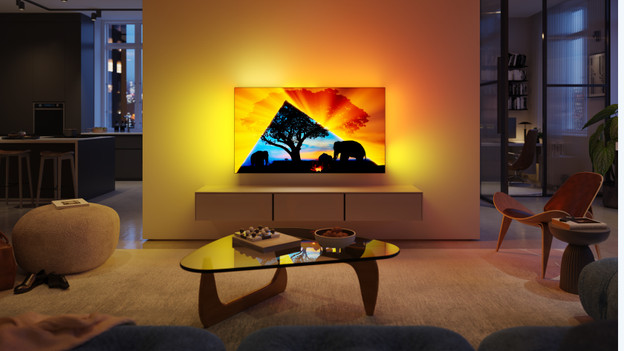
With Ambilight lighting, you enjoy a relaxed and atmospheric viewing experience.
From
to999,-
4.799,-
Sharp images with mood lighting
With Ambilight lighting, you enjoy a relaxed and atmospheric viewing experience.
From
to349,-
1.999,-
What are the advantages of Philips Ambilight?
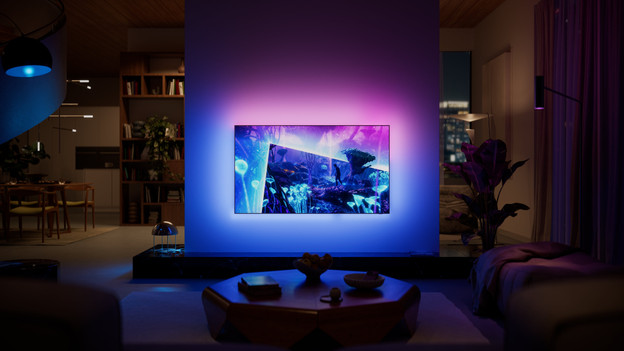
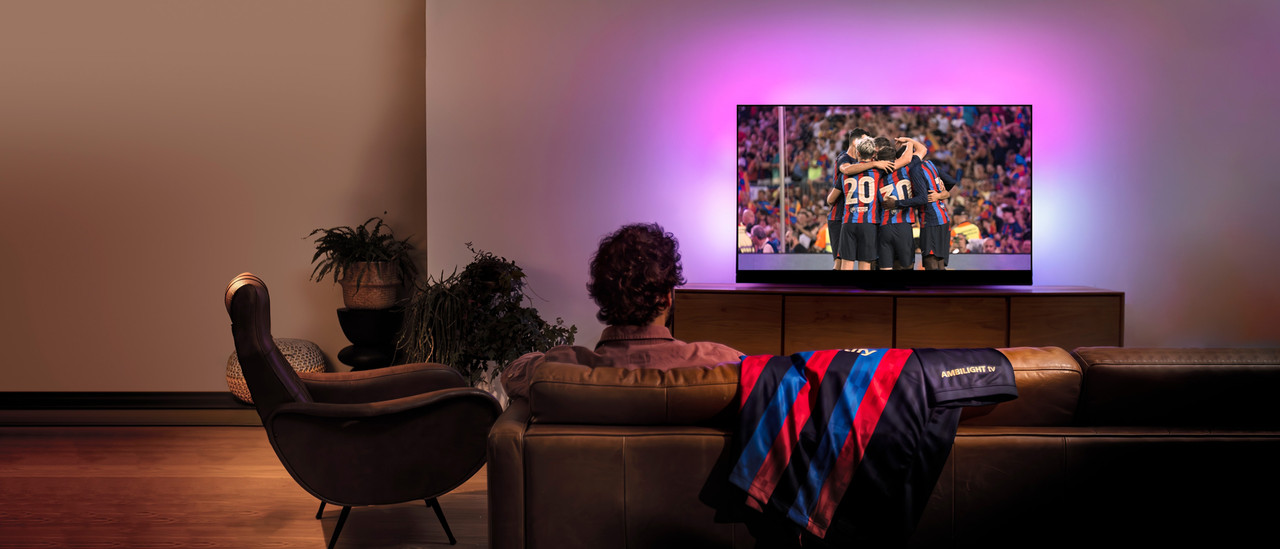
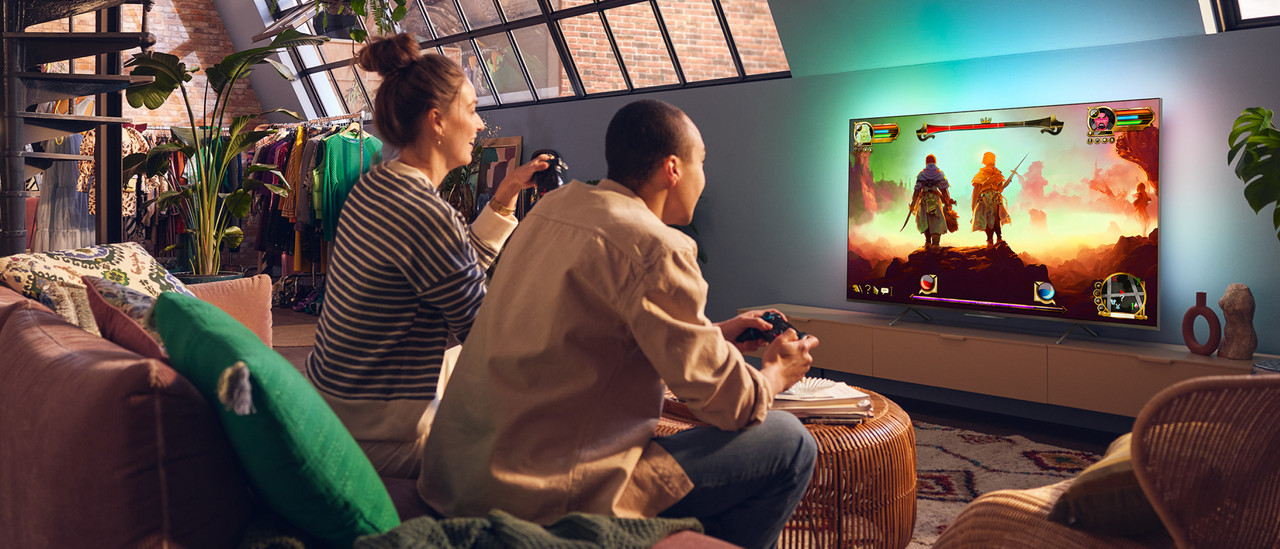
With a Philips Ambilight TV, you can enjoy an immersive viewing experience. Around the screen, there are tiny LED lights that light up the wall behind the television. This way, your interior colors along with what's happening on the screen. Your viewing experience is more ambient this way, the screen looks larger, and you're less bothered by your eyes after a long movie or series.
- Movies and series are even more immersive,
- Thanks to the lighting, the screen looks larger.
- You're less bothered by your eyes, because the switch from dark to light is more subtle.
Advice on Philips Ambilight televisions
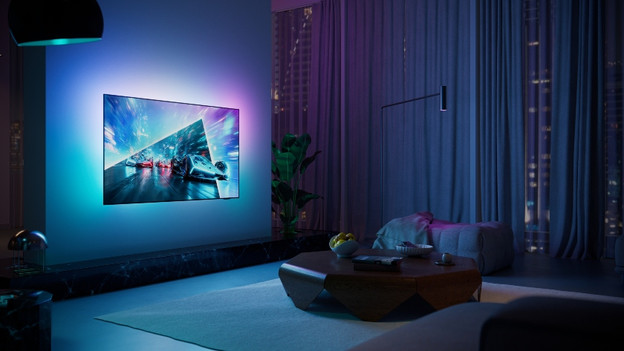
What's Philips Ambilight?
A Philips Ambilight TV uses ambient lighting around the screen. This causes the entire wall behind your TV to change color, allowing you to enjoy a special viewing experience. Discover everything about this technology here.
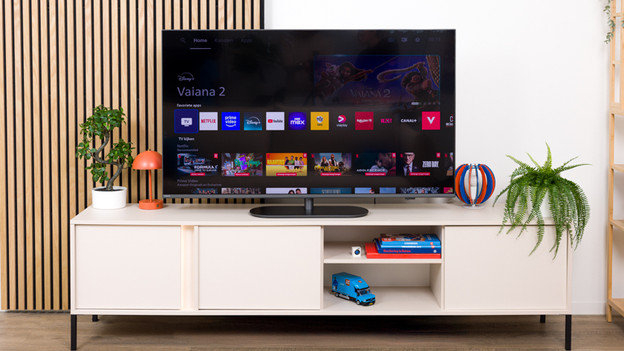
What's the Titan OS smart platform?
Titan OS is Philips' smart platform and can be found on almost all of their televisions. Here, we'll tell you everything about the most important features, pros, and cons.
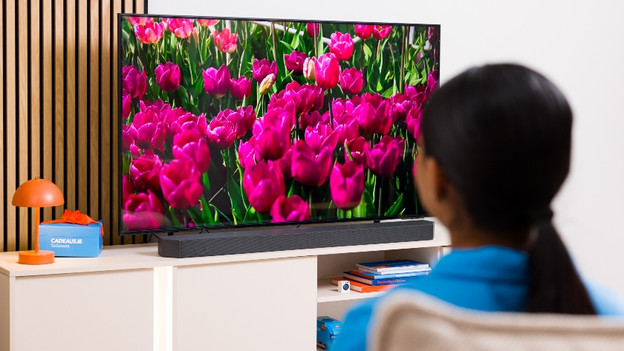
How do you set up Philips Ambilight?
Did you buy a Philips Ambilight TV? We'll xplain how to set up your Ambilight in a few simple steps here.
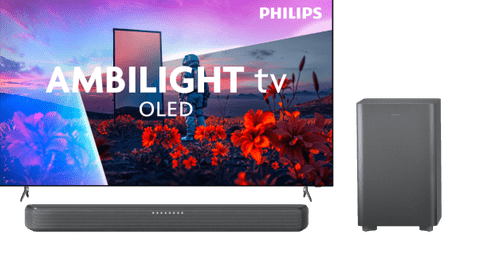
Complete your viewing experience with a Philips soundbar
You can experience movies, series, and games extra well with a soundbar. This way, the image quality looks realistic and the sound is immersive and lifelike.
Philips Ambilight inspiration
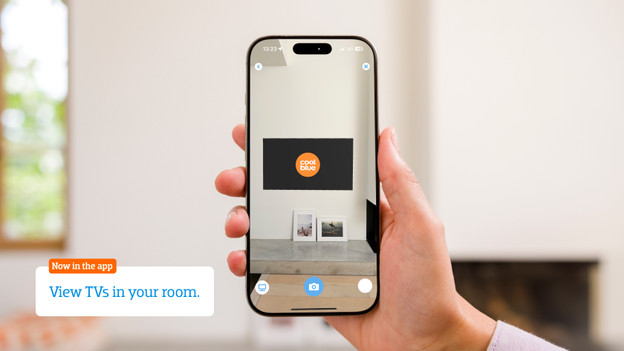
Help choosing the right TV size
Have your eye on a new Philips Ambilight TV? To measure is to know. Check the following for the best viewing experience:
- Viewing distance: the farther away you're sitting, the larger the TV can be.
- Size of your TV cabinet: adjust the width of the TV to your TV cabinet for a nice look.
- Space on your wall: if you're mounting the TV, make sure you have the space to do this. Use the screen size in centimeters.
Want to see exactly how the TV looks in your living room? Download the Coolblue App and virtually place the TV in your room via the augmented reality function.

Advice on Philips Ambilight televisions
Can't choose? View the advice from our expert.