Samsung Micro RGB TVs
All Samsung Micro RGB televisions
All Samsung Micro RGB promotions
Compare Samsung Micro RGB televisions
Realistic colors and Glare Free screen
Experience lifelike colors in movies and series with the Micro RGB screen.
Enjoy bright images without reflections thanks to the Glare Free anti-glare coating.
From
to2.679,-
5.759,-
Lifelike colors
Stream your favorite movies and series via the Tizen smart platform.
From
to1.249,-
3.609,-
Which Samsung Micro RGB television should you buy?
Samsung Micro RGB TVs all have the same screen type, but they differ in some ways. They don't all have a Glare Free matte screen, for example. In this video, our expert tells you all about it.
Advice on Samsung Micro RGB televisions
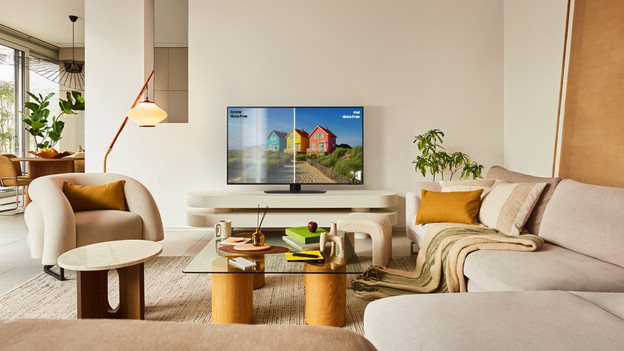
What's Samsung Glare Free?
With a Samsung Glare Free TV, you're not bothered by annoying reflections. You can read all about the advantages of the Glare Free Samsung TVs here.
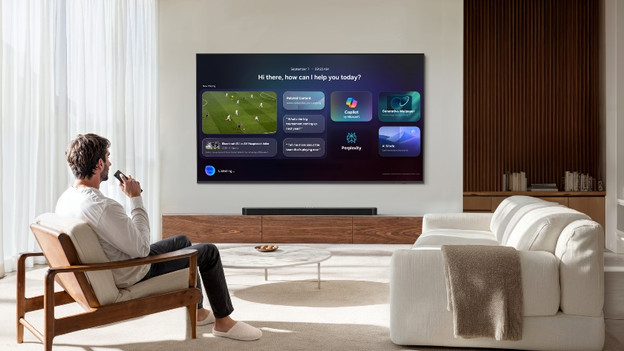
What's Samsung Vision AI?
Samsung Vision AI is a collective term for all AI functions of the Samsung OLED, Micro RGB, Mini-LED, and The Frame televisions. We'll list the most important functions of Vision AI for you.
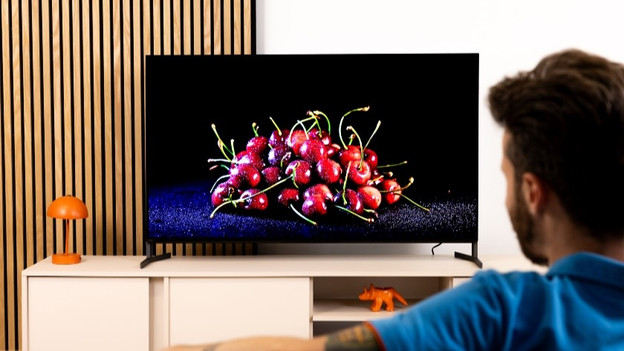
Compare Samsung Micro RGB TVs
Want more information about the different Samsung Micro RGB TVs before you choose one? Read all about these televisions in our comparison article.
View more Samsung Micro RGB televisions
All Samsung Micro RGB TV and soundbar sets
Want good audio in addition to a nice screen? Choose a TV and soundbar set from Samsung. You can find all our bundles here.All Samsung Glare Free TVs
With a Glare Free Samsung TV, you can enjoy a luxurious matte screen that you can watch at anytime of the day. Read all about the advantages here.Samsung made for BE promotion
With the purchase of a selected Samsung TV, you now receive a 5-year warranty and an entertainment package worth more than € 200.

Help choosing the right TV size
Have your eye on a new Samsung OLED TV? To measure is to know. Check the following for the best viewing experience:
- Viewing distance: the farther away you're sitting, the larger the TV can be.
- Size of your TV cabinet: adjust the width of the TV to your TV cabinet for a nice look.
- Space on your wall: if you're mounting the TV, make sure you have the space to do this. Use the screen size in centimeters.
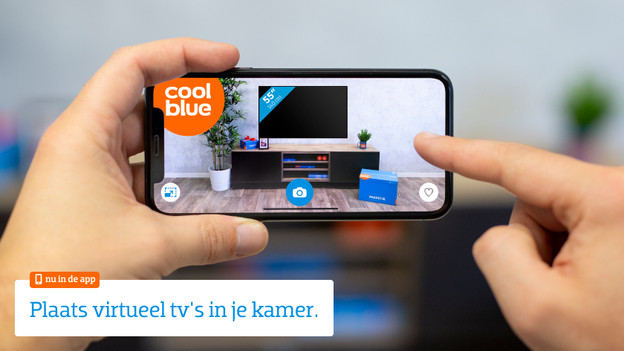
Want to see exactly how the TV looks in your living room? Download the Coolblue App and virtually place the TV in your room via the augmented reality function.