Written by Dewy
Edited on
23 August 2022
·
12:45
Advice on Apple converters
Macbook, iMac, iPhone, and iPad models nowadays usually have the same ports. Devices become thinner and more sleek and you no longer have to fuss with different connectors and cables. To connect equipment with a different connector to your Apple product, you can use a cable converter. In this article, you can read which cable converters are available and what you can use them for.
MacBook and iMac converters
To expand your workplace, you can connect an external monitor to your MacBook via a cable converter. For example, you can use a USB-C to HDMI converter to watch a series via your MacBook on your HDMI TV. To connect your mouse and keyboard with a USB-A connector, you can use a USB-C to USB-A converter. For a wired internet connection on your Macbook without its own network port, you can connect a converter with a Gigabit Gigabit Ethernet port.
iPhone and iPad converters
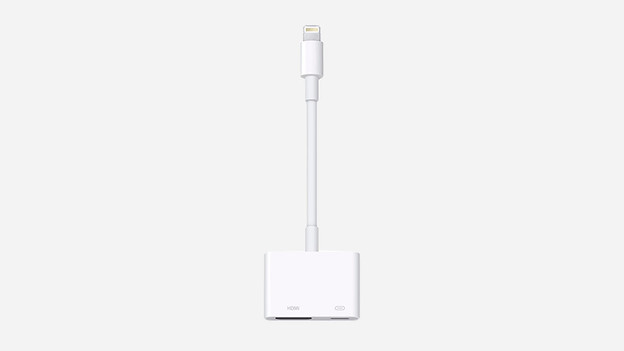
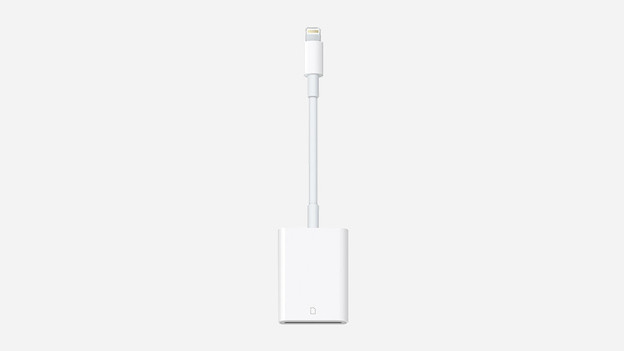
With the lightning port of your Apple iPhone, you can connect an external display in addition to synchronizing and charging. For an HDMI screen, for example, you need a lightning to HDMI converter. In addition, there are also converters that convert the lightning port to an SD card reader. For example, you can quickly transfer photos and videos from your camera to your iPhone. For iPhones without a 3.5mm jack port, there are lightning to 3.5mm jack converters. This way, you can just use familiar earbuds to listen to music via your iPhone.
Article by Dewy
Apple Expert.