Written by Rowan
Edited on
2 March 2026
·
09:33
Expert review MacBook Air 13 inches (2022)
On June 6 2022, Apple announced a new MacBook Air model. This model has a new design, a larger screen, and is available in new colors. To find out what this slim model has to offer, I tested it for a week. In this article, you can read all my findings about the MacBook Air 13 inches (2022).
Note: new size available
During the WWDC in June 2023, Apple announced the big brother of the MacBook Air 13 inches (2023). The MacBook Air 15 inches (2023) is now available.
Tested model
- With the M2 chip, you can work with demanding programs like Final Cut Pro.
- This 13-inch MacBook weighs only 1.24kg, so it's easy to take with you.
- A fully charged MacBook Air lasts up to 18 hours.
- Your storage fills up quickly if you store photos, videos, and programs.
- If you work in multiple programs at the same time, we recommend at least 16GB of RAM.

949,-
No longer available
First impression of MacBook Air 13 inches (2022)
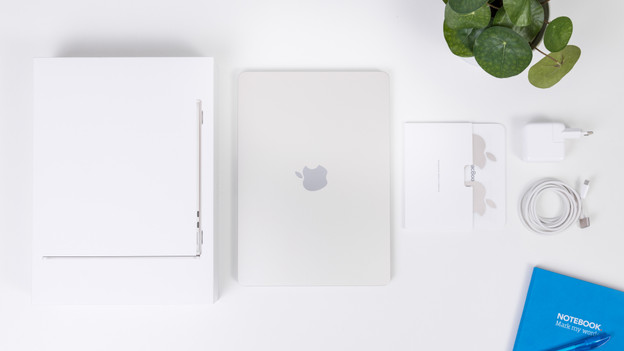
The MacBook Air comes in a light, compact box. In the box, I see my new MacBook Air, a 30W USB-C power adapter, a 2m USB-C to MagSafe 3 cable, some booklets, and of course the familiar Apple stickers. The cable is made of fabric, so it wears out less quickly. In addition, the cable is the same color as my new MacBook Air: White Gold. This is a light golden color.

Sleek, slim design
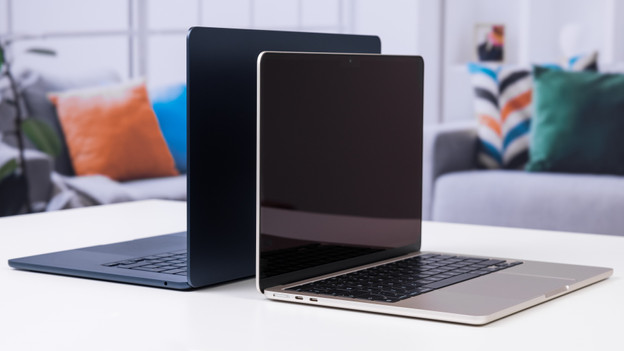
Unlike its 2020 predecessor, this MacBook has a completely new design. It's slightly more angular, has a larger screen thanks to the thin bezels, and is available in more colors. The color I chose is White Gold. The casing is made of 100% recycled aluminum, which makes this MacBook a more sustainable choice. At the top right of the Magic Keyboard, you'll find the Touch ID key. As soon as I put my finger on this, my MacBook unlocks.
Ideal for on the go
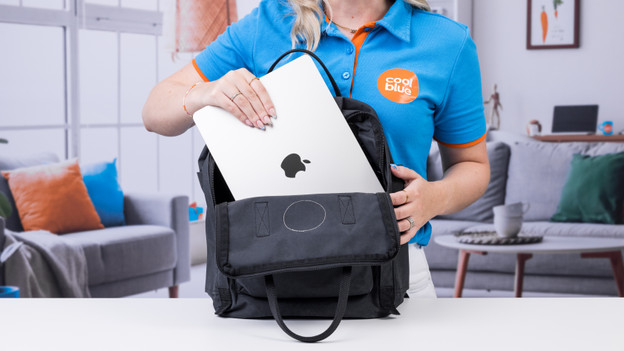
This MacBook Air is ideal for on the go thanks to its compact 13.6-inch screen and low 1.24kg weight. It easily fits in my bag, on my lap, and on small surfaces. On the train, I can put it on the fold-out table in front of me. I don't have to worry about recharging it. After a full working day of intensive use, the battery of my MacBook still isn't empty. It's enough to only charge my MacBook at night.
Everyday use
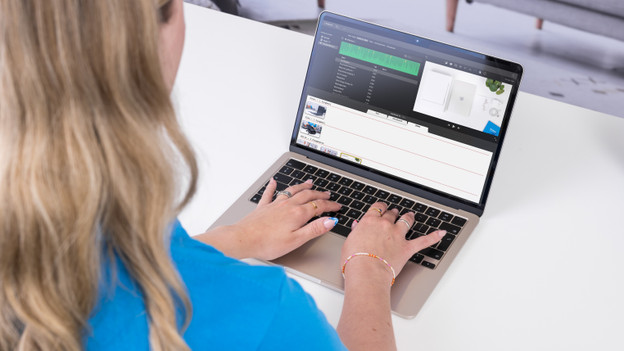
Just like the MacBook Pro (2022), this MacBook Air has the M2 chip. This makes everything I do fast and smooth. I notice this when I boot my laptop, but when I multitask with different programs as well. In addition, I can connect up to 1 external screen. I can perform all my everyday tasks with my MacBook. This includes sending emails, creating reports in Pages, and editing light videos in iMovie. And my MacBook doesn't produce any noise while I do this, because it doesn't have a fan.
Razor-sharp image and spatial audio
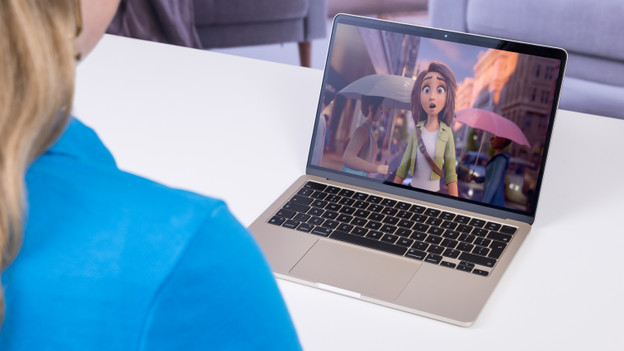
In my free time, the MacBook Air doesn't disappoint either. The Liquid Retina display is razor-sharp and colorful. This is ideal when I edit my videos, because I can see even the smallest details clearly. I can also watch my favorite Apple TV+ movies and series on my MacBook, so I can enjoy the best quality. Thanks to the 3 speakers with Dolby Atmos, I can hear all the sounds and music all around me. I also like to FaceTime with my friends. And thanks to the 1080p HD camera, I always have a sharp image.
Few connectors
Because the MacBook Air is so thin and compact, it doesn't have many connectors. On the left, you'll find 2 USB-C ports. So you're more likely to need a docking station to connect peripherals. The MagSafe connector is located next to those connectors. You can plug in the magnetic charging cable here. It's so strong that it stays in place in your laptop, but comes loose if someone trips over the cord. This prevents your MacBook from falling to the floor. There's also a mini jack connector on the right side, so you can connect wired audio equipment.
Conclusion
The MacBook Air 13 inches (2022) is a compact, light laptop that I can use for all my daily tasks. It fits on almost any workplace and doesn't produce any noise. Not even when I edit my videos in iMovie or multitask between multiple programs at the same time. Do you also use your laptop for all your general tasks, and want to take it with you? The MacBook Air 13 inches (2022) is the right choice for you.
949,-
No longer available