What's the Apple TV streaming service?
What's Apple TV?
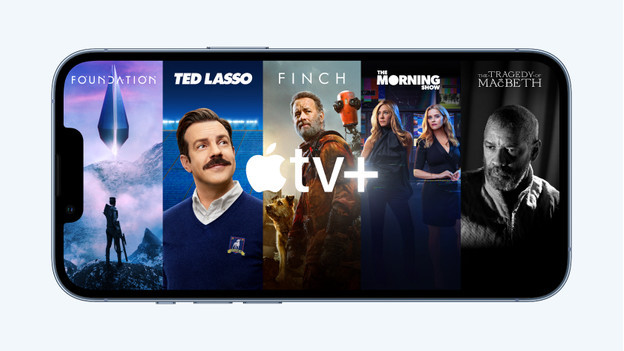
In the Apple TV streaming service, you can find all Apple originals: a wide assortment of original series, movies, and documentaries. Each week, you can find new episodes, shows, and movies. You can stream Apple TV via the Apple TV app on your iPhone, iPad, Mac, or smart TV.
In addition to the Apple TV assortment, the Apple TV app offers movies and series that aren't part of your Apple TV subscription. You can buy or rent these separately.
What do I need to use Apple TV?

In addition to an Apple TV+ subscription, you need a smartphone, tablet, laptop, or streaming service, and a stable internet connection. You can use Apple TV+ in various ways:
- The Apple TV app on your iPhone, iPad, Apple TV, or Mac, for example.
- The Apple TV app on your PlayStation, Xbox, smart TV, or media player.
- The web browser on your computer or tablet. Go to www.tv.apple.com and log in with your Apple ID. You'll now have access to all Apple TV+ titles.
How do you activate Apple TV?
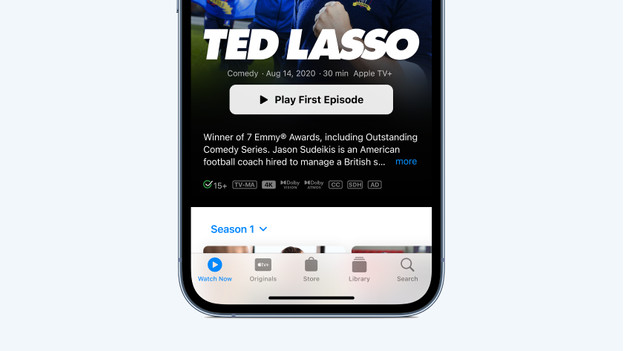
To activate Apple TV+ on your Apple device, you have to go through these steps:
- Turn on your Apple device and log in with your Apple ID.
- Open the Apple TV app on your device.
- Click Originals in iOS and iPadOS. On macOS, click on the tab Apple TV.
- Click Receive Apple TV+. You'll be asked for your Apple ID, invoice information, or valid payment method.
How do you cancel Apple TV?
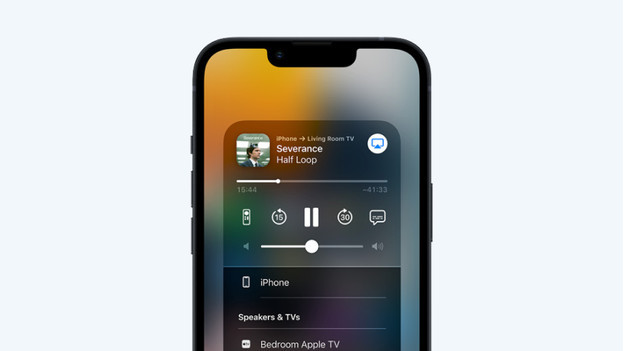
You can easily cancel your Apple TV subscription in various ways. You can do so on your iPhone, iPad, Mac, or a Windows laptop. In addition, it's also possible via your web browser. Via the link below, you can read how to cancel Apple TV step by step.