Written by Julia
Edited on
13 June 2024
·
10:51
How do you apply a screen protector to your smartphone or tablet?
You can keep the screen of your smartphone or tablet as new for as long as possible with a screen protector. The application of your screen protector is something you'd want to take time for. We'll tell you which 4 steps to follow to apply your screen protector straight on your screen without air bubbles here. Always use the included cleaning supplies and work as quickly as possible, but accurately.
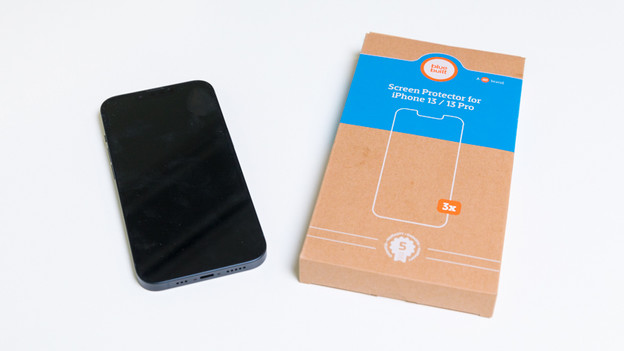
Apply your screen protector in 4 steps
Follow these steps to easily and quickly apply your screen protector:
Step 1: prepare your stuff
Step 2: clean your screen
Step 3: apply your screen protector
Step 4: remove the air bubbles
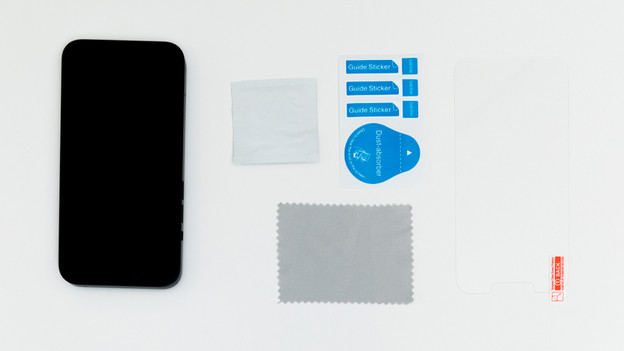
Step 1: collect your stuff
Make sure you're properly prepared. The faster you work, the smaller the chance dust will come between your screen and the screen protector during the application. Do as follows:
- Have your smartphone or tablet ready. Do you have a new device? Remove the protective film from the screen.
- Have your screen protector and all included cleaning supplies ready.
- Go sit in a dust-free area. So not on the couch with your cat next to you.
Step 2: clean your screen
Every screen protector includes cleaning supplies to clean your screen. Go through the following steps, so you can properly clean your screen.
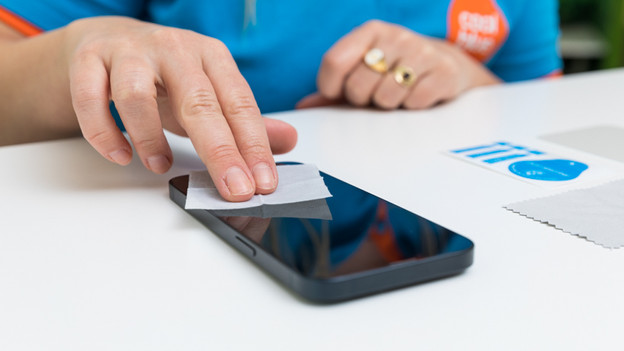
- Clean the screen with a stain-free and grease-free alcohol wipe.
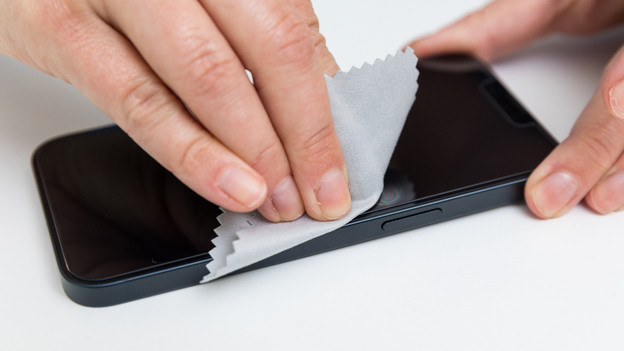
- Grab the microfiber cloth to make your screen dry and dust-free.
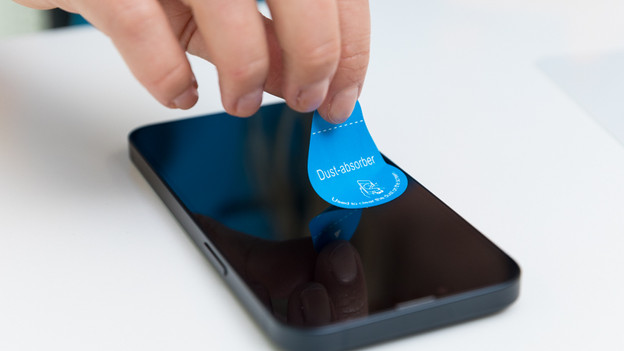
- Press the sticker onto the screen and take it off again. Repeat this a couple of times so there's no more dust on your screen.
Clean your screen with an alcohol wipe
Clean your screen with the microfiber cloth
Remove dust with the sticker

Step 3a: apply screen protector without installation mold
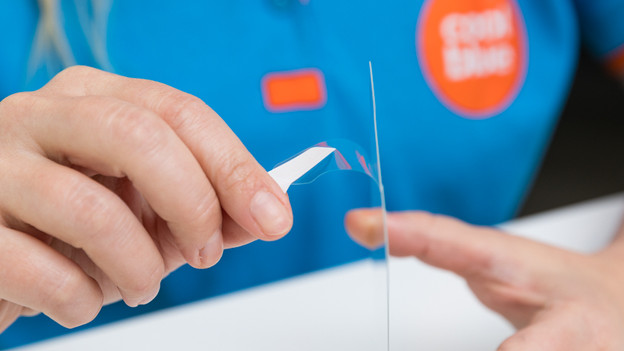
- Remove the protective film from the sticky side of your screen protector.
- Carefully place the screen protector on your screen. Use the edges of your device to center your screen protector.
- Check if you're satisfied with the fit of your screen protector. Is it still skewed? Carefully move your screen protector.
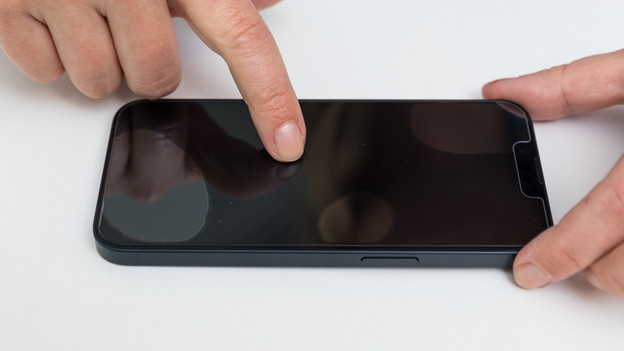
- Are you satisfied? Press the screen protector with your fingers. Use your thumbs and work from the center. After this step, you can no longer reapply the screen protector.
Take off the protective film of your screen protector
Align your screen protector properly
Press the screen protector onto the screen with your fingers

Step 3b: apply screen protector with installation mold
The Samsung Galaxy S23 FE, Samsung Galaxy S24, and A25 come with an installation mold. With this installation mold, you can easily apply your screen protector. This reduces the chance of air bubbles. Follow the steps below to apply your screen protector as well as possible.
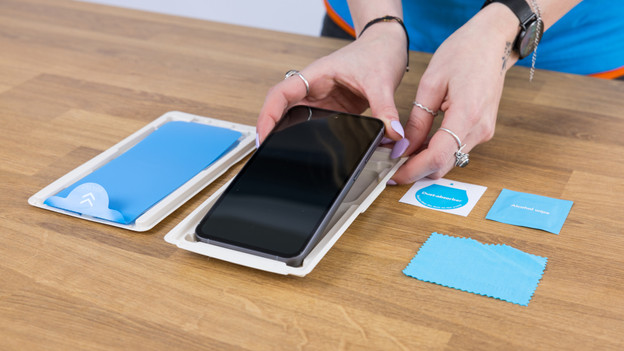
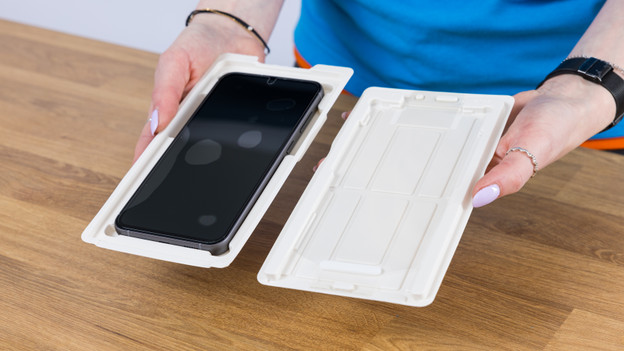
- Place the smartphone in the holder.
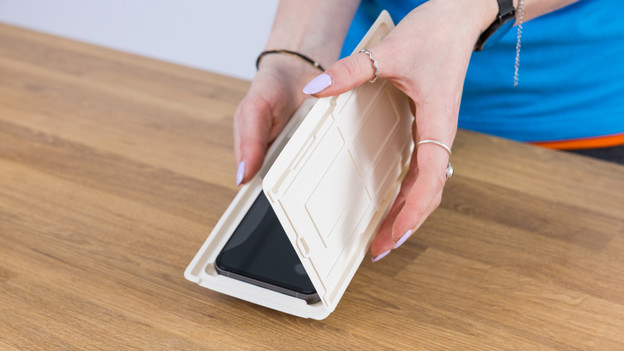
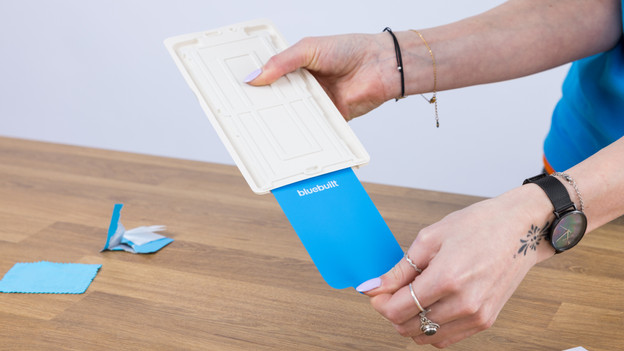
- Place the lid on the holder and pull the foil out of the holder.
- Press down on the lid once the foil is out.
- Remove the lid.
Place your smartphone in the holder
Close the lid of the holder
Press the lid and pull the foil out of the holder
Remove the lid
Step 4: remove the air bubbles
To apply your screen protector in one go without air bubbles is almost impossible. After the application, you'll always see a couple of bubbles. Press the bubbles from the center to the sides with a cloth. There might still be some air bubbles. That's not a problem, they'll disappear automatically after a day or 2.
Article by Julia
Screen Protector Expert.