
Written by Job
Edited on
6 October 2025
·
10:42
How do you choose external storage for your files?
You can expand the storage of your PC or laptop with an external HDD, SSD, or NAS. You can take files anywhere with an HDD, quickly transfer them with an SSD, or share them via your network with a NAS. In this article, we explain which type of external storage suits you.
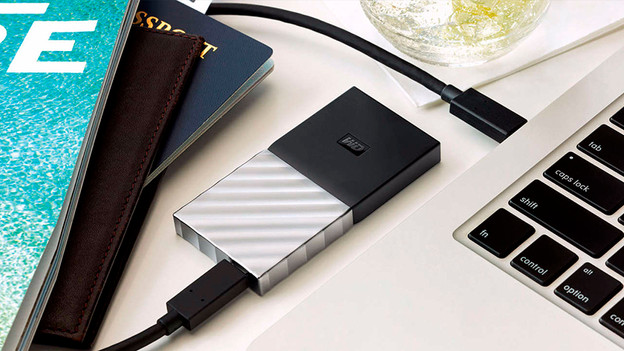
Choose external storage
There are different types of external storage devices. Carefully consider what types of files you want to store. We'll explain what your choices are and what the advantages of each storage type are.
- External SSD: fast with useful connectors
- External HDD: high storage capacity
- NAS: personal cloud and streaming
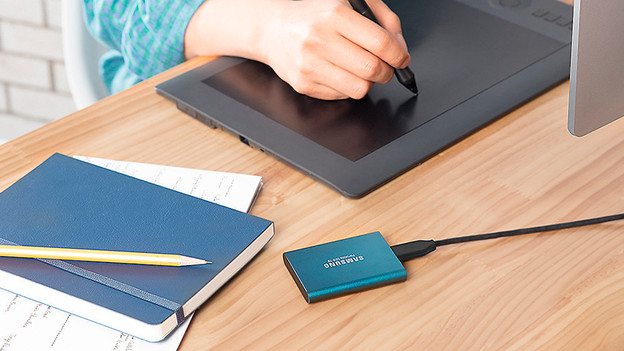
External SSD: fast and with useful connectors
With an external SSD (Solid State Drive), you can quickly transfer your files. You can transfer files up to 25 times faster with an external SSD than with a regular hard drive. Because an external SSD doesn't have any moving parts, it also lasts longer. There are SSDs with an 8TB maximum storage capacity. That way, you have enough storage for your photos and videos. In addition to fast, an SSD is also shockproof.
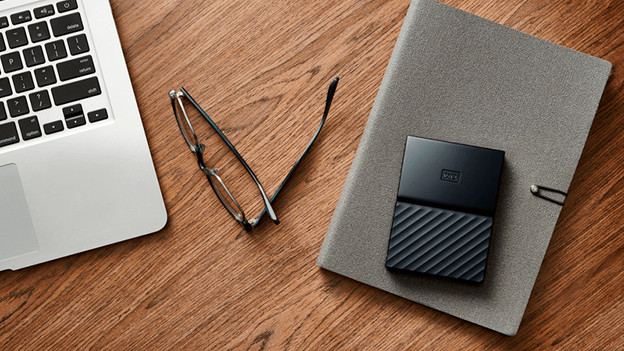
External HDD: large storage capacity
Do you store a lot of photos and videos or do you need a lot of storage space for other files? An external hard drive (HDD) is the best choice for you. There are external HDDs with a 1Tb to 24TB storage capacity. We recommend at least 8TB if you want to store large video files and games, so you have enough for a number of years, There are 2.5-inch HDDs for laptops and 3.5-inch HDDs for desktops and gaming consoles. Thanks to the useful size of an external HDD, you can easily take them everywhere. As a result, they're suitable if you often work on the go.

NAS: personal cloud and streaming
With a NAS (Network Attached Storage), you can store your photos and videos wirelessly. Via your home network, you can connect the NAS to various devices. That way, you can stream your movies and series in 4K to your TV and watch your favorite photos on your smartphone. You can also make your backups with your NAS, so you don't lose any important files if your laptop or PC crashed. You can put multiple hard drives in some NAS servers, so you can have enough space for large files.
Article by Job
Storage Expert.
